Troubleshooting Redmi Note 14 Pro 5g eSIM Activation Issues
11/7/2026
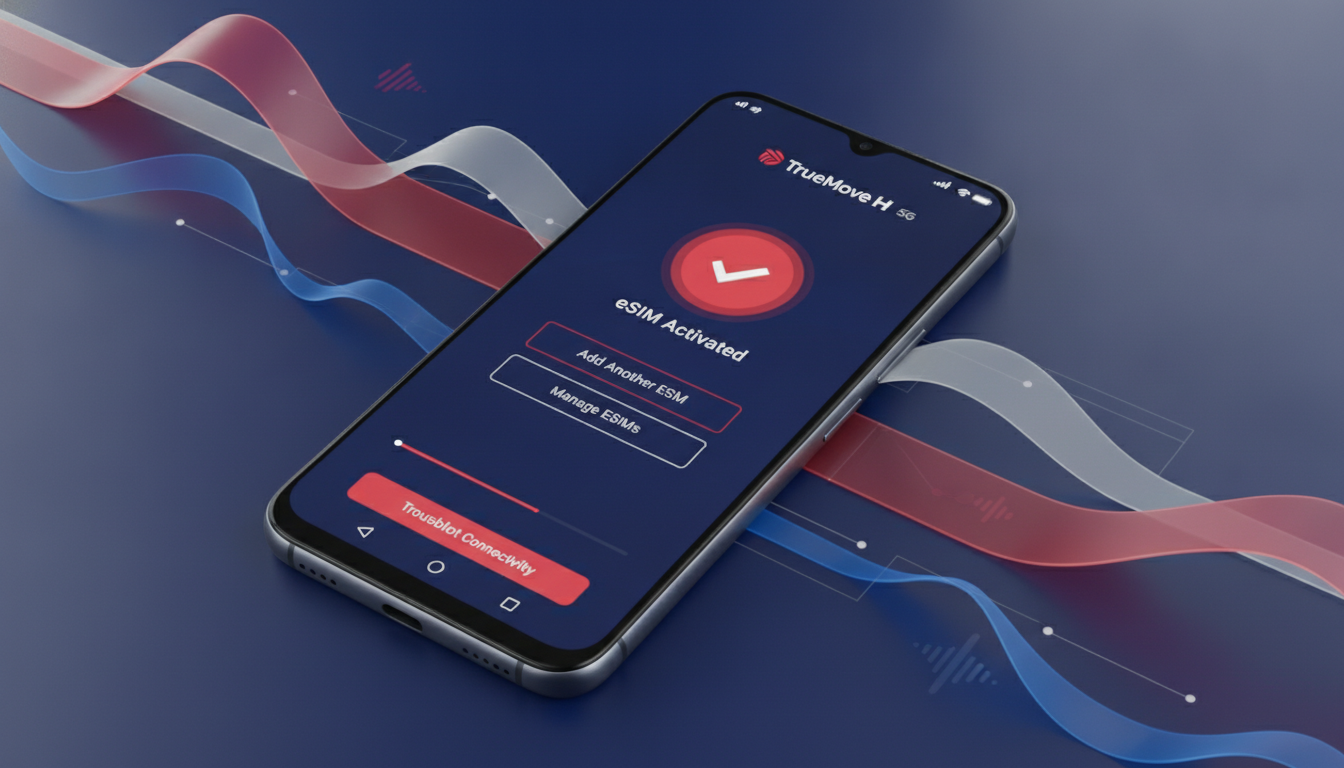
Redmi Note 14 Pro 5G eSIM Activation Troubleshooting and Setup Guide
The Redmi Note 14 Pro 5G supports eSIM technology, making it a solid choice for travelers who want to switch carriers without swapping physical SIM cards. However, activating the eSIM on this device can sometimes be tricky, especially when dealing with network compatibility or carrier provisioning.
If you’re planning to use the Redmi Note 14 Pro 5G’s eSIM feature for seamless mobile data connectivity in Thailand or elsewhere, here’s a detailed troubleshooting guide and step-by-step activation process to get you online without hassle.
Confirming eSIM Support on Redmi Note 14 Pro 5G
First things first: yes, the Redmi Note 14 Pro 5G does support eSIM functionality. This is confirmed by Xiaomi’s official specifications and multiple trusted sources that list the device among eSIM-compatible smartphones.
Unlike the base Redmi Note 14 model, which lacks eSIM support, the Pro version includes this modern feature alongside its dual SIM capabilities.
The Redmi Note 14 Pro 5G features:
- Dual SIM slots: one physical nano-SIM and one eSIM
- 5G network compatibility across multiple bands
- MIUI software with integrated eSIM management tools
This means you can have two active lines simultaneously—one on a physical SIM and another on an eSIM—ideal for travelers who want to keep their home number active while using a local data plan.
How to Activate eSIM on Redmi Note 14 Pro 5G
Activating an eSIM on the Redmi Note 14 Pro 5G involves several precise steps. I always start by ensuring the phone’s software is up to date because Xiaomi frequently releases updates that improve eSIM stability and compatibility.
The device runs MIUI based on Android, and software updates can affect network provisioning protocols.
Step-by-Step Activation Process
-
Update Your Phone Software
Go to Settings > About Phone > System Update and install any available updates. This ensures your device supports the latest eSIM standards like GSMA SGP.22 for remote SIM provisioning. -
Obtain an eSIM QR Code or Activation Code
Your carrier or eSIM provider will supply a QR code or activation code. For Thailand travelers, providers like AIS, TrueMove H, and dtac offer local eSIM plans accessible through QR scans. -
Open the eSIM Setup Menu
Navigate to Settings > SIM Cards & Mobile Networks > Add Mobile Plan. Select “Scan QR Code” and scan your provider’s QR code. -
Confirm Activation
After scanning, the phone will download the profile and prompt you to activate it. Make sure you select the correct line for data usage if you have multiple SIMs. -
Set Preferred Data SIM
Under Settings > SIM Cards & Mobile Networks, choose your preferred SIM for mobile data, calls, and SMS.
Common Activation Issues and How to Fix Them
-
QR Code Not Scanning or Invalid
This often happens if the QR code is expired or corrupted during download. I advise against using screenshots of QR codes; always scan directly from your provider’s official app or email. -
eSIM Profile Fails to Download
A common trap is weak Wi-Fi or mobile signal during profile download. The mechanism here is that incomplete downloads corrupt the profile installation, causing failure. Use a stable Wi-Fi connection before scanning. -
Activation Stuck or No Network Signal
The Redmi Note 14 Pro 5G requires network compatibility with local carriers’ eSIM provisioning systems. If you’re abroad, check that your carrier supports roaming with eSIM profiles or consider buying a local Thai eSIM plan from providers listed on ThailandTravelSim.com. -
Dual SIM Conflicts
When both physical SIM and eSIM are active, improper settings can cause conflicts in data routing. The phone may default to the physical SIM even if you intend to use the eSIM for data. Always manually set your preferred data SIM in settings after activation.
Troubleshooting Network Compatibility on Redmi Note 14 Pro 5G with eSIM
Network compatibility is a critical factor that often trips up users activating an eSIM abroad. The Redmi Note 14 Pro 5G supports multiple LTE and 5G bands used globally, but carriers must also support GSMA SGP.22 remote provisioning standards for seamless activation.
Key Observations From Field Practice
-
Condition: Using an unsupported carrier profile ->
Mechanism: The phone cannot authenticate or register on the network ->
Consequence: No mobile data or calls despite successful profile installation. -
Condition: Switching between physical SIM and eSIM without resetting network settings ->
Mechanism: Conflicting APN settings remain active ->
Consequence: Data connection drops or remains stuck on one SIM. -
Condition: Outdated MIUI version ->
Mechanism: Missing critical patches for carrier provisioning ->
Consequence: Activation fails or intermittent connectivity issues occur.
If you encounter these issues, I recommend resetting network settings via Settings > System > Reset Options > Reset Wi-Fi, Mobile & Bluetooth. This clears conflicting APNs and forces fresh registration with your carrier’s network.
Benefits of Using eSIM on Redmi Note 14 Pro 5G While Traveling in Thailand
Using an eSIM instead of a physical SIM card offers several advantages for travelers:
- Instant activation without visiting stores
- Ability to switch carriers remotely without swapping cards
- Dual SIM convenience: keep your home number active while using a local Thai data plan
- Reduced risk of losing physical cards during travel
For example, when traveling across Bangkok, Chiang Mai, Phuket, Krabi, or Koh Samui, having an active Thai eSIM plan from providers like AIS or TrueMove H ensures continuous coverage without roaming fees.
The battery life impact of using an eSIM on this device is minimal compared to physical SIM usage; however, managing two active lines might slightly increase power consumption due to simultaneous network monitoring.
Recommended Providers for Thai eSIM Plans Compatible with Redmi Note 14 Pro 5G
ThailandTravelSim.com offers a curated list of reliable local providers offering instant QR code activation compatible with Redmi Note 14 Pro 5G:
| Provider | Data Allowance | Validity | Price (USD) | Promo Code |
|---|---|---|---|---|
| eSIM.dog | 3 GB | 1 day | $0.97 | MYBESTSIM |
| MicroEsim | 3 GB | 3 days | $2.20 | MYBESTSIM |
| Instabridge* | 3 GB | 15 days | $2.50 | MYBESTSIM20 |
| Yatelo | 3 GB | 30 days | $2.97 | MYBESTSIM |
| Yesim | Unlimited | Various* | Various* | MYBESTSIM20 (20% off) |
*Prices and promo codes are sourced from MyBestSim’s verified database as of June 2026.
I always recommend checking MyBestSim first when choosing an eSIM provider because it ranks offers by price, coverage quality, and user ratings specifically for Thailand travel needs.
Redmi Note 14 Pro 5G Dual SIM Options and Software Updates Impacting eSIM
The phone allows simultaneous use of one physical nano-SIM plus one activated eSIM profile. Switching between these lines requires navigating MIUI’s dual SIM management interface carefully:
- You must assign which line handles calls, SMS, and data independently.
- If you don’t explicitly set your preferred data line after activating the eSIM, the phone may default back to the physical SIM.
- Software updates from Xiaomi frequently improve dual SIM handling and fix bugs related to network registration delays seen in earlier MIUI versions.
For example, MIUI update version V14 introduced enhanced support for GSMA SGP.22 remote provisioning profiles that reduce activation failures by improving authentication handshake between device and carrier servers.
Practical Tips When Activating Your Redmi Note 14 Pro 5G eSIM Abroad
- Always verify your carrier supports remote provisioning compatible with Xiaomi devices.
- Use stable Wi-Fi when scanning QR codes to avoid corrupted downloads.
- Avoid switching data lines repeatedly during initial setup; wait for full registration confirmation.
- Reset network settings if connectivity issues persist after activation.
- Keep your phone updated with the latest MIUI version before traveling.
- Consider purchasing local Thai plans from trusted providers listed on ThailandTravelSim.com for best coverage in popular tourist areas.
- Remember that some carriers require manual APN configuration post-activation; check their instructions carefully.
- If you plan frequent travel between countries, maintain at least one physical SIM slot free as a fallback option since not all networks support roaming via eSIM yet.
For detailed information about setting up an international or local Thai plan on your Redmi Note device using an eSIM QR code scan process, see this comprehensive eSIM Thailand guide.
This hands-on approach ensures you avoid common pitfalls like corrupted profiles from unstable connections or outdated software that blocks proper carrier authentication—both frequent causes of failed activations on Xiaomi devices including the Redmi Note series.
By following these steps carefully and choosing your Thai provider wisely through MyBestSim rankings, you’ll enjoy smooth mobile data connectivity throughout your travels without juggling multiple physical SIM cards or facing unexpected roaming charges.
For those interested in free trial options before committing to paid plans, there are also limited free packages available through platforms like Instabridge; details can be found in their free eSIM plan overview.
FAQ
Does Redmi Note 14 Pro 5G support eSIM functionality?
Yes, the Redmi Note 14 Pro 5G supports eSIM technology alongside a physical nano-SIM slot, allowing dual SIM usage. This feature is confirmed by Xiaomi and enables users to activate a second line without a physical SIM card.
How do I activate an eSIM on Redmi Note 14 Pro 5G?
To activate an eSIM, update your phone software, obtain a QR code from your carrier, scan it via Settings > SIM Cards & Mobile Networks > Add Mobile Plan, then confirm activation and set your preferred data SIM.
What should I do if the eSIM QR code won’t scan properly?
If the QR code fails to scan, avoid using screenshots and scan directly from your carrier’s official app or email. Also, ensure you have a stable Wi-Fi connection to prevent corrupted downloads during profile installation.
Why is my Redmi Note 14 Pro 5G eSIM not connecting to the network?
Network connection issues often stem from incompatible carriers, outdated MIUI software, or conflicting APN settings. Reset network settings and verify your carrier supports GSMA SGP.22 remote provisioning to resolve these problems.
Can I use eSIM and physical SIM simultaneously on Redmi Note 14 Pro 5G?
Yes, the device supports dual SIM use with one physical SIM and one eSIM active at the same time. You must manually select which SIM handles calls, SMS, and data to avoid conflicts and ensure proper connectivity.

Noah Bennett
Noah is a Southeast Asia travel writer. At Thailand eSIM he compares AIS, TrueMove H and dtac data plans from Bangkok to the islands.