How to Fix Issues Activating a Free eSIM Plan in Thailand
11/1/2026
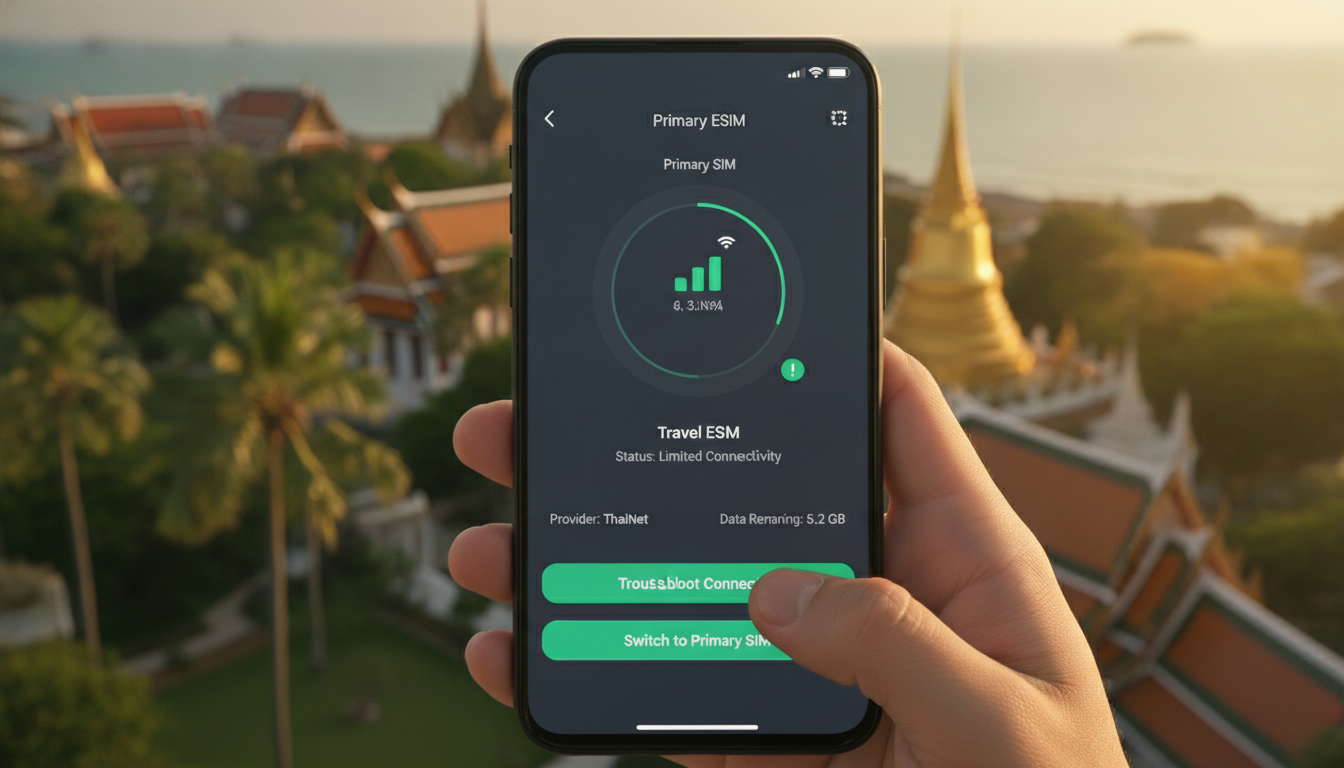
Troubleshooting Common Issues When Activating a Free eSIM Plan for Thailand Travel
Activating a free eSIM plan sounds like a straightforward way to stay connected without buying a physical SIM or paying roaming fees, but in practice, it often comes with pitfalls that can leave you offline at the worst moment. The most frequent issues I see revolve around compatibility, activation errors, and network restrictions.
Understanding these problems and how to fix them can save you time and frustration when setting up your free eSIM for travel in Thailand.
Why Your Free eSIM Plan Might Fail to Activate
Device Compatibility and Carrier Restrictions
A key condition for successful eSIM activation is that your device must support the GSMA specification SGP.22, which governs remote SIM provisioning. Without this compliance, the eSIM profile cannot be installed or recognized properly.
For example, some older smartphones or models without official eSIM support will reject the QR code or activation link outright.
Another mechanism that trips users up is carrier lock-in. If your phone is locked to a specific operator, it might refuse any eSIM profiles from other providers, even free ones.
This leads to error messages during activation or no network connection after installation.
Consequence: You may waste time trying to activate an incompatible or locked device, ending up with no mobile data and forced to buy a physical SIM last minute.
Network Coverage and Regional Limitations
Free international eSIM plans often come with geographic restrictions. For instance, some free offers only work within certain countries or regions.
If you try to activate a free eSIM plan intended for Europe while in Thailand, the activation might succeed but the data won’t connect because the profile lacks roaming agreements with Thai carriers.
The mechanism here is that the eSIM profile contains operator IDs and network access parameters tied to specific countries. Without proper roaming agreements or local network support, your phone won’t register on any cell towers.
Consequence: You might see full signal bars but no internet access, leading to confusion about whether the plan is active or not.
How to Navigate the Free eSIM Activation Process Successfully
Step-by-Step Activation With Common Pitfalls
-
Check Device Compatibility First
I always start by verifying that my phone supports eSIM with GSMA SGP.22 compliance. Apple’s iPhone XS and newer models, Google Pixel 3 and above, and many Samsung Galaxy S20+ and later phones meet this standard. -
Obtain Your Free eSIM Profile Correctly
Most providers send a QR code via email after you sign up for their free plan. The critical step is scanning this QR code through your phone’s cellular settings under “Add Cellular Plan.” Avoid scanning from screenshots or low-resolution images because the QR code may fail to register. -
Avoid Overlapping Profiles
A common mistake is trying to activate multiple eSIM profiles simultaneously without disabling one first. Some phones allow multiple profiles but only one active at a time for data. Leaving old profiles active can cause conflicts during activation. -
Confirm Network Settings Post-Activation
After installing the profile, check that your phone has selected the correct carrier network manually if automatic selection fails. Sometimes phones default to an unavailable network if roaming settings are off. -
Restart Your Phone
A simple reboot after activation often resolves lingering connection issues by forcing the device to re-register on local towers.
Signs That Activation Worked
- Your phone shows the new carrier name in the status bar.
- Mobile data turns on without error messages.
- You can browse websites or use apps requiring internet.
- The cellular settings show an active data plan with remaining data allowance.
If these signs don’t appear within 10 minutes of activation, something likely went wrong.
Common Troubleshooting Scenarios and How to Fix Them
Activation Error: “Profile Not Supported” or “Invalid QR Code”
This usually means either your device doesn’t support the profile format or the QR code was corrupted during transfer.
Fix: Download the QR code again directly from the provider’s official website or app rather than relying on forwarded emails or screenshots. Confirm your device model supports eSIM provisioning per GSMA SGP.22 standards.
No Data After Successful Profile Installation
If your phone shows signal bars but no internet:
- Check if airplane mode is off.
- Verify mobile data is enabled in settings.
- Manually select the carrier network in cellular options.
- Confirm roaming is enabled if you’re using an international plan.
- Restart your phone.
If none of these work, it’s likely a regional restriction blocking access despite activation.
Multiple Profiles Causing Conflicts
If you have several eSIM profiles installed:
- Disable all but one profile for mobile data.
- Remove unused profiles through cellular settings.
- Reactivate your desired free eSIM plan after cleanup.
I’d advise against juggling multiple active profiles simultaneously unless you fully understand how your device manages them; otherwise, you risk losing connectivity unexpectedly.
Providers Offering Free or Trial eSIM Plans for Thailand Travel
While truly free unlimited data plans are rare, some providers offer limited free data trials or low-cost starter packs that feel almost free for short trips:
| Provider | Data Allowance | Validity | Price (USD) | Notes |
|---|---|---|---|---|
| eSIM.dog | 3 GB | 1 day | $0.97 | Good for quick testing |
| MicroEsim | 3 GB | 3 days | $2.20 | Affordable short-term option |
| Instabridge | 3 GB | 15 days | $2.50 | Longer validity at low cost |
| Yatelo | 3 GB | 30 days | $2.97 | Best value for month-long stay |
None of these are fully free but represent some of the best low-cost options available internationally with easy activation processes.
For truly free trials, most major operators like Free Mobile do not currently offer zero-cost plans; every package requires purchase before receiving an activation QR code.
Why Some “Free” Plans Are Not Actually Free
The mechanism behind many advertised “free” eSIM plans involves trial periods requiring upfront payment or limited data bundles bundled with paid subscriptions afterward. Providers avoid offering completely free unlimited data because of regulatory costs and network usage fees.
Consequence: Users expecting unlimited free access may find themselves locked out after a small initial quota or asked for payment details before activation completes.
Additional Tips From My Experience With Thailand Travel eSIMs
- Always download your QR code over Wi-Fi before leaving home; poor mobile reception can corrupt downloads.
- If you encounter persistent activation failures, resetting your network settings (found under system settings) can clear cached errors blocking new profiles.
- Using apps like those recommended on ThailandTravelSim’s guide helps verify compatibility and find reliable providers tailored for Thailand.
- Providers ranked highly on MyBestSim like Roamic (rated 4.9/5) offer promo codes such as MYBESTSIM for discounts on unlimited plans—worth considering if you want more than just a free trial.
You can find more detailed comparisons of providers and their offers on the best eSIM for Thailand page where I regularly update info based on user feedback and market changes.
Activating a free eSIM plan involves navigating device compatibility, regional restrictions, and sometimes confusing carrier policies. Knowing where common failures happen and how to fix them ensures you stay connected without unexpected costs or downtime during your trip to Thailand.
FAQ
How do I know if my device supports free eSIM plans?
Check if your phone complies with GSMA SGP.22 standards for eSIM provisioning. Models like iPhone XS and newer, Google Pixel 3+, and Samsung Galaxy S20+ support it. Without this, the eSIM profile won’t install or activate properly.
Why does my free eSIM plan show signal but no internet?
This often happens due to regional restrictions or missing roaming agreements. Even with full signal bars, your phone might not connect to local networks if the eSIM profile lacks access permissions for Thailand.
What should I do if my free eSIM QR code is invalid?
Download the QR code directly from the provider’s official website or app instead of forwarded emails or screenshots. Also, verify your device supports the eSIM format to avoid activation errors.
Can multiple eSIM profiles cause activation problems?
Yes, having several active profiles can create conflicts. Disable or remove unused profiles before activating a new free eSIM plan to ensure your phone connects correctly without data interruptions.
Are there truly free eSIM plans available for Thailand travel?
Completely free unlimited eSIM plans are rare. Most offers are limited trials or low-cost packages. Providers like eSIM.dog and MicroEsim offer affordable short-term data plans, but fully free unlimited data usually requires payment.

Noah Bennett
Noah is a Southeast Asia travel writer. At Thailand eSIM he compares AIS, TrueMove H and dtac data plans from Bangkok to the islands.