How to Activate a Thailand eSIM for Seamless Travel in 2026
7/1/2026
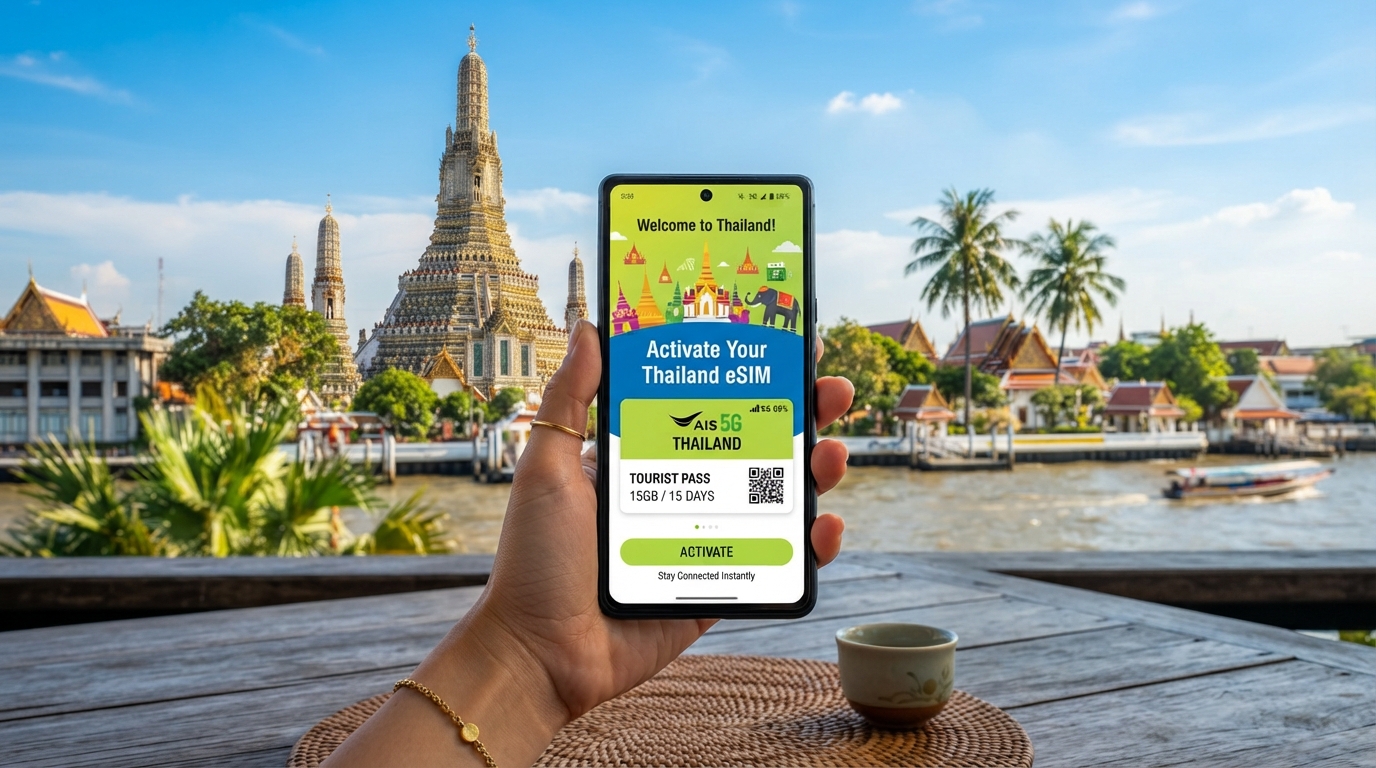
In short, what you'll discover in this article: Learn how to activate a Thailand eSIM effortlessly before or during your trip. Explore the best providers, buying options, and troubleshooting tips to stay connected seamlessly across Thailand.
1. Introduction — Why Choose an eSIM in Thailand
Travelers to Thailand increasingly prefer the Thailand eSIM activation for its convenience and flexibility. Unlike physical SIM cards, an eSIM lets you avoid queues and SIM swaps upon arrival.
It provides instant mobile data access for navigation, communication, and work without roaming fees. Plus, you can manage multiple profiles on one device, ideal for tourists and long-term visitors alike.
2. Before You Go — Essential Checks
2.1 Check Your Device Compatibility (Models and iOS/Android Versions)
Not all smartphones support eSIMs, so verifying compatibility is crucial. Most recent iPhones (from iPhone XS onward) and many Android models (like Google Pixel 3 and newer) support eSIM technology.
Ensure your device runs the latest iOS or Android version to avoid activation issues.
2.2 Carrier Unlocking and IMEI — What You Need to Know
Your phone must be carrier-unlocked to use a Thailand eSIM from local providers. Locked devices may reject foreign eSIM profiles.
Also, some providers require your phone’s IMEI number during activation to register the eSIM correctly.
3. Where to Buy a Thailand eSIM
3.1 Official Sellers vs Online Resellers (Trust Criteria)
Purchasing from official carriers like AIS, TrueMove H, or dtac guarantees reliable service and support. Alternatively, reputable online resellers offer competitive prices and instant QR code delivery but verify their authenticity through reviews and certifications.
3.2 Types of Plans (Short Stay, Long Stay, Multi-Country)
Choose plans based on your travel duration and needs:
- Short stay: Data-only plans valid for up to 15 days
- Long stay: Monthly packages with larger data allowances
- Multi-country: Regional plans covering Thailand plus neighboring countries
4. eSIM Activation — Step-by-Step Guide
4.1 Activation Before Arrival (Complete Procedure)
- Purchase your Thailand eSIM online from a trusted provider.
- Receive a QR code via email.
- On your phone, go to Settings > Network & Internet > SIMs > Add SIM.
- Scan the QR code to download the eSIM profile.
- Follow on-screen prompts to complete setup.
- Activate mobile data once you land in Thailand.
4.2 Activation at the Airport or On-Site (Complete Procedure)
- Visit an official carrier’s store or kiosk at the airport.
- Request an eSIM activation; provide your passport if required.
- Scan the QR code provided by staff or receive it via email.
- Install the profile following your phone’s instructions.
- Confirm network connection before leaving.
4.3 APN Settings and Manual Configuration If Needed
If automatic setup fails, manually configure APN settings:
- Go to Settings > Mobile Network > Access Point Names.
- Enter provider-specific APN details found on their website.
- Save and select the new APN profile.
5. Practical Cases and Common Issues (Troubleshooting)
5.1 Common Errors and Quick Fixes (Profile Not Downloaded, Data Disabled, Dual-SIM Conflict)
- Profile not downloading: Ensure stable internet connection during QR scan.
- Mobile data disabled: Check that data is enabled for the eSIM line in settings.
- Dual-SIM conflicts: Set your eSIM as the default data line; disable physical SIM data if needed.
5.2 What To Do If Number Doesn’t Appear or Network Is Unavailable
- Restart your device after installation.
- Verify carrier unlocking status.
- Contact provider support with your IMEI for assistance.
6. Tips to Save Money and Avoid Fees (Roaming, Data Selection)
To avoid unexpected charges:
- Use local Thailand eSIM plans instead of international roaming.
- Monitor data usage via your phone or provider app.
- Choose plans with unlimited or high data caps if streaming or working remotely.
7. Security and Verification of eSIM Providers
Always verify providers through official websites or trusted platforms like TrueMove H’s official page. Avoid suspicious sellers offering unrealistically low prices or lacking customer support.
8. Frequently Asked Questions — Clear Answers
For detailed comparisons of providers and pricing options, check out our comprehensive Thailand eSIM comparison guide. To learn where exactly to purchase an eSIM safely, visit our buying guide. For budget-conscious travelers, our pricing overview offers valuable insights.
9. Conclusion and Call to Action — Best Option According to Traveler Type
Activating a Thailand eSIM is straightforward whether done before departure or upon arrival. For short trips, prepaid plans from AIS or TrueMove H offer excellent coverage; long-term visitors benefit from monthly packages with flexible data options.
Prepare ahead by purchasing online for hassle-free connectivity from touchdown.
9.1 Useful Links and Resources (Tutorials, Shops, Operator Support)
Explore detailed tutorials on activation steps and troubleshooting at ThailandTravelSim’s blog. For instant purchase with verified discount codes, visit our recommended shops section linked above.
Stay connected effortlessly throughout Thailand with your activated eSIM—your perfect travel companion awaits!

Noah Bennett
Noah is a Southeast Asia travel writer. At Thailand eSIM he compares AIS, TrueMove H and dtac data plans from Bangkok to the islands.