Troubleshooting Yatelo eSIM Activation Issues in Thailand
9/14/2026
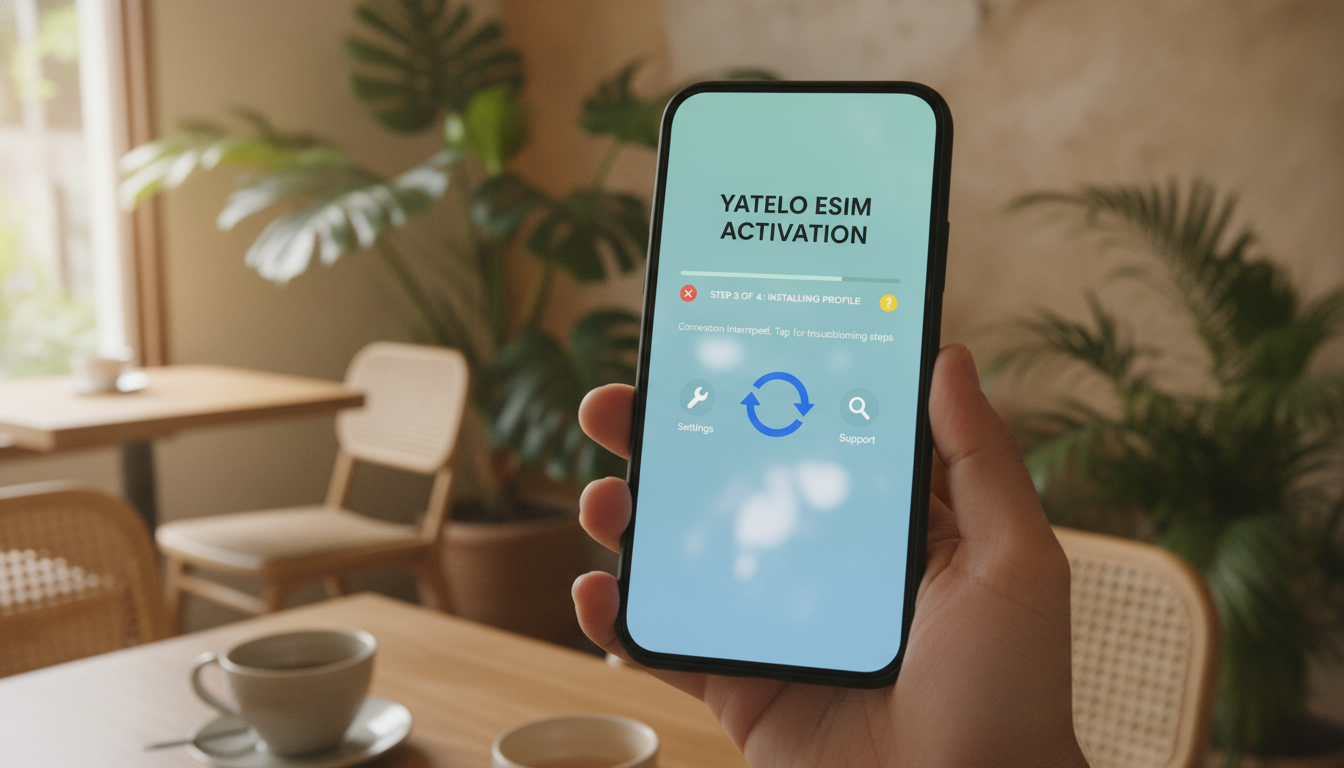
Troubleshooting Yatelo eSIM Activation Issues in Thailand
Activating a Yatelo eSIM in Thailand can be a smooth process, but several common issues often trip up users during setup. If you’re trying to switch to a Yatelo eSIM and find yourself stuck, knowing what typically goes wrong and how to fix it can save you time and frustration.
I always start by checking the basics: device compatibility, network settings, and the activation steps themselves. Here’s a detailed guide on what can cause activation failures with Yatelo eSIM and how to resolve them effectively.
Common Activation Problems With Yatelo eSIM and How to Fix Them
Device Compatibility and Software Requirements
Yatelo eSIM supports a wide range of devices, but not every phone model or software version is compatible. The activation process depends heavily on your device’s ability to handle remote SIM provisioning as defined by the GSMA specification SGP.22.
If your phone doesn’t support this standard or lacks the latest OS updates, the eSIM won’t install properly.
Field observation: On iPhones running iOS versions earlier than 12.1, the eSIM profile installation often fails because the device does not fully support the GSMA SGP.22 standard for remote provisioning. This leads to incomplete downloads or error messages during activation.
How to fix:
- Verify your device supports eSIM and is updated to at least iOS 12.1 (for iPhones) or Android 10 with eSIM support for Android devices.
- Check Yatelo’s official compatibility list before purchasing a plan.
- Restart your device after updating software to clear any residual network cache that might interfere with activation.
QR Code Scanning and Profile Installation Errors
The Yatelo activation process requires scanning a QR code that delivers your eSIM profile. A frequent mistake is scanning the QR code incorrectly or from a poor-quality image, which corrupts the profile data.
Field observation: If you scan a low-resolution QR code or one displayed on a cracked screen, the device may fail to decode it properly, resulting in an incomplete or corrupted profile that won’t activate.
How to fix:
- Use a high-quality screen or printout of the QR code for scanning.
- Avoid zooming excessively on the QR code image as it can distort the pattern.
- If scanning fails repeatedly, manually enter the activation code provided by Yatelo if available.
Network Settings Conflicts and Profile Activation
Once installed, activating the Yatelo eSIM profile requires switching cellular data settings correctly. A common trap is leaving physical SIM settings active or not selecting the Yatelo eSIM as the primary data line.
Field observation: On dual-SIM phones, if you don’t disable cellular data on the physical SIM or assign priority to the Yatelo eSIM line, your phone may default to roaming on your original SIM network instead of using Yatelo’s data plan.
How to fix:
- Go into your phone’s cellular settings and set Yatelo as your default data line.
- Disable cellular data on your physical SIM card temporarily during travel in Thailand.
- Confirm airplane mode is off and mobile data is enabled for Yatelo.
How to Install a Yatelo eSIM Without Hiccups
Step-by-Step Activation Process
- Purchase Your Data Plan: Choose a suitable Yatelo eSIM data plan for Thailand from their app or website. Plans typically offer 3 GB valid for 30 days at competitive prices compared to roaming fees.
- Receive Your QR Code: After purchase, you’ll get an instant QR code via email or app notification.
- Scan QR Code on Compatible Device: Open your phone’s cellular settings and select “Add Cellular Plan,” then scan the QR code carefully.
- Confirm Installation: Follow prompts to install the profile; wait until it shows as active.
- Set Default Data Line: Assign Yatelo as your primary data source under mobile network settings.
- Test Connectivity: Open a browser or app requiring internet access; if no connection appears, toggle airplane mode off/on.
What Can Go Wrong During These Steps?
- Skipping system updates before scanning can cause installation failure.
- Using an unsupported device model leads to error messages without clear guidance.
- Not setting Yatelo as default data line results in no internet despite successful installation.
- Poor internet connection during installation can interrupt profile download.
If you encounter persistent issues after following these steps, contacting Yatelo customer support is essential, though user reviews indicate mixed responsiveness — so patience may be required.
Understanding Yatelo eSIM Plans and Costs in Thailand
Yatelo offers affordable international plans with no roaming fees across over 200 destinations including Thailand. For instance, their 3 GB plan valid for 30 days costs approximately $2.97 USD according to MyBestSim data — a competitive rate compared to traditional roaming charges.
| Data Allowance | Validity | Price (USD) | Coverage Area |
|---|---|---|---|
| 3 GB | 30 days | $2.97 | Thailand + 200+ countries |
The cost-effectiveness depends on your usage pattern: short trips with moderate data needs benefit most from these plans versus expensive local SIM cards or roaming add-ons from home carriers.
Key Benefits of Using Yatelo eSIM Over Physical SIM Cards
- Instant Activation: No need for physical SIM swaps; activation happens within minutes after scanning the QR code.
- No Roaming Fees: Plans are designed for global use without extra roaming surcharges.
- Multiple Destinations Covered: One plan works across many countries including Thailand, simplifying travel connectivity.
- Environmentally Friendly: Eliminates plastic waste associated with physical SIM cards.
However, I’d advise against relying solely on Yatelo if you require guaranteed customer support availability because some users report delays in response times during troubleshooting phases.
Switching From Physical SIM to Yatelo eSIM: What You Need To Know
Switching involves deactivating your physical SIM’s mobile data while activating Yatelo’s profile as primary on your device. The main trap is neglecting this step, which causes phones to default back to physical SIM networks despite having an active eSIM profile installed.
Field observation: On Android devices with multiple SIM slots, failing to assign priority explicitly leads to intermittent connectivity issues where apps lose internet access unpredictably.
To avoid this:
- After installing Yatelo eSIM, immediately check cellular settings and disable data on physical SIM if possible.
- Restart your phone after switching profiles for stable network registration.
- Keep your physical SIM inserted only if you want incoming calls/texts from that number; otherwise remove it completely for best results.
For more detailed instructions tailored specifically for Thailand travel connectivity setups, I recommend consulting this guide on how to get an eSIM in Thailand.
Activating a Yatelo eSIM can be straightforward once you understand these common pitfalls: device compatibility issues linked to GSMA SGP.22 standards, scanning errors from poor QR code quality, and network setting conflicts are frequent causes of failure but all have clear fixes rooted in proper preparation and careful setup steps. The affordability of their plans combined with instant activation makes Yatelo an appealing option — just be ready for some troubleshooting if things don’t go perfectly first try.
FAQ
What devices are compatible with Yatelo eSIM in Thailand?
Yatelo eSIM works on devices supporting GSMA SGP.22 remote provisioning, such as iPhones with iOS 12.1 or later and Android phones with Android 10 or newer that support eSIM. Always check Yatelo’s official compatibility list before purchasing a plan.
How do I fix QR code scanning errors during activation?
Use a high-quality, clear QR code image or printout for scanning. Avoid zooming in too much, and if scanning repeatedly fails, try manually entering the activation code provided by Yatelo to avoid corrupted profile data.
Why isn’t my Yatelo eSIM connecting to mobile data?
Ensure you set Yatelo as your default data line in cellular settings and disable cellular data on your physical SIM if using a dual-SIM phone. Also, confirm airplane mode is off and mobile data is enabled for the Yatelo profile.
What steps should I follow to activate Yatelo eSIM smoothly?
Purchase a plan, receive the QR code, scan it on a compatible device, confirm installation, set Yatelo as the default data line, and test connectivity. Updating your device software beforehand helps prevent installation failures.
Are Yatelo eSIM plans cost-effective for travelers in Thailand?
Yes, Yatelo offers affordable plans like 3 GB for 30 days at about $2.97 USD, covering Thailand and over 200 countries. These plans avoid roaming fees and are often cheaper than local SIM cards or roaming add-ons.

Noah Bennett
Noah is a Southeast Asia travel writer. At Thailand eSIM he compares AIS, TrueMove H and dtac data plans from Bangkok to the islands.