Troubleshooting Thirr.com Reviews for eSIM Activation Issues
10/20/2026
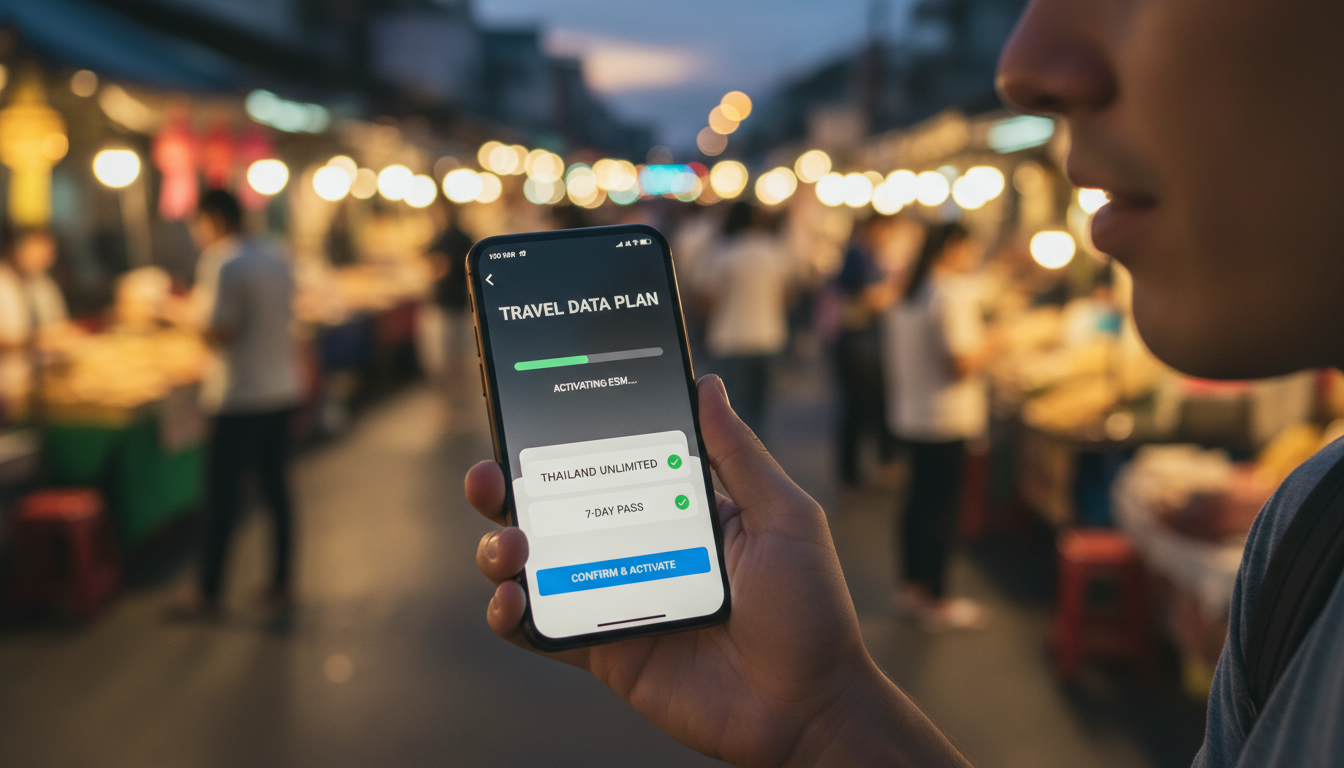
Troubleshooting Thirr.com eSIM Activation Issues for Travelers in Thailand
Activating an eSIM from Thirr.com while traveling in Thailand can sometimes hit unexpected snags that leave you offline when you most need connectivity. From my experience working with Southeast Asia travel eSIMs, I know the activation process is usually straightforward but can be derailed by a few common pitfalls.
This article dives into the typical problems users face with Thirr.com eSIMs and how to resolve them effectively, so you don’t lose precious time or data access.
Common Activation Problems With Thirr.com eSIMs
Many user experiences with Thirr.com reveal recurring issues during activation. These problems often stem from technical glitches, user errors, or platform limitations.
Here are the main trouble spots:
QR Code Scanning Failures
The activation of a Thirr.com eSIM starts by scanning a QR code on your phone. A frequent issue is the QR code not scanning properly or the phone failing to recognize it.
- Condition: Low screen brightness or smudged QR code image.
- Mechanism: The phone’s camera cannot detect the QR pattern clearly.
- Consequence: Activation stalls, and users see an error message or no response.
To fix this, I always start by increasing screen brightness and cleaning your device’s camera lens. If you’re using a printed QR code, ensure it’s not wrinkled or damaged.
Sometimes switching to another phone camera app or restarting your device before scanning helps reset the camera focus.
Incompatibility With Device or OS
Thirr.com supports eSIM activation on devices compatible with GSMA’s SGP.22 specification for remote SIM provisioning. However, not all phones or operating system versions fully support this standard.
- Condition: Using older phones or outdated OS versions.
- Mechanism: The device firmware lacks the necessary eSIM profile management features.
- Consequence: The eSIM profile fails to download or install, causing activation errors.
If your phone does not support eSIM profiles properly, you will see messages like “Activation failed” or “Profile download error.” I’d advise against trying to force installation via third-party apps; instead, verify your device compatibility on official manufacturer sites before purchase.
Network Connection Interruptions During Activation
Activation requires a stable internet connection to download the eSIM profile from Thirr.com servers. Interruptions during this phase cause incomplete installations.
- Condition: Weak Wi-Fi signal or unstable mobile data during profile download.
- Mechanism: The download process times out or corrupts the profile file.
- Consequence: The device reports activation failure or partial setup.
A practical tip is to activate your eSIM while connected to a reliable Wi-Fi network with strong signal strength (above -70 dBm). Avoid switching networks mid-download since that can break the session and require restarting the process.
How to Resolve Activation Issues Step-by-Step
When you encounter trouble activating your Thirr.com eSIM, follow these steps carefully:
-
Check Device Compatibility
Confirm your phone supports GSMA SGP.22 remote SIM provisioning and runs an updated OS version (iOS 14+ for iPhones, Android 10+ for most Android devices). Without this, activation won’t succeed. -
Prepare Your Device
Disable any VPNs or firewall apps that might block connection to Thirr.com servers. Also, remove any existing eSIM profiles that could conflict with the new one. -
Scan QR Code Correctly
Use your phone’s native camera app or built-in cellular settings scanner for QR codes. Avoid third-party scanner apps which may not trigger proper profile installation. -
Ensure Stable Internet During Download
Connect to a strong Wi-Fi network before scanning the QR code and keep your device online until installation completes fully (usually under 5 minutes). -
Manually Add Profile if Auto-Download Fails
If automatic download fails repeatedly, some devices allow manual profile import via downloaded .esim files from Thirr.com customer portal (check their support section). -
Contact Customer Support With Logs
If none of these steps work, gather screenshots of error messages and network logs if possible before reaching out to Thirr.com support for targeted help.
Avoiding Common Mistakes That Break Activation
One trap I often see travelers fall into is rushing activation in crowded Wi-Fi hotspots like airports where connections are unstable and captive portals interfere with downloads. Another is ignoring device notifications that request permission to add cellular plans—denying these prompts stops activation dead in its tracks.
Evaluating Thirr.com Reliability Based on User Feedback
The overall reputation of Thirr.com is mixed according to recent reviews on Trustpilot and other platforms. Some users praise their competitive pricing and global coverage options, while others report poor customer service responsiveness and refund refusals.
Key Observations From User Testimonials
- Several reviewers describe being charged without consent due to unclear purchase flows—a serious red flag for trustworthiness.
- Others mention delays in receiving QR codes after payment confirmation, which prolongs setup times.
- Complaints about non-refundable policies even when services were never activated are common.
- Positive feedback highlights partnerships with reputable telecom operators like Orange Telecom for solid network access in Europe and beyond.
Given these points, I would advise caution if you prioritize seamless customer support and guaranteed refunds. For travelers seeking reliable connectivity in Thailand specifically, comparing offers through MyBestSim’s platform evaluation can help find providers with better service ratings and verified user experiences.
Why Activation Troubles Are More Common Than You Think
Activation issues are not unique to Thirr.com but reflect broader challenges in remote SIM provisioning technology:
- The GSMA SGP.22 standard mandates secure over-the-air profile downloads but depends heavily on device firmware compliance.
- Network latency and packet loss during profile transfer cause corrupted installations more often than users realize.
- Some carriers impose regional restrictions on eSIM activations that can block profiles from certain providers.
Understanding these mechanisms explains why even legitimate services sometimes fail at first attempt—and why patience combined with methodical troubleshooting is key.
Alternatives and Where To Compare Offers for Thailand Travel
If persistent issues with Thirr.com deter you, consider exploring other providers specializing in Thailand eSIM plans such as those ranked highly on MyBestSim’s comparison site. These include Roamic, Airalo, and Yatelo—all offering various data packages tailored for short-term visitors at competitive prices.
For detailed guidance on selecting the best plan suited to your itinerary and budget, check out my comprehensive best eSIM for Thailand guide. It covers coverage differences between AIS, TrueMove H, and dtac networks plus tips on instant QR activation so you stay connected from Bangkok through Phuket without roaming fees.
What Makes Activation Successful: A Practitioner’s Insight
From my hands-on work comparing AIS, TrueMove H, and dtac data plans across Thailand’s islands and cities:
- Activating an eSIM late at night or during peak hours can cause server timeouts due to high demand—activating early morning often avoids this problem.
- Devices that have been factory reset recently may require additional setup steps such as re-enabling cellular plan downloads under settings.
- Always verify that your phone’s date/time settings are set to automatic; incorrect timestamps disrupt secure server handshakes needed for profile download.
These small but critical details separate smooth activations from frustrating failures when using platforms like Thirr.com abroad.
For more practical advice on how to get an eSIM in Thailand without hassle, see my step-by-step how-to guide which walks through preparation, purchase, scanning, and troubleshooting phases based on real-world conditions travelers face every day.
FAQ
Why does my Thirr.com eSIM QR code fail to scan?
QR code scanning issues often result from low screen brightness, dirty camera lenses, or damaged printed codes. Increasing brightness, cleaning your camera, and using the native camera app usually resolves the problem.
How can I check if my device supports Thirr.com eSIM activation?
Verify your phone supports GSMA SGP.22 remote SIM provisioning and runs iOS 14+ or Android 10+. Check manufacturer websites for compatibility before attempting activation to avoid errors.
What causes activation failures during Thirr.com eSIM profile download?
Activation failures often happen due to unstable internet connections or switching networks mid-download. Use a strong, stable Wi-Fi connection and avoid network changes until the eSIM profile fully installs.
What steps should I follow if Thirr.com eSIM activation fails?
First, confirm device compatibility and disable VPNs. Then scan the QR code with your native camera app while connected to stable Wi-Fi. If auto-download fails, try manual profile import or contact support with error details.
Are there trustworthy alternatives to Thirr.com for Thailand eSIMs?
Yes, providers like Roamic, Airalo, and Yatelo offer reliable Thailand eSIM plans with better customer service ratings. Comparing options on platforms like MyBestSim helps find plans suited to your travel needs.

Noah Bennett
Noah is a Southeast Asia travel writer. At Thailand eSIM he compares AIS, TrueMove H and dtac data plans from Bangkok to the islands.