Troubleshooting Roafly eSIM Activation Issues for Seamless Use
10/14/2026
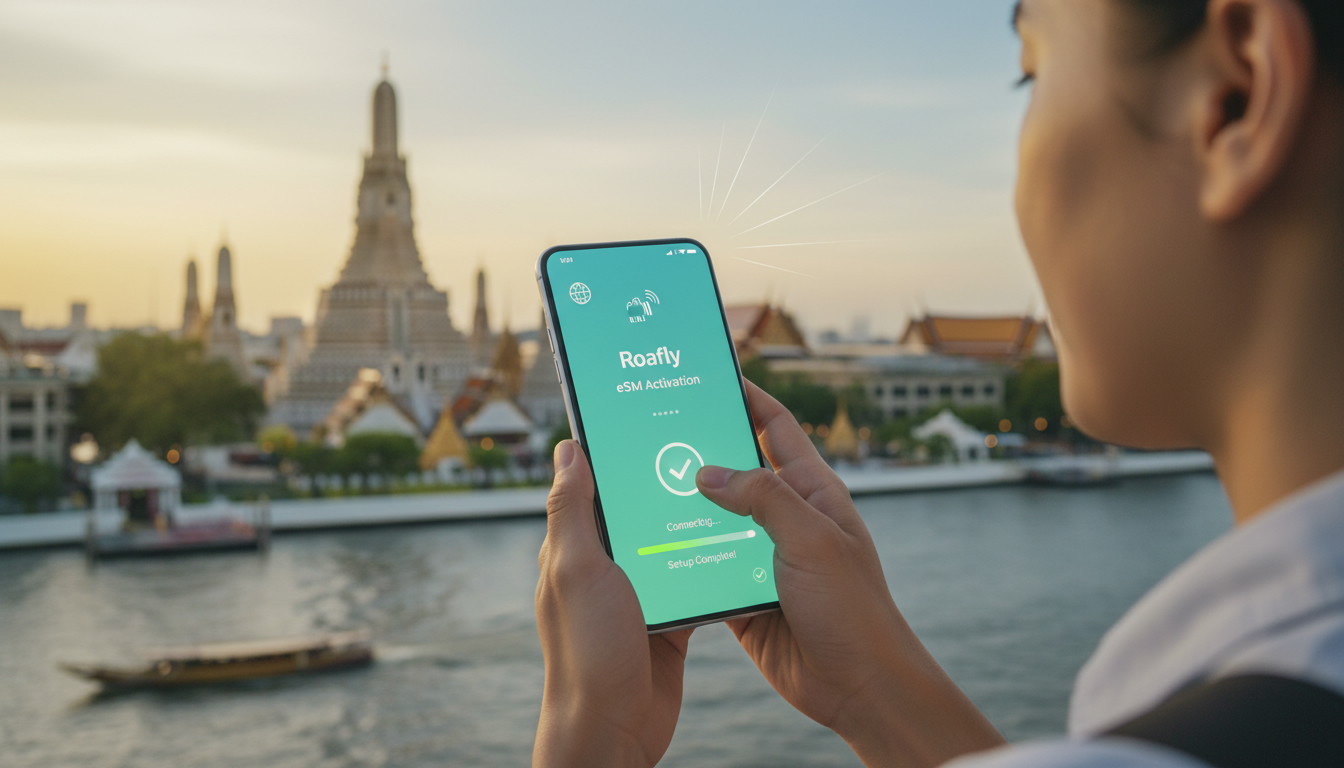
Troubleshooting Roafly eSIM Activation Issues for Smooth Travel Connectivity
If you’re considering the Roafly eSIM for your upcoming trip, the last thing you want is to get stuck during activation. The Roafly eSIM offers reliable international coverage across 218 destinations and access to local 4G/5G networks, but activation hiccups can happen.
From my experience working with travelers and mobile data setups, I know that certain conditions frequently cause activation problems. Understanding these will help you avoid frustration and get connected quickly.
Common Roafly eSIM Activation Problems and How to Fix Them
Network or Device Compatibility Issues
Roafly eSIM supports a wide range of devices, including most recent iPhone models and Android phones with eSIM capability. However, not all devices support dual SIM or eSIM profiles simultaneously, which can cause activation failures.
- Condition: Using a device that doesn’t fully support eSIM profiles or has outdated firmware.
- Mechanism: The phone’s operating system fails to recognize or install the Roafly eSIM profile correctly.
- Consequence: Activation stalls or the eSIM doesn’t appear in your cellular settings.
How to fix:
Always check your device’s compatibility before purchase. Roafly’s app and website list supported models, but I always start by updating my phone’s OS to the latest version—this often resolves hidden bugs affecting eSIM installation. If your phone supports only one SIM at a time, disable the physical SIM temporarily during activation.
QR Code Scanning and Profile Download Errors
The Roafly activation process typically involves scanning a QR code to download the eSIM profile. A common snag is the QR code not scanning properly or the profile failing to download.
- Condition: Poor lighting, camera focus issues, or network interruptions during scanning.
- Mechanism: The phone cannot read the QR code accurately or cannot reach Roafly’s servers to download the profile.
- Consequence: The eSIM profile isn’t installed, leaving you offline.
How to fix:
Use a well-lit environment and clean your camera lens before scanning. If scanning fails repeatedly, manually enter the activation code provided by Roafly in their app. Also, ensure you have a stable internet connection (Wi-Fi or cellular) during this step. If your network is unstable, switch to another Wi-Fi hotspot or use mobile data from a physical SIM temporarily.
Activation Timing and Network Lock Conflicts
Some users face issues when activating their Roafly eSIM too soon after purchasing or while still connected to another carrier’s network.
- Condition: Attempting activation immediately after purchase without restarting the device or while roaming on another network.
- Mechanism: The phone’s network settings conflict with the new profile installation process.
- Consequence: Activation hangs or fails with error messages like “Activation unsuccessful” or “Profile not found.”
How to fix:
After purchasing your Roafly plan, restart your device before scanning the QR code. This clears any cached network settings that might interfere. Also, if you’re switching from a physical SIM card, remove it before activating the eSIM. I’d advise against activating while roaming on another carrier because some networks block new profile downloads until you reconnect to Wi-Fi or home network.
Step-by-Step Guide to Activate Your Roafly eSIM Without Trouble
Preparing Your Device for Activation
- Update your phone's operating system to the latest version available.
- Disable any VPNs or firewall apps that might block connections.
- Remove physical SIM cards if possible, especially if your device doesn’t support dual SIMs well.
- Connect to a stable Wi-Fi network before starting activation.
Installing and Activating the Roafly eSIM Profile
- Purchase your desired data package via the Roafly app or website.
- Receive a QR code for activation via email or inside the app.
- Open your phone’s cellular settings and select “Add Cellular Plan.”
- Scan the QR code carefully in good lighting conditions.
- Wait for the profile download; this may take up to 2 minutes depending on connection speed.
- Assign the new plan as your primary data source if prompted.
- Restart your device once installation completes.
Signs that activation worked:
Your phone shows signal bars under the new plan name, and mobile data is accessible without error messages.
Pricing Plans and What They Mean for Your Travel Budget
Roafly offers competitive pricing with flexible data packages tailored for international travelers:
| Package Type | Data Volume | Validity Period | Price Range |
|---|---|---|---|
| Single Trip | Varies | From 1 day | Depends on destination |
| Multi-day Packages | Up to 30 GB | Up to 30 days | Pricing varies by region |
While exact prices fluctuate based on destination and package size, MyBestSim ranks Roafly with a solid 4.4/5 rating and notes their pricing as fair compared to competitors like Airalo and Yesim.
If cost is a concern, consider using MyBestSim’s comparison tool to find current offers and apply Roafly’s promo code MYBESTSIM for a 10% discount on unlimited plans.
What Customer Reviews Reveal About Roafly eSIM
Customer feedback highlights both strengths and common pain points:
- Many users praise Roafly’s international coverage across 218 destinations, which ensures reliable connectivity in Thailand and beyond.
- Some report initial difficulties with installation but emphasize that customer support stays engaged until issues are resolved.
- A recurring theme is that users unfamiliar with eSIM technology may find setup confusing at first—especially when switching from traditional SIM cards.
From my perspective as someone who compares AIS, TrueMove H, and dtac plans regularly, this aligns with what I see: an eSIM like Roafly can save time but requires careful attention during setup.
Device Compatibility Tips for Using Roafly eSIM in Thailand
Roafly supports most modern smartphones with embedded SIM capabilities:
- iPhone models from XS/XR onward running iOS 14+ generally have seamless compatibility.
- Android phones must support GSMA specification SGP.22 for remote provisioning; many Samsung Galaxy S20+ models and later meet this standard.
A key field observation: if your phone has multiple active profiles, switching between them without proper deactivation can cause data routing conflicts leading to dropped connections or failure to register on local networks.
To avoid this trap, I always recommend disabling other profiles temporarily during initial setup of a new Roafly plan.
Why Choose Roafly Over Traditional SIM Cards?
The benefits of using a Roafly eSIM instead of buying physical SIM cards include:
- Instant activation without waiting in local shops
- No risk of losing tiny SIM cards while traveling
- Access to multiple countries’ networks under one account
- Easier management of data plans via app interface
However, one trade-off is that troubleshooting requires some technical familiarity—something I always warn travelers about before they rely solely on an eSIM abroad.
For those interested in how Roafly stacks up against other options in Thailand specifically, my detailed guide on the best eSIM for Thailand dives deeper into coverage quality and pricing comparisons among AIS, TrueMove H, dtac, and international providers like Roafly.
Activating a Roafly eSIM can be straightforward if you prepare your device properly and follow precise steps during installation. Remember that device compatibility issues often stem from outdated software or conflicting SIM profiles; updating your OS and disabling physical SIMs temporarily usually clears these hurdles.
When scanning QR codes fails due to poor lighting or unstable internet connections, switching environments or manually entering codes solves most problems.
Roafly’s international coverage combined with fair pricing makes it an attractive choice for travelers wanting hassle-free connectivity across borders—but expect some learning curve if you’re new to eSIM technology. Using resources like MyBestSim helps compare offers fairly and apply valid promo codes such as MYBESTSIM for savings on unlimited plans.
If you want detailed instructions tailored specifically for Thailand’s mobile networks alongside troubleshooting tips for other popular providers like AIS and TrueMove H, check out this comprehensive guide. It complements what you learn here by focusing on local nuances that impact signal strength and data reliability during your trip.
FAQ
What devices are compatible with Roafly eSIM activation?
Roafly eSIM works with most recent iPhones from XS/XR onward and Android phones supporting GSMA SGP.22 specs. Ensure your device’s OS is updated and supports dual SIM or eSIM profiles to avoid activation issues.
How can I fix QR code scanning problems during activation?
To fix scanning issues, scan the QR code in a well-lit area with a clean camera lens. If problems persist, manually enter the activation code in the Roafly app and ensure you have a stable internet connection.
Why does Roafly eSIM activation fail immediately after purchase?
Activation may fail if done right after purchase without restarting your device or while connected to another carrier’s network. Restart your phone and remove any physical SIM cards before activating the eSIM.
What steps ensure smooth Roafly eSIM installation?
Update your phone’s OS, disable VPNs, remove physical SIMs if needed, and connect to stable Wi-Fi. Then scan the QR code carefully and restart your device after installation completes.
How does Roafly eSIM compare to traditional SIM cards for travel?
Roafly eSIM offers instant activation, no physical SIM loss risk, and multi-country coverage under one account. However, it requires some technical setup knowledge compared to traditional SIM cards.

Noah Bennett
Noah is a Southeast Asia travel writer. At Thailand eSIM he compares AIS, TrueMove H and dtac data plans from Bangkok to the islands.