Troubleshooting Orange Travel eSIM Activation Issues in 2026
9/11/2026
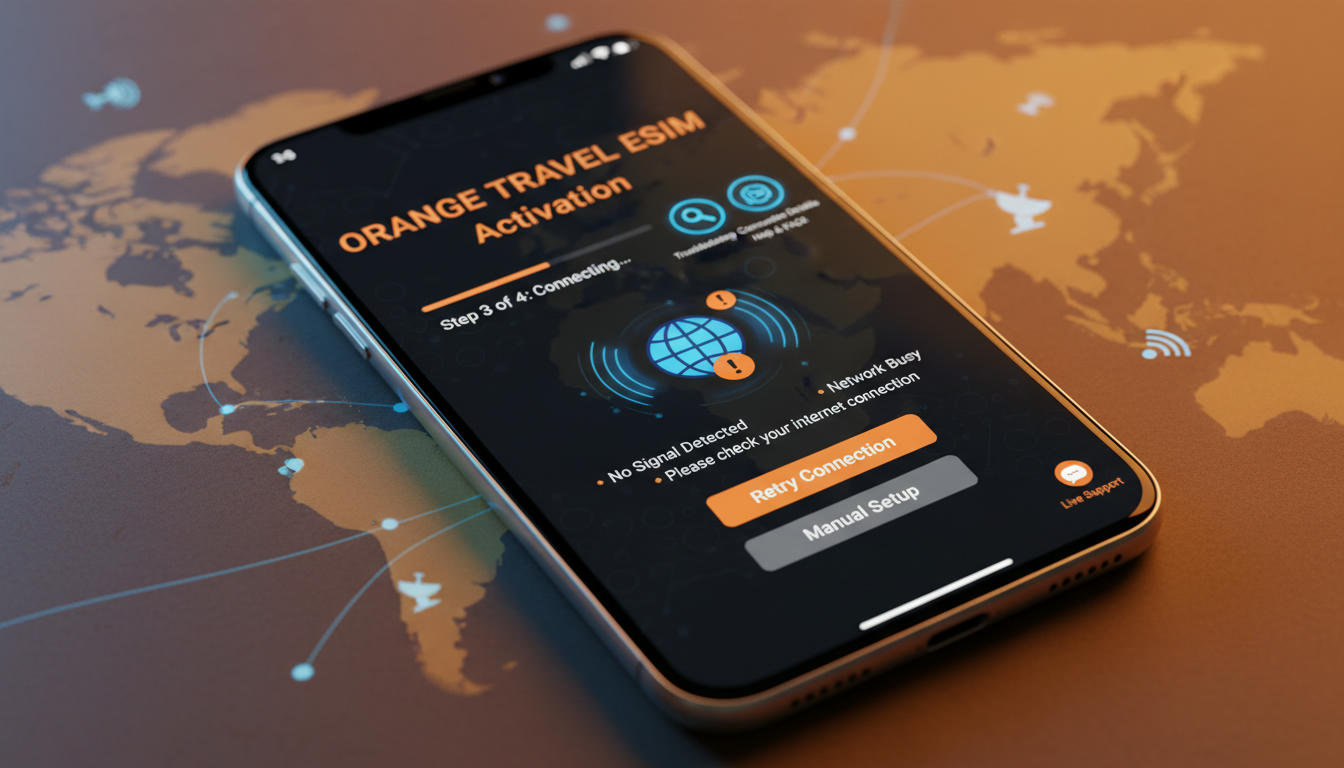
Troubleshooting Orange Travel eSIM Activation Issues for Seamless Connectivity
Activating an Orange travel eSIM can sometimes hit snags that disrupt your plans to stay connected abroad. Whether it’s a glitch during installation, device compatibility problems, or identity verification delays, these hiccups can leave you offline when you most need reliable internet.
I always start by pinpointing the exact step where the activation stalls because the fix depends on the root cause. Here’s a focused guide on what typically goes wrong with Orange travel eSIM activation and how to resolve it efficiently.
Common Activation Problems and How to Fix Them
Device Compatibility and Software Requirements
One frequent issue arises from device compatibility. Orange travel eSIMs require devices that support eSIM functionality, which includes most recent iPhones (XS and later), Google Pixel models (3 and up), and some Samsung Galaxy phones from the S20 series onward.
If your phone doesn’t support eSIM or if its operating system is outdated, the activation will fail.
The mechanism here is simple: the eSIM profile must be downloaded and installed through your device’s cellular settings, which rely on specific OS versions—iOS 12.1+ for iPhones and Android 10+ for many Android devices. Without this, the QR code scan or manual entry of activation details won’t work, resulting in error messages or no network connection.
Consequence: You won’t be able to use your Orange travel eSIM at all unless you update your device software or switch to a compatible device.
QR Code Scanning Errors and Profile Installation
Another common snag happens during the QR code scanning step. The Orange Travel app or website provides a QR code to download your eSIM profile.
If the QR code is blurry, expired, or displayed incorrectly on your screen, your phone won’t read it properly.
The mechanism is that the phone’s camera must capture a clear image of the QR code to fetch the embedded activation data. A damaged or outdated QR code leads to incomplete downloads or failure to add the profile.
How to fix: I’d advise against repeatedly scanning a faulty QR code without checking its validity first. Instead, request a new QR code from Orange Travel’s official platform or app.
Also, ensure good lighting and steady hands when scanning.
Identity Verification Delays
Orange Travel requires identity verification to extend your eSIM’s validity beyond six months. This process involves entering your passport details linked to your eSIM number on their secure portal.
Failure or delay in completing this step can block activation or limit service duration.
The mechanism is that Orange uses this verification to comply with regulatory requirements and prevent misuse of prepaid SIMs. Without verified identity, your eSIM may be suspended or restricted.
Consequence: You might lose connectivity mid-trip if verification isn’t done promptly.
Network Settings Conflicts and Roaming Activation
Sometimes, even after successful installation, connectivity issues persist due to incorrect network settings or disabled roaming options on your device. Since Orange travel eSIMs are designed for international use across 200+ destinations, enabling data roaming is essential.
The mechanism: If data roaming is off, your phone won’t connect to foreign networks despite having an active eSIM profile.
How to fix: Check your phone’s cellular settings and toggle data roaming on before leaving your home network area.
How to Activate an Orange Travel eSIM Without Hassle
Step-by-Step Activation Process
- Check Device Compatibility: Confirm that your smartphone supports eSIM technology and runs a compatible OS version.
- Purchase Your Plan: Buy an Orange travel eSIM plan via their official website or app.
- Receive Your QR Code: After purchase, you’ll get a QR code either by email or directly in the app.
- Scan the QR Code: Use your phone’s camera in cellular settings (not just any QR scanner) to add the eSIM profile.
- Verify Identity: Enter passport details on Orange Travel’s identity verification page to extend service duration.
- Enable Data Roaming: Before traveling abroad, make sure data roaming is enabled in your phone settings.
- Test Connectivity: Once activated, test internet access by opening a webpage or sending a message.
Signs That Activation Worked
- Your phone shows a new cellular plan under settings with “Orange Travel” as the carrier.
- Signal bars appear with roaming indicators when abroad.
- You can browse the internet without Wi-Fi immediately after activation.
If these signs don’t appear within 10 minutes of installation, recheck each step carefully.
Understanding Orange Travel eSIM Plans for International Use
Orange Travel offers prepaid plans covering over 200 destinations worldwide with flexible data packages tailored for short trips abroad. Plans include options like 1 GB for 7 days at $1 (Japan) up to 5 GB for 7 days at $2.99 (Hong Kong), according to MyBestSim’s latest data.
These prepaid plans come without contracts or commitments, making them ideal for travelers who want hassle-free connectivity without roaming fees from their home carriers.
Benefits of Choosing Orange Travel eSIM
- Instant Activation: The eSIM installs within minutes via QR code without needing physical SIM swaps.
- Wide Coverage: Access networks in more than 200 countries with one plan.
- Flexible Data Options: Choose from multiple data sizes depending on trip length and usage needs.
- Affordable Pricing: Competitive rates compared with traditional roaming fees; for example, 3 GB for 7 days in South Korea costs $1.99.
- Customer Support: Dedicated support channels help troubleshoot activation issues quickly.
I always recommend checking current offers on MyBestSim since they provide verified pricing and promo codes like “MYBESTSIM” for discounts on Orange Travel plans.
How to Top Up an Orange Travel eSIM When Abroad
Unlike some other providers that require physical SIM swaps or complicated top-ups, Orange Travel allows topping up directly through their app or website by entering your eSIM number and selecting additional data packages.
The mechanism involves securely linking your prepaid balance with your registered identity so that top-ups are credited instantly without interrupting service.
Important tip: Make sure you have stable internet access before attempting a top-up; otherwise, payment confirmation may fail and cause confusion about remaining credit.
Navigating Customer Support When Facing Activation Issues
If you encounter persistent problems beyond common fixes—such as repeated QR code failures or unexplained network errors—contacting Orange Travel customer support is crucial.
Their support team can remotely verify account status, resend activation codes, and guide you through troubleshooting steps tailored to your device model and destination country.
I always advise having your purchase receipt, device model info, and passport details ready before calling support; this speeds up resolution significantly.
Avoiding Common Mistakes That Cause Activation Failures
- Trying to activate before leaving home country: Some users attempt activation too early; however, certain profiles only become active once you enter the destination country’s network coverage area.
- Ignoring software updates: Outdated OS versions often cause installation errors; always update before activating.
- Not verifying identity promptly: Skipping this step can lead to suspension mid-trip.
- Disabling data roaming accidentally: This simple oversight blocks all foreign network access despite having an active plan.
Each of these mistakes interrupts connectivity in predictable ways that I’ve seen repeatedly among travelers relying on Orange travel eSIMs.
Internal Link Integration Example
For travelers planning trips specifically to Southeast Asia like Thailand, understanding how local operators compare can help decide if Orange Travel is best suited for their needs or if regional providers offer better coverage options — see my detailed guide on how to get an eSIM in Thailand.
This troubleshooting-focused approach helps ensure you don’t lose precious connectivity time due to preventable errors during Orange travel eSIM activation. By understanding device requirements, scanning protocols, identity verification processes, and roaming settings upfront, you can avoid typical pitfalls that frustrate many travelers trying this convenient technology for international use.
FAQ
What devices are compatible with Orange travel eSIM?
Orange travel eSIM works with recent iPhones (XS and later), Google Pixel 3 and newer, and Samsung Galaxy S20 series onward. Your device must support eSIM technology and run iOS 12.1+ or Android 10+ for successful activation.
How do I fix QR code scanning errors during activation?
If the QR code is blurry or expired, request a new one from Orange Travel’s official app or website. Ensure good lighting and steady hands when scanning using your phone’s cellular settings camera, not a generic QR scanner.
Why is identity verification important for Orange travel eSIM?
Identity verification links your passport details to your eSIM to comply with regulations and prevent misuse. Without completing this step promptly, your eSIM may be suspended or have limited service duration.
How can I enable roaming to use Orange travel eSIM abroad?
Before traveling, go to your phone’s cellular settings and toggle data roaming on. This allows your device to connect to foreign networks since Orange travel eSIMs require roaming enabled for international use.
What should I do if activation issues persist after troubleshooting?
Contact Orange Travel customer support with your purchase receipt, device model, and passport details ready. They can verify your account remotely, resend activation codes, and provide tailored troubleshooting assistance.

Noah Bennett
Noah is a Southeast Asia travel writer. At Thailand eSIM he compares AIS, TrueMove H and dtac data plans from Bangkok to the islands.