How to Buy and Activate the MobiMatter eSIM in Thailand
10/24/2026
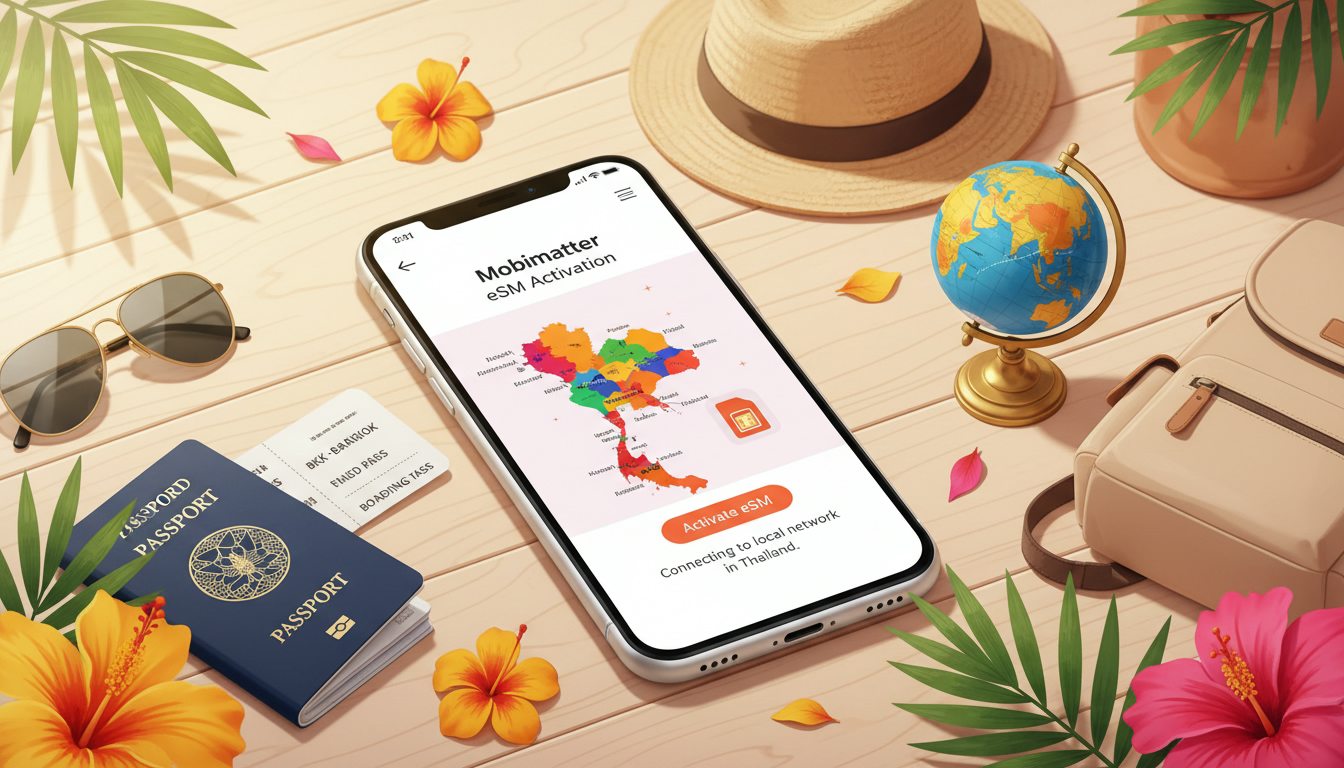
How to Buy, Activate, and Use the Mobimatter eSIM in Thailand: A Practical Traveler’s Guide
Switching from a physical SIM card to an eSIM can save you time and hassle, especially when traveling to Thailand. Mobimatter offers eSIM plans that cover over 200 destinations, including Thailand, with flexible data options and multiple network choices.
However, the process of buying and activating a Mobimatter eSIM involves specific steps and potential pitfalls that every traveler should know to avoid connectivity issues. Here’s a practical, step-by-step guide to help you get online smoothly with Mobimatter during your trip.
Understanding Your Device Compatibility and the Mobimatter eSIM Activation Process
Before purchasing a Mobimatter eSIM, the first critical step is confirming that your phone supports eSIM technology. Not all devices are compatible, and this is where many travelers get stuck.
Checking If Your Device Supports a Mobimatter eSIM
The most reliable way to verify compatibility is by checking for an EID (Embedded Identity Document) number on your device. You can do this by opening your phone’s dialer and entering *#06#.
If an EID appears alongside your IMEI number, your device supports eSIM functionality. This method is endorsed by Mobimatter’s official support documentation.
Another practical check is to look into your phone’s settings under “Cellular” or “Mobile Data” for an option to add a cellular plan or eSIM profile. Devices like the iPhone XS and newer models, Google Pixel 3 and above, and many recent Samsung Galaxy phones support eSIM.
Failing to confirm device compatibility before purchase can lead to wasted time and money since Mobimatter’s service requires an eSIM-enabled device to work.
The Step-by-Step Mobimatter eSIM Activation Process
Once you confirm compatibility, the activation process involves these key steps:
- Download the Mobimatter App: Available on both iOS and Android, this app is essential for managing your eSIM profiles.
- Choose Your Data Plan: Within the app, select from various data plans tailored for Thailand or multi-country Asia coverage.
- Purchase Your Plan: Payment is processed securely inside the app.
- Scan the QR Code or Download Profile: After purchase, you receive a QR code or direct download link for your eSIM profile.
- Install the Profile: Follow your phone’s prompts to add the new cellular plan.
- Activate Data: Enable the new plan in your settings; ensure you disable any conflicting physical SIM data roaming to avoid charges.
A common mistake I’ve seen is rushing through installation without disabling physical SIM roaming first. This can cause unexpected roaming fees or network conflicts.
Choosing the Right Mobimatter eSIM Data Plan for Thailand
Mobimatter offers a variety of prepaid data plans that differ in data volume, validity period, and coverage area. While exact prices fluctuate based on providers within their platform, typical plans start at around $3.49 for 3 GB valid for 7 days across Asia.
Key Benefits of Mobimatter eSIM Technology for Travelers
Mobimatter’s technology allows users to select from multiple vetted carriers within Thailand, ensuring better coverage than relying on a single network. This multi-network approach means if one carrier’s signal weakens in remote areas like Koh Samui or Chiang Mai, another may pick up.
Additionally, Mobimatter supports international roaming across 200+ destinations without swapping SIMs—a huge convenience for travelers moving between countries in Southeast Asia.
Comparing Mobimatter with Other Providers
While I don’t have direct pricing details for Mobimatter’s plans in Thailand from MyBestSim’s latest data, other providers like Yesim or eSIM.DOG offer competitive prepaid plans starting under $3 for 3 GB over 1 to 15 days with promo codes such as MYBESTSIM20 or MYBESTSIM giving discounts on unlimited plans.
If pricing transparency is crucial for you before committing, I’d advise consulting MyBestSim’s comparison tool since it ranks providers based on price, rating, and available promo codes—something Mobimatter currently lacks publicly.
Installing and Managing Your Mobimatter eSIM: Avoiding Common Pitfalls
Installing an eSIM profile might seem straightforward but requires attention to detail during setup.
How to Install a Mobimatter eSIM Correctly
After purchasing your plan via the app:
- Use your phone camera or built-in scanner inside the app to scan the QR code.
- When prompted by your device’s OS (iOS or Android), confirm adding the cellular plan.
- Label your new plan clearly (e.g., “Mobimatter Thailand”) so you can easily switch between profiles if you keep a physical SIM active.
- Turn off data roaming on any physical SIM card still installed; otherwise, your phone may default to it despite having an active eSIM profile.
A frequent trap is neglecting this last step—overlapping active SIMs cause data routing conflicts that result in no internet connection or unexpected charges.
Managing Multiple Profiles with the Mobimatter App Features
Mobimatter’s app allows you to store multiple eSIM profiles but only one can be active at a time per device policy (e.g., iOS). Switching between profiles requires manual toggling in settings or via the app interface.
The app also provides usage tracking and notifications when you approach data limits—features that help prevent surprise cutoffs mid-trip.
What You Should Know About Mobimatter Customer Support and Security Features
Reliable customer support is vital when dealing with digital SIM cards abroad. Mobimatter offers in-app support channels including FAQs and chat assistance during business hours based on their website details.
From a security standpoint, Mobimatter uses GSMA-compliant remote provisioning standards (SGP.22 specification) ensuring encrypted delivery of profiles directly to your device without physical cards—this reduces risk of theft or cloning compared to traditional SIM cards.
Practical Tips From My Experience With Travel eSIMs Like Mobimatter
- Always verify network coverage maps before buying: Even though Mobimatter offers multiple carriers per country, some rural areas in Thailand still suffer patchy signals depending on provider infrastructure.
- Activate your new plan while still connected to Wi-Fi: This avoids using unintended mobile data during setup.
- Keep your physical SIM card inserted but disabled for data: This helps maintain access to calls/SMS if needed without interfering with your data connection.
- Check battery consumption: Running dual SIM profiles sometimes increases power draw; monitor battery life especially on longer excursions.
For those interested in deeper insights about using an eSIM specifically in Thailand—including how AIS, TrueMove H, and dtac compare—I recommend reading this detailed eSIM Thailand guide which complements what you get from Mobimatter by focusing on local operators’ coverage nuances.
FAQ
How do I check if my phone supports Mobimatter eSIM?
To check compatibility, dial *#06# on your phone to see if an EID number appears alongside the IMEI. Alternatively, look in your device settings under Cellular or Mobile Data for an option to add a cellular plan or eSIM profile.
What are the steps to activate a Mobimatter eSIM in Thailand?
First, download the Mobimatter app, select and purchase a data plan, then scan the QR code or download the profile. Install the profile on your device and activate data while disabling physical SIM roaming to avoid conflicts.
Which Mobimatter data plans are best for travelers in Thailand?
Mobimatter offers prepaid plans starting around $3.49 for 3 GB valid 7 days across Asia. Plans vary by data volume and duration, with multi-network coverage ensuring better connectivity in urban and rural Thai areas.
How can I avoid common issues when installing a Mobimatter eSIM?
Make sure to disable data roaming on any physical SIM card before activating your eSIM. Label your new cellular plan clearly and follow prompts carefully to prevent network conflicts or unexpected roaming charges.
What customer support options does Mobimatter provide for travelers?
Mobimatter offers in-app support including FAQs and chat assistance during business hours. Their service uses secure GSMA-compliant provisioning to protect your data and ensure safe delivery of eSIM profiles.

Noah Bennett
Noah is a Southeast Asia travel writer. At Thailand eSIM he compares AIS, TrueMove H and dtac data plans from Bangkok to the islands.