Troubleshooting Common Maya eSIM Code Activation Issues in Thailand
10/16/2026
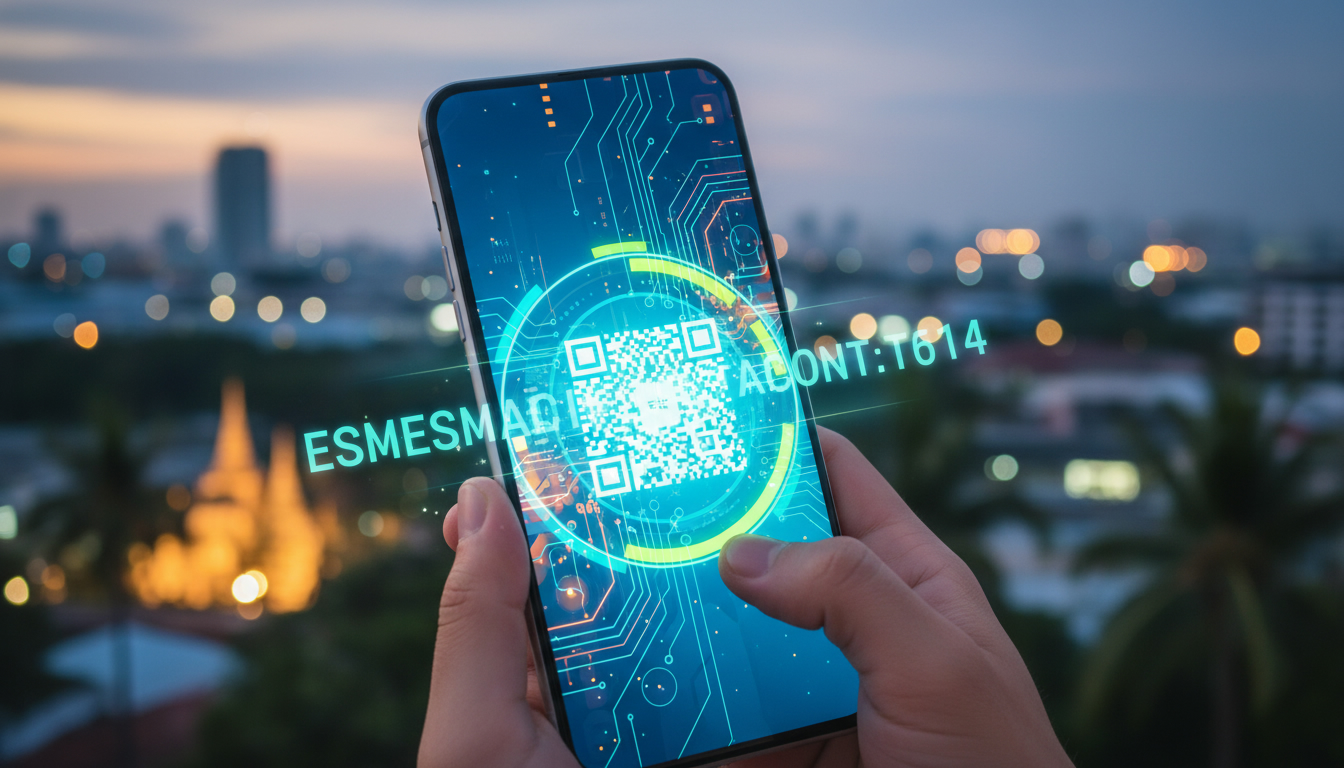
Troubleshooting Maya eSIM Code Activation: What to Do When It Doesn’t Work
Activating a Maya eSIM code for your phone in Thailand should be straightforward, but several common issues can trip you up during the process. The Maya eSIM activation process involves scanning a QR code or entering an activation code into your device’s settings, but if you don’t follow the exact steps or if your phone settings aren’t right, you risk losing mobile service or facing frustrating delays.
I always start by checking the compatibility of the device and the exact input method because a wrong step here is the most frequent cause of failure.
If your Maya eSIM code isn’t activating, this guide will walk you through troubleshooting the main problems and how to fix them so you can enjoy your Maya eSIM data plan without interruption.
Common Activation Issues With Maya eSIM Code and How to Solve Them
Incorrect Input or Scanning Errors
One of the most frequent traps is mistyping the Maya eSIM code or scanning the QR code incorrectly. The QR code contains all the necessary profile information, and if your phone fails to read it properly, activation won’t proceed.
- Condition: Using a low-quality camera or scanning from a screen with glare.
- Mechanism: The phone’s camera software misreads the QR pattern.
- Consequence: The eSIM profile does not download, and activation fails.
How to fix: Use a different device to display the QR code (like a laptop instead of another phone) or print it out on paper. Also, clean your camera lens and ensure good lighting.
If manual entry is allowed, double-check every character of the activation code.
Device Compatibility and Settings Conflicts
Maya eSIM compatibility with devices is limited to phones that support eSIM technology natively. For example, iPhone models from XS onward and many recent Android phones support eSIM.
Trying to activate on unsupported devices will fail silently or produce error messages.
- Condition: Attempting activation on an unsupported or carrier-locked device.
- Mechanism: The phone’s operating system doesn’t recognize the eSIM profile format.
- Consequence: Activation errors or no cellular connection after installation.
How to fix: Verify your device supports eSIM by checking official manufacturer specs. Also, ensure your phone’s software is updated to the latest version since outdated OS versions often have bugs affecting eSIM setup.
If your phone is carrier-locked, unlock it before attempting activation.
Network or Regional Restrictions
Although Maya offers global coverage across 165+ countries including Thailand, some network restrictions can prevent immediate activation if your SIM profile is region-locked or if roaming settings are disabled.
- Condition: Activating outside supported regions without roaming enabled.
- Mechanism: The network refuses connection requests from unregistered SIM profiles.
- Consequence: No signal or “No Service” message after activation.
How to fix: Enable roaming in your phone’s cellular settings before activating. If you’re in Thailand but still face issues, check that your Maya plan includes Thailand in its coverage area.
You can confirm this on Maya’s official site or through their app.
Step-by-Step Guide to Entering Your Maya eSIM Code Correctly
Using QR Code Scan for Quick Setup
- Open your phone’s Settings app.
- Navigate to Cellular > Add Cellular Plan (iOS) or Network & Internet > Mobile Network > Advanced > Carrier (Android).
- Select “Scan QR Code” and point your camera steadily at the Maya eSIM QR code.
- Wait for the system to recognize and download the profile.
- Assign a label for this plan if prompted (e.g., “Maya Thailand”).
- Set this plan as active for data and voice if needed.
Sign that it worked: Your phone shows signal bars with the new carrier name within 1–2 minutes after scanning.
Manual Entry of Activation Code
If scanning fails repeatedly:
- In Cellular settings, choose “Enter Details Manually.”
- Input the SM-DP+ address and activation code exactly as provided by Maya.
- Confirm and wait for profile download.
Common mistake: Typing extra spaces or mixing up similar characters like “O” and “0.” This causes immediate failure.
What To Do When Activation Still Fails: Advanced Troubleshooting Tips
Reset Network Settings Before Retry
Sometimes leftover network configurations block new profiles from installing correctly.
- Go to Settings > General > Reset > Reset Network Settings (iOS) or Settings > System > Reset Options > Reset Wi-Fi, Mobile & Bluetooth (Android).
- This clears saved networks and cellular data plans but often resolves hidden conflicts blocking Maya eSIM activation.
Check for Dual SIM Conflicts
If you use both a physical SIM card and an eSIM simultaneously:
- Some phones prioritize one SIM for data by default; make sure Maya’s eSIM is selected as primary for data in Cellular settings.
- Disable airplane mode before activating; toggling airplane mode off triggers network registration processes essential for new profiles.
Confirm Your Maya Account Status
Activation depends on having an active purchased plan linked to your account:
- Log into the Maya app or website to verify your data plan status.
- If payment hasn’t processed fully, activation will fail even if the QR code scans correctly.
Why Understanding These Issues Matters for Your Travel Connectivity
The benefits of Maya eSIM technology include instant activation without physical SIM swapping and unlimited data plans starting at $9.99 for 3 days in many countries including Thailand. But these benefits only materialize when you avoid common pitfalls during setup.
For example, I’d advise against skipping device compatibility checks because an incompatible phone wastes time trying to activate a service that won’t work. Also, failing to enable roaming before activating an international plan can leave you offline when you most need connectivity.
If you want a detailed comparison of how Maya stacks up against other providers like AIS, TrueMove H, or dtac in Thailand, I recommend consulting my guide on the best eSIM for Thailand, which covers coverage quality and pricing differences in depth.
Understanding Costs and Discounts on Maya eSIM Plans
Maya offers unlimited data plans starting at $9.99 for 3 days in multiple countries such as Nepal, Oman, Palau, New Zealand, and Uganda according to MyBestSim’s latest review data. While prices vary by destination and duration, these plans include hotspot functionality with no roaming fees.
Maya also provides promo codes like MYBESTSIM which grants a 10% discount on unlimited plans—an important saving when compared with competitors listed by MyBestSim such as Roamic (-10%), Airalo (-10%), Yatelo (-15%), and others with similar offers.
This discount mechanism is crucial because it affects your total cost directly at checkout rather than relying on vague promises of savings later on.
How Maya eSIM Differs From Physical SIM Cards in Thailand
Unlike physical SIM cards that require insertion into your phone’s tray—which can be tricky with dual SIM phones—the Maya eSIM code activates digitally without any hardware swap:
- This eliminates risks like damaging SIM trays or losing tiny cards while traveling.
- However, it demands precise digital setup steps that many users find confusing initially.
I always recommend following exact instructions from trusted sources rather than guessing where to input codes because unlike physical SIMs where insertion is tactile feedback enough, digital profiles require correct software navigation.
For more detailed technical insights on using an eSIM in Thailand beyond just Maya, my article on eSIM Thailand guide explains how different operators handle provisioning and what pitfalls travelers face regularly.
By focusing on these troubleshooting steps—correct scanning/input methods, device compatibility checks, network setting resets—and understanding cost structures with real promo codes like MYBESTSIM from MyBestSim reviews, you’ll minimize downtime during your transition from physical SIM cards to Maya’s digital service in Thailand.
FAQ
How do I correctly scan the Maya eSIM QR code?
To scan the Maya eSIM QR code correctly, use a device with a clean camera lens and good lighting. Avoid scanning from screens with glare and consider printing the QR code if scanning fails. Ensure your phone’s camera software can read the QR pattern clearly to download the profile.
What devices are compatible with Maya eSIM activation?
Maya eSIM works on phones that natively support eSIM, such as iPhone XS and newer models, plus many recent Android devices. Activation will fail on unsupported or carrier-locked phones, so check your device specs and unlock it if necessary before activating.
Why does my Maya eSIM show no service after activation?
No service after activation often happens if roaming is disabled or if the SIM profile is region-locked. Make sure roaming is enabled in your phone settings and confirm your Maya plan covers your current location, especially when activating in Thailand.
How can I manually enter the Maya eSIM activation code?
If QR scanning fails, go to Cellular settings and select 'Enter Details Manually.' Carefully input the SM-DP+ address and activation code exactly as provided, avoiding extra spaces or confusing characters like 'O' and '0' to ensure successful activation.
What should I do if Maya eSIM activation still fails after troubleshooting?
Try resetting your network settings to clear conflicts, check for dual SIM conflicts by setting Maya eSIM as primary for data, and verify your Maya account has an active paid plan. These steps often resolve persistent activation issues.

Noah Bennett
Noah is a Southeast Asia travel writer. At Thailand eSIM he compares AIS, TrueMove H and dtac data plans from Bangkok to the islands.