Troubleshooting Lnvpn Activation Issues While Traveling in Thailand
9/8/2026
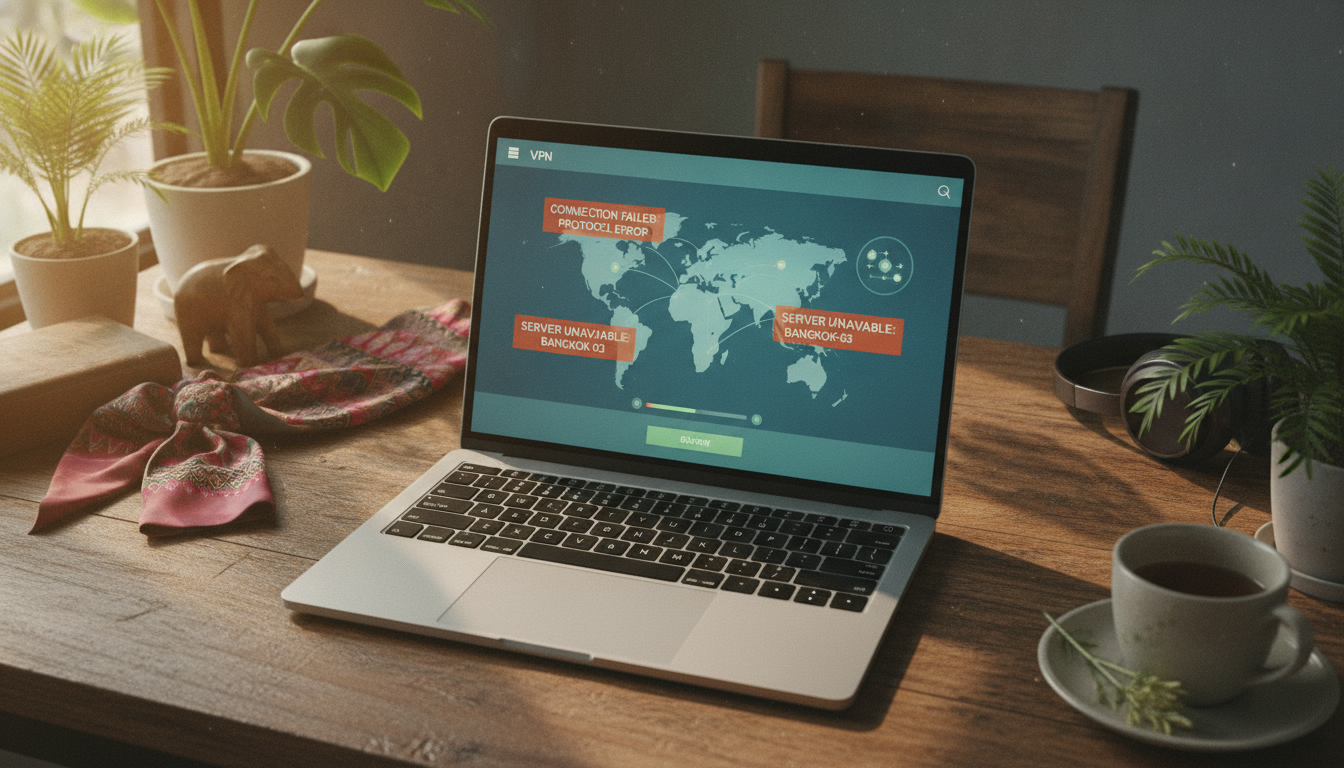
Troubleshooting LNVPN Activation Issues While Traveling in Thailand
When you’re traveling in Thailand and trying to activate the LNVPN service, the process can sometimes hit snags that leave you offline or vulnerable. LNVPN is a privacy-focused VPN that accepts payments exclusively via Bitcoin Lightning Network, making it a unique choice for travelers who prioritize anonymity and security.
However, its setup and activation come with specific technical requirements and pitfalls that can trip up even experienced users. I always start by identifying the exact point where activation fails because the troubleshooting steps depend heavily on the underlying cause.
In this article, I’ll walk you through common activation issues with LNVPN, explain why they happen, and provide practical solutions so you can get your secure LNVPN connection up and running smoothly in Thailand.
Common Activation Issues with LNVPN and How to Fix Them
Payment Failures Due to Lightning Network Constraints
LNVPN only accepts payments through the Lightning Network, a second-layer Bitcoin payment protocol designed for fast, low-fee transactions. This payment method is a double-edged sword: it enhances privacy but introduces complexity.
Condition: If your Lightning wallet is not properly funded or synchronized, or if the invoice generated by the LNVPN client expires before payment is completed, the activation will fail.
Mechanism: The LNVPN API issues a Lightning invoice that must be paid within a short time window (typically under 15 minutes). If your wallet balance is insufficient or your node is offline, the payment cannot be confirmed.
Consequence: The VPN service won’t activate, leaving you without access.
How to fix it:
- Ensure your Lightning wallet has enough Bitcoin balance before requesting an invoice.
- Use a reliable Lightning wallet compatible with LNVPN’s API (check LNVPN API documentation for supported wallets).
- Complete payment promptly after invoice generation to avoid expiration.
Incorrect LNVPN Client Configuration
The LNVPN client requires precise configuration parameters to establish a secure connection over the LNVPN network. Misconfigurations are a frequent cause of activation failure.
Condition: Entering wrong server addresses, keys, or protocol settings during setup.
Mechanism: The client attempts to connect using invalid credentials or endpoints, causing handshake failures or timeouts.
Consequence: The VPN tunnel never establishes; your device remains exposed on public networks.
How to fix it:
- Follow the official LNVPN setup guide carefully; verify each parameter before saving.
- Use configuration files provided directly from the official source or trusted repositories like LightRider5’s GitHub.
- Double-check that your device’s date and time are accurate; SSL/TLS handshakes depend on correct timestamps.
Network Restrictions and Firewall Blocks in Thailand
Thailand’s internet infrastructure sometimes imposes restrictions or firewall rules that interfere with VPN protocols, including those used by LNVPN.
Condition: Connecting from public Wi-Fi hotspots or mobile networks with aggressive firewall policies blocking uncommon ports or protocols.
Mechanism: The VPN client’s packets are dropped or rejected before reaching the server due to blocked ports or DPI (Deep Packet Inspection).
Consequence: Connection attempts time out or fail silently during activation.
How to fix it:
- Switch to a different network if possible—try mobile data instead of public Wi-Fi.
- Configure your LNVPN client to use standard ports like TCP 443 if supported by the protocol.
- Use obfuscation features if available in the client to disguise VPN traffic as regular HTTPS traffic.
Understanding the LNVPN Protocol and Its Activation Process
The core of successful activation lies in understanding how the LNVPN protocol works under the hood. It combines Bitcoin Lightning payments with VPN tunneling for privacy without KYC (Know Your Customer) requirements.
How Payment Triggers Activation
The activation process starts when you request an invoice via the LNVPN API. This invoice must be paid using Lightning within a limited timeframe—usually less than 15 minutes—to initiate provisioning of your VPN credentials.
If payment succeeds, the server generates configuration details sent back to your client for connection setup. If payment fails or times out, no credentials are issued, halting activation.
Client Setup Steps That Matter
I’d advise against skipping any step in the setup guide because each one ensures proper handshake and encryption:
- Obtain a valid Lightning invoice from the official API endpoint.
- Pay promptly using a compatible Lightning wallet.
- Import received configuration into your VPN client.
- Verify network settings like DNS and routing rules.
- Connect and test for leaks using tools like DNSLeakTest.com.
Skipping verification of any step often leads to silent failures that are hard to diagnose later.
Practical Tips for Reliable LNVPN Activation in Thailand
Use Trusted Tools and Keep Software Updated
The reliability of an LNVPN solution depends heavily on using up-to-date clients and wallets that support recent protocol versions. For example, LightRider5’s open-source client regularly updates compatibility with changes in the Lightning Network and VPN protocols.
Watch Out for Time Synchronization Issues
VPN handshakes rely on certificates validated against system clocks. Thailand’s local time zone differences can cause timestamp mismatches if your device clock drifts off by more than a few minutes.
If your device clock is off:
- The TLS handshake may fail due to certificate validity errors.
- The VPN client may reject server responses as outdated or invalid.
Synchronize your device clock automatically via NTP servers before attempting activation.
Check Your eSIM or Data Plan Compatibility
Since many travelers use eSIMs in Thailand for data connectivity, ensure your eSIM plan supports stable internet connections without aggressive NAT or carrier-grade firewalls that block VPN traffic. AIS, TrueMove H, and dtac are major providers offering eSIMs with varying degrees of openness toward VPN use; some plans throttle or block certain protocols during peak hours.
For reliable connectivity while using an eSIM in Thailand, I recommend reviewing detailed guides on choosing an eSIM provider tailored for uninterrupted VPN use at this eSIM Thailand guide.
What Makes LNVPN Worth Trying Despite Activation Challenges?
LNVPN stands out because it offers:
- No KYC requirements, enhancing anonymity compared to traditional VPNs.
- Payment exclusively via Bitcoin Lightning Network, which reduces traceability.
- Open-source clients like LightRider5’s implementation ensuring transparency.
- A network designed specifically for privacy-conscious users who want fast VPN servers without centralized control points.
However, these benefits come with trade-offs: you need familiarity with cryptocurrency wallets and some technical patience during setup. If you’re new to Lightning payments or VPN configurations, expect some trial-and-error before smooth activation.
Additional Resources for Setting Up Secure Connections Abroad
If you’re combining LNVPN use with travel data plans in Thailand, pairing it with a reliable eSIM provider can make all the difference. My experience comparing AIS, TrueMove H, and dtac coverage shows that some providers handle streaming and encrypted traffic better than others depending on location—from Bangkok’s urban centers to islands like Phuket and Koh Samui.
For detailed comparisons of eSIM options optimized for seamless online security abroad, check out this resource on the best eSIM for Thailand.
By understanding these specific conditions that cause activation failures—Lightning payment timing constraints, exact client configuration needs, local network restrictions—and applying targeted fixes, you can unlock all the benefits of an lnvpn connection while traveling securely in Thailand.
FAQ
Why does LNVPN payment fail during activation?
Payment failures often occur if your Lightning wallet lacks sufficient Bitcoin or if the invoice expires before payment. Ensure your wallet is funded and complete the payment promptly within the 15-minute window to avoid activation issues.
How can I fix incorrect LNVPN client configuration?
Verify all server addresses, keys, and protocol settings carefully. Use official configuration files and confirm your device’s date and time are accurate to prevent handshake failures and ensure a successful VPN connection.
What network restrictions affect LNVPN use in Thailand?
Public Wi-Fi and mobile networks in Thailand may block uncommon VPN ports or protocols via firewalls or deep packet inspection. Switching networks or configuring LNVPN to use standard ports like TCP 443 can help bypass these restrictions.
How does the Lightning Network payment trigger LNVPN activation?
Activation starts when you request and pay a Lightning invoice within a short timeframe. Successful payment prompts the server to generate VPN credentials, enabling your client to establish a secure connection.
What should travelers check before activating LNVPN in Thailand?
Travelers should ensure their Lightning wallet is funded, device clocks are synchronized, and their eSIM or data plan supports VPN traffic without restrictive firewalls. Using updated clients and trusted tools also improves activation reliability.

Noah Bennett
Noah is a Southeast Asia travel writer. At Thailand eSIM he compares AIS, TrueMove H and dtac data plans from Bangkok to the islands.