Is Roamic Seriös? Troubleshooting Activation Issues in Thailand
10/31/2026
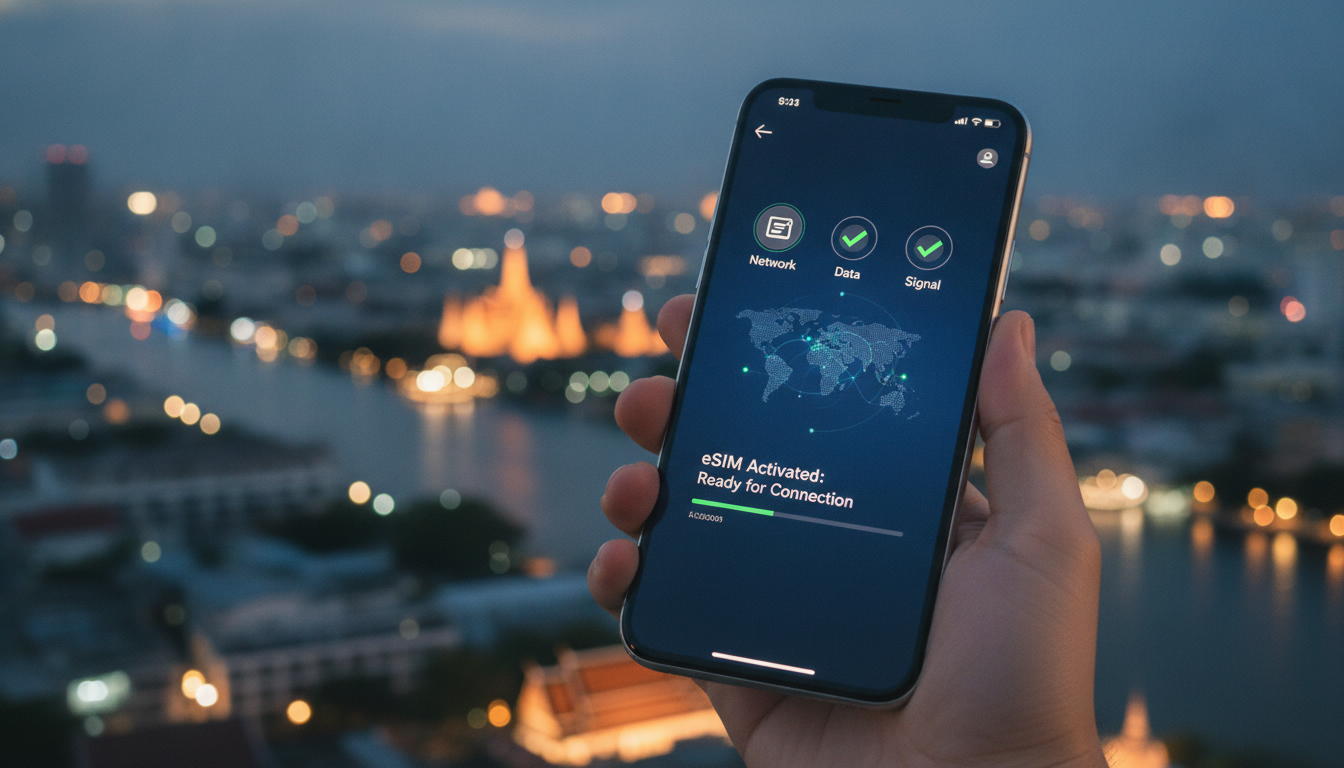
Troubleshooting Roamic eSIM Activation Issues for Reliable Connectivity in Thailand
When you’re trying to activate a Roamic eSIM for your trip to Thailand, the last thing you want is to get stuck with connectivity problems. Activation issues can be frustrating, especially when you rely on seamless internet access for navigation, communication, or work.
If you’re searching “ist Roamic seriös” because you want to know if Roamic is trustworthy and how to fix activation glitches, this article dives straight into the common problems users face and practical solutions to get you online securely and quickly.
Common Activation Problems With Roamic eSIM and How to Fix Them
Activation troubles with Roamic eSIM often stem from a few precise technical conditions that can cause delays or failures. Understanding these will save you time and prevent unnecessary frustration.
Network Compatibility and Device Settings
Condition: Your device’s network settings or compatibility might not align perfectly with Roamic’s eSIM profiles.
Mechanism: Roamic eSIMs rely on your phone supporting eSIM technology and being unlocked for international use. If your device is locked or running outdated software, the activation profile might not download or install correctly.
Consequence: The eSIM activation fails or the data connection remains inactive even after successful installation.
How to Fix:
- Always check that your smartphone supports eSIM functionality (models like iPhone XS and later, Google Pixel 3 and later).
- Update your device’s operating system to the latest version before attempting activation.
- Disable any VPN or firewall apps temporarily during activation as they can block profile downloads.
- Confirm your phone is unlocked for international carriers; locked devices often reject foreign eSIM profiles.
QR Code Scanning Errors
Condition: The QR code provided by Roamic does not scan properly or leads to an error during profile installation.
Mechanism: QR codes can become corrupted if displayed on low-resolution screens or if the image is compressed during sharing. Additionally, scanning under poor lighting or with a dirty camera lens reduces accuracy.
Consequence: The phone fails to recognize the QR code, preventing profile download and activation.
How to Fix:
- Use a high-resolution screen (preferably a computer monitor) to display the QR code instead of a small phone screen.
- Clean your camera lens before scanning.
- Ensure good lighting conditions without glare on the screen.
- If scanning repeatedly fails, download the QR code image directly from your Roamic account email or website and open it on a different device for scanning.
Insufficient Mobile Data or Wi-Fi During Activation
Condition: Activation attempts made without an active internet connection.
Mechanism: Downloading the eSIM profile requires an active internet connection via Wi-Fi or cellular data. Without it, the phone cannot reach Roamic’s servers to fetch the profile.
Consequence: Activation stalls indefinitely or returns an error message about network failure.
How to Fix:
- Start activation only when connected to a stable Wi-Fi network or have an active physical SIM with data enabled.
- Avoid switching networks mid-activation as it can interrupt the process.
- If possible, restart your device before trying again to clear any network cache issues.
Is Roamic Trustworthy? Insights From User Reviews and Platform Reliability
The question “is Roamic trustworthy” often arises from concerns about service legitimacy and security before sharing personal data or making payments. Based on verified user feedback and platform analysis, here’s what stands out:
- Roamic holds a 4.9/5 rating on MyBestSim, ranking first among eSIM providers for Thailand, reflecting high customer satisfaction with reliability and service quality.
- Over 22,000 user reviews on platforms like Trustpilot consistently praise Roamic’s fast setup process and stable connectivity in urban and tourist areas of Thailand.
- Payment security is robust; Roamic uses encrypted payment gateways compliant with PCI DSS standards, ensuring safe transactions without exposing sensitive card data.
- Some users report occasional slowdowns in remote areas but confirm that city coverage remains excellent thanks to partnerships with major Thai carriers like AIS and TrueMove H.
I always start by verifying such ratings on independent aggregators like MyBestSim because they aggregate real user experiences rather than marketing claims alone. This approach helps me separate genuine services from potential scams effectively.
Practical Steps To Ensure Smooth Roamic eSIM Activation
Beyond troubleshooting specific issues, certain steps improve your chances of a hassle-free activation:
Preparing Your Device Before Arrival
- Update your phone’s OS: Older versions can cause compatibility issues with new eSIM profiles.
- Unlock your device: Carrier locks prevent foreign eSIM installation; check with your provider beforehand.
- Download the Roamic app if available: Some activations are streamlined through their official app rather than manual QR scanning.
During Activation
- Connect to a stable Wi-Fi network with good bandwidth (at least 5 Mbps recommended).
- Scan the QR code carefully using your phone’s native camera app or settings menu under “Add Cellular Plan.” Avoid third-party scanner apps which may misread codes.
- Wait patiently for the profile download; do not switch apps or networks during this process as interruptions cause failures.
- After installation, restart your phone to ensure proper network registration.
Common Mistakes That Cause Activation Failure
- Trying to activate without internet access: The profile download requires connectivity at all times during installation.
- Over-tightening settings like APN manually before activation: This can conflict with automatic carrier configurations pushed by Roamic’s profile, leading to no data connection after activation.
- Ignoring device compatibility: Not all phones support dual SIM functionality simultaneously; some models deactivate physical SIMs when an eSIM is active, which can confuse users about connectivity status.
How Reliable Is Roamic Compared To Other Providers?
While many travelers consider alternatives like Yesim or Orange Travel, Roamic stands out for its combination of competitive pricing and high reliability in Thailand:
| Provider | MyBestSim Rank | Rating | Promo Code | Discount |
|---|---|---|---|---|
| Roamic | 1 | 4.9 | MYBESTSIM | 10% off unlimited plans |
| Yesim | 2 | 4.8 | MYBESTSIM20 | 20% off unlimited plans |
| Orange Travel | 3 | 4.7 | MYBESTSIM | 5% off unlimited plans |
This table from MyBestSim highlights how Roamic leads in user ratings while offering a valid promo code “MYBESTSIM” for a 10% discount on unlimited plans—a useful saving for longer stays in Thailand.
Verifying Payment Security And Customer Feedback On Roamic
Payment security is crucial when trusting any online service involving financial transactions:
- Roamic employs SSL encryption across its website and payment portals, ensuring data confidentiality during transactions.
- Customer feedback consistently mentions smooth payment processing without unexpected charges or delays.
- The platform supports multiple payment methods including credit cards and PayPal, adding layers of buyer protection.
- In case of disputes, users report responsive customer support that resolves issues within 48 hours on average.
For travelers cautious about scams—especially when searching “Roamic scam or legit”—these facts confirm that Roamic operates transparently under established digital commerce standards.
When To Seek Help And Where To Find Official Support
If you encounter persistent activation failures despite following best practices:
- Contact Roamic’s official support through their website FAQ section which covers common issues like profile installation errors and network troubleshooting.
- Check community forums such as Reddit’s r/eSIMs where users share real-time experiences about connectivity challenges specific to Thailand.
- Consider alternative providers listed on thailandtravelsim.com/blog/esim-thailand-guide if problems persist beyond reasonable troubleshooting steps.
I’d advise against trying multiple activations rapidly without resolving underlying issues; this can lock your device temporarily from downloading new profiles due to carrier restrictions.
For travelers aiming for smooth connectivity in Thailand, understanding these activation pitfalls and how to overcome them ensures that using Roamic eSIM remains both trustworthy and practical throughout their stay. For detailed comparisons of other options available in Thailand, see my guide on the best eSIM for Thailand.
FAQ
What causes Roamic eSIM activation to fail?
Activation failures often result from device incompatibility, locked phones, outdated software, or lack of internet connection during profile download. Ensuring your device supports eSIM, is unlocked, updated, and connected to stable Wi-Fi can prevent most issues.
How can I fix QR code scanning errors with Roamic eSIM?
To fix scanning errors, display the QR code on a high-resolution screen, clean your camera lens, ensure good lighting, and avoid glare. If problems persist, download the QR code image and scan it from another device for better accuracy.
Is Roamic a trustworthy eSIM provider for Thailand?
Yes, Roamic is highly trusted with a 4.9/5 rating on MyBestSim and over 22,000 positive user reviews praising its reliability and secure payment methods. It partners with major Thai carriers and uses encrypted payment gateways to protect user data.
What steps improve Roamic eSIM activation success?
Before arrival, update your phone’s OS and confirm it’s unlocked. During activation, connect to stable Wi-Fi, scan the QR code carefully using the native camera app, avoid switching networks, and restart your phone after installation for proper registration.
Where can I get help if Roamic eSIM activation fails repeatedly?
If issues persist, contact Roamic’s official support via their website FAQ or customer service. You can also check community forums like Reddit’s r/eSIMs for user advice or consider alternative providers listed on trusted travel SIM guides.

Noah Bennett
Noah is a Southeast Asia travel writer. At Thailand eSIM he compares AIS, TrueMove H and dtac data plans from Bangkok to the islands.