How to Use Holafly eSIM for Thailand Travel in 2026
8/10/2026
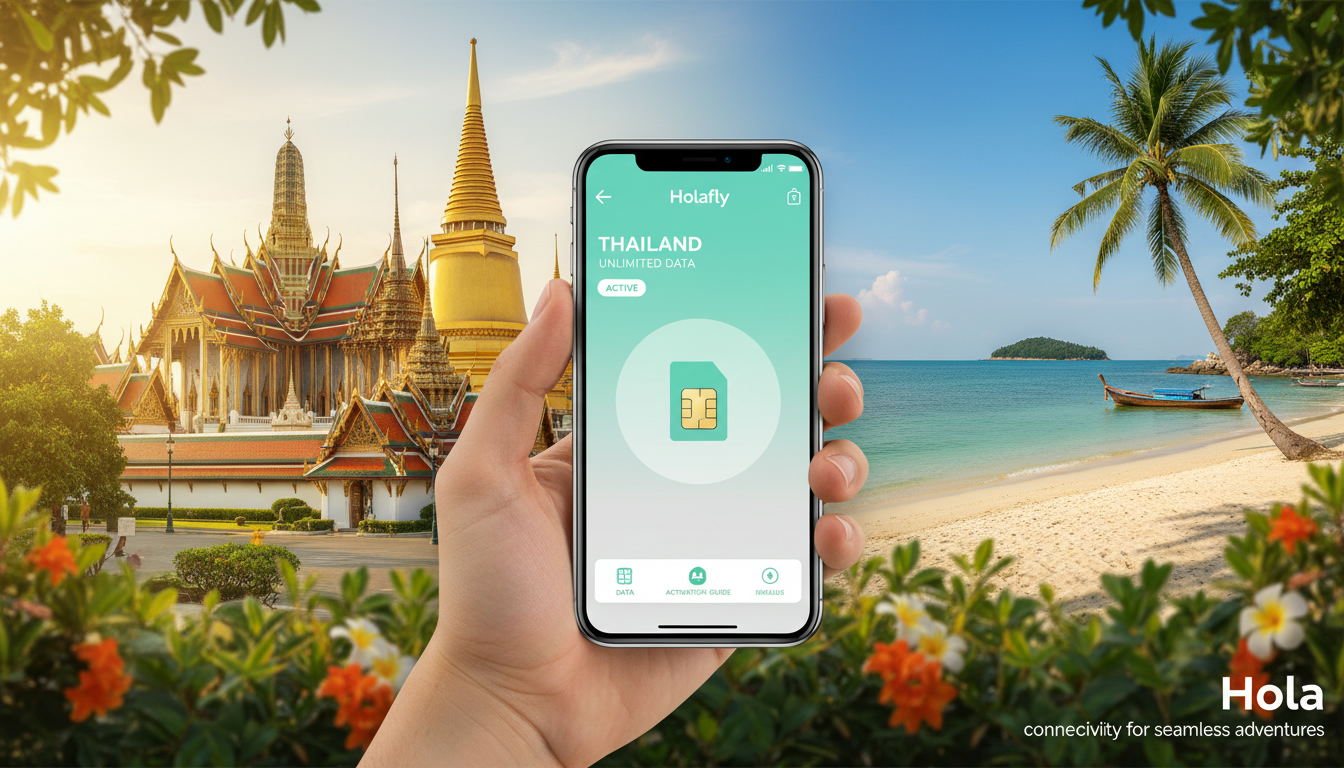
In short, what you'll discover in this article: Explore how the Holafly eSIM for Thailand offers seamless mobile data connectivity with easy purchase and activation. Learn about its plans, coverage, setup steps for iPhone and Android, and practical tips to stay connected effortlessly during your Thailand trip.
1. Introduction — Why Choose an eSIM for Thailand
Traveling to Thailand means staying connected for navigation, communication, and safety. Traditional SIM cards can be inconvenient due to physical swapping and roaming fees.
The Holafly eSIM Thailand provides a modern alternative that eliminates these hassles. With an eSIM, you can activate your data plan instantly without visiting local stores or waiting in lines.
This digital SIM technology is especially handy for travelers seeking flexibility and convenience.
2. Overview of Holafly and Its eSIM
2.1 What Is an eSIM?
An eSIM (embedded SIM) is a programmable digital SIM embedded inside your phone. Unlike physical SIM cards, it allows you to download mobile plans remotely via QR codes or apps.
This means no need to insert or remove cards physically, making it perfect for travelers who want quick access to local data without swapping SIMs.
2.2 Advantages Compared to a Physical SIM
The Holafly eSIM for Thailand offers several advantages over traditional SIM cards:
- Instant activation upon arrival or even before your trip
- No risk of losing or damaging a physical card
- Dual-SIM functionality lets you keep your home number active
- Avoids expensive roaming fees with local data plans
- Easy management of multiple plans on one device
These benefits make the Holafly eSIM a smart choice for hassle-free connectivity in Thailand.
3. Holafly Offers for Thailand
3.1 Types of Plans (Durations, Data Volumes, Unlimited Data)
Holafly provides flexible eSIM data plans tailored for Thailand travelers. Options typically include:
- Short-term plans (e.g., 7 or 20 days)
- Data volumes ranging from moderate to unlimited
- Unlimited data plans ideal for heavy users relying on streaming or navigation apps
For example, the popular Holafly eSIM data plan offers unlimited data for 20 days, allowing uninterrupted internet access throughout your stay.
3.2 Pricing and Value for Money
While Holafly’s prices may be slightly higher than some local SIM options, the convenience and reliability justify the cost. You pay upfront with no hidden fees or top-ups needed during your trip.
For travelers prioritizing ease and immediate connectivity, the Holafly Thailand eSIM delivers excellent value.
4. Coverage and Local Operators
4.1 Networks Used (AIS / TrueMove / DTAC) and Implications
Holafly’s eSIMs in Thailand use major local networks such as AIS, TrueMove H, and DTAC. These operators provide extensive 4G and growing 5G coverage across the country.
Choosing an eSIM that connects to these networks ensures fast speeds and reliable service whether you’re in bustling Bangkok or remote areas.
4.2 Coverage by Region (Bangkok, North, South, Islands)
The Holafly eSIM coverage extends well throughout key regions:
- Bangkok: Full 4G/5G coverage for urban connectivity
- Northern cities like Chiang Mai: Strong network presence
- Southern beach destinations including Phuket and Krabi: Reliable signal on islands
- Remote areas: Good coverage but check specific locations if venturing off-grid
This broad coverage supports seamless travel across Thailand’s diverse landscapes.
5. Buying and Receiving Your Holafly eSIM
5.1 Where to Buy (Official Site, Resellers)
You can purchase the Holafly eSIM for Thailand directly from their official website or authorized resellers online before your trip. Buying ahead guarantees instant activation upon arrival without delays.
For convenience and verified deals, consider buying from thailandtravelsim.com/blog/buy-esim-thailand, which guides travelers through trusted purchase options.
5.2 Receiving the QR Code and Required Information
After purchase, you receive a QR code via email that contains your eSIM profile. This QR code is essential for installation on your device.
Make sure you have:
- Your phone ready with Wi-Fi connection
- The QR code accessible on another device or printed out
- Your passport details if required during purchase verification
6. Installation and Activation Step-by-Step
6.1 iPhone — Detailed Steps (With Common Pitfalls)
To install the Holafly eSIM on an iPhone:
- Go to Settings > Cellular > Add Cellular Plan.
- Scan the QR code sent by Holafly.
- Label the new plan (e.g., "Thailand Trip").
- Set the new plan as your default data line if desired.
- Disable roaming on your physical SIM to avoid charges.
- Restart your phone if connectivity issues occur.
Common pitfalls include not scanning the QR code properly or forgetting to enable cellular data on the new plan.
6.2 Android — Detailed Steps (Varies by Manufacturer)
For Android devices:
- Open Settings > Network & Internet > Mobile Network > Advanced > Carrier.
- Select Add Carrier or Download a SIM instead?.
- Scan the Holafly QR code.
- Confirm activation.
- Adjust APN settings if necessary (usually automatic).
- Restart device if connection fails initially.
Note that some Android models have slightly different menus; consult manufacturer guides if needed.
6.3 Checking Connectivity and APN Settings If Needed
After installation:
- Confirm mobile data is enabled on the new eSIM profile.
- Test browsing or app connectivity.
- If no internet access occurs, manually configure APN settings matching Thai operators (AIS/TrueMove/DTAC).
Following these steps ensures smooth online access throughout your trip.
7. Troubleshooting Common Issues
7.1 QR Code Not Scanning / Activation Failed
If your phone won’t scan the QR code:
- Try increasing screen brightness.
- Use another device to display the QR code.
- Restart your phone before retrying.
If activation still fails, contact Holafly support promptly.
7.2 No Network / Slow Speeds
For no network or poor speeds:
- Verify airplane mode is off.
- Check if cellular data is enabled on the eSIM profile.
- Restart your device.
- Move to an area with better signal strength.
If problems persist, confirm coverage maps or consider switching networks if dual-SIM capable.
8. Comparison — Holafly vs Local SIM vs Other eSIMs
8.1 Price, Convenience, Coverage, Compatibility
Compared to local physical SIM cards bought in Thailand:
- Holafly offers instant activation without store visits.
- Slightly higher price but includes unlimited data options.
- Compatible with most modern smartphones supporting eSIM technology.
Against other international eSIM providers like Airalo or Roamic:
- Holafly ranks well but may not always be cheapest.
- It scores high on user-friendly setup and customer support.
For comprehensive comparisons including prices and promo codes like MYBESTSIM discount available on Holafly plans, consult MyBestSim’s trusted rankings.
8.2 When to Prefer a Physical SIM
Choose a physical SIM if:
- Your phone lacks eSIM compatibility.
- You want potentially cheaper local rates after arrival.
Otherwise, an eSIM like Holafly’s offers unmatched convenience for pre-trip preparation.
9. Practical Tips and Recommendations
9.1 Using Dual-SIM with an eSIM
Most modern phones support dual-SIM functionality allowing simultaneous use of a physical SIM plus an eSIM. This lets you keep your home number active while using local data on the Holafly Thailand eSIM—ideal for calls at home while browsing locally.
9.2 Security and VPN; Backup Before Device Change
Always back up your current SIM profiles before switching devices or resetting phones to avoid losing access to purchased plans.
Consider using a VPN when connecting through public Wi-Fi in Thailand for added security while browsing with your Holafly eSIM.
9.3 Promo Codes and How to Save Money
Holafly often participates in promotions listed on MyBestSim where you can get discounts such as a 5% off unlimited plan using promo code MYBESTSIM during checkout—helping you save on your Thailand travel data plan.
10. Conclusion
The Holafly eSIM Thailand is an excellent solution for travelers seeking hassle-free mobile connectivity with reliable coverage across Thailand’s major regions and islands. Its easy purchase process, instant activation via QR code, and flexible unlimited data plans make it a top choice over traditional SIM cards or other providers.
For best deals and detailed comparisons of all available options including promo codes like MYBESTSIM, visit thailandtravelsim.com/blog/esim-for-thailand before booking your plan—stay connected effortlessly throughout your Thai adventure!
FAQ
How do I activate the Holafly eSIM in Thailand?
To activate the Holafly eSIM, scan the QR code sent via email in your phone’s cellular settings. For iPhone, go to Settings > Cellular > Add Cellular Plan. For Android, navigate to Network settings and add a carrier. Ensure mobile data is enabled and restart your device if needed.
What coverage does Holafly eSIM provide in Thailand?
Holafly eSIM connects to major Thai networks like AIS, TrueMove H, and DTAC, offering extensive 4G and growing 5G coverage. It works well in Bangkok, northern cities like Chiang Mai, southern islands such as Phuket, and many remote areas with reliable signal strength.
Can I use Holafly eSIM alongside my home SIM card?
Yes, most modern phones support dual-SIM functionality, allowing you to use the Holafly eSIM for local data while keeping your home SIM active for calls and texts. This setup ensures seamless connectivity without losing access to your original number.
Are Holafly eSIM plans cost-effective compared to local SIM cards?
Holafly eSIM plans are slightly more expensive than some local SIM cards but offer convenience with instant activation and no hidden fees. For travelers valuing ease and unlimited data options, Holafly provides excellent value despite the premium price.
What should I do if my Holafly eSIM QR code won’t scan?
If the QR code won’t scan, increase your screen brightness or display it on another device. Restart your phone and try again. If activation still fails, contact Holafly customer support for assistance to resolve the issue promptly.

Noah Bennett
Noah is a Southeast Asia travel writer. At Thailand eSIM he compares AIS, TrueMove H and dtac data plans from Bangkok to the islands.