Troubleshooting Free Mobile eSIM Max Activation Issues in Thailand
10/6/2026
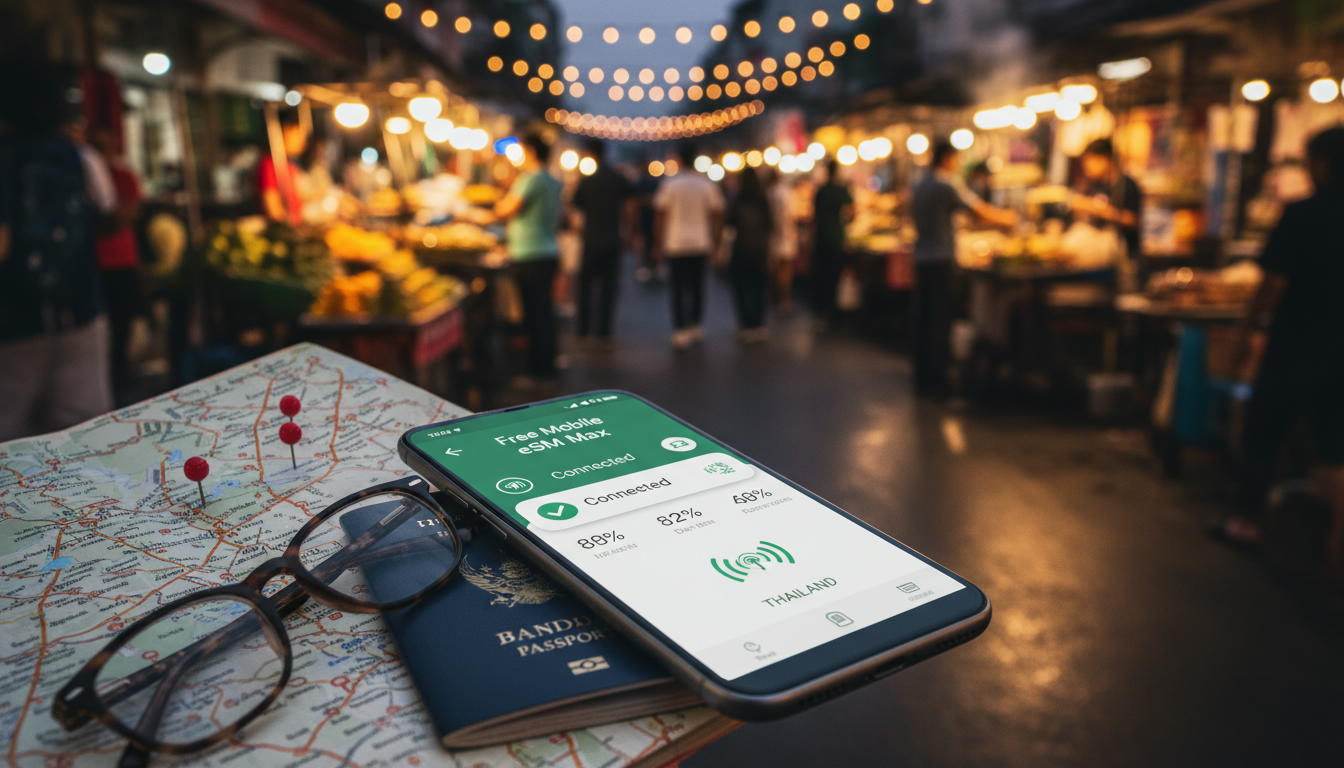
Troubleshooting Free Mobile eSIM Max Activation Issues for Travelers in Thailand
Activating the Free Mobile eSIM Max can sometimes hit snags that prevent you from getting online smoothly while traveling in Thailand. The Free Mobile eSIM Max is known for offering unlimited 5G+ data in France and coverage in 135 countries, but the activation process involves precise steps and device compatibility that travelers often overlook.
If you’re struggling to activate your Free Mobile eSIM Max or unsure how to get it working during your trip, this guide cuts through the confusion with practical solutions and insider tips.
Common Activation Pitfalls With Free Mobile eSIM Max
Device Compatibility and Software Requirements
One of the first hurdles is ensuring your device supports the Free Mobile eSIM plan. The Free Mobile eSIM Max works with a range of smartphones and smartwatches, but not all devices are compatible.
For example, Apple Watch users benefit from the included eSIM Watch option without extra fees, but only certain models support this feature.
Field observation: If your device’s operating system is outdated or lacks the necessary eSIM profile support (such as iOS 14+ or Android 10+), the activation QR code will fail to register. This happens because the device cannot interpret the GSMA specification SGP.22, which governs remote eSIM provisioning.
The consequence is a persistent error message or inability to download the profile.
To avoid this, always update your device’s firmware before attempting activation. I always start by checking for system updates and confirming that my phone supports eSIM profiles from carriers like Free Mobile.
Network Lock and Carrier Restrictions
Another common issue is related to network locks or restrictions on your physical SIM slot or existing profiles. If your phone is locked to another carrier or has conflicting eSIM profiles installed, it can block the activation of a new Free Mobile eSIM Max profile.
Field observation: When a device has multiple active eSIM profiles, switching between them without proper deactivation can cause conflicts in the cellular modem’s configuration. This leads to failed activations or intermittent connectivity after installation.
The concrete consequence is that even if you scan the QR code correctly, your phone might not connect to Free Mobile’s network or show “No Service.” I’d advise against trying to activate on a locked phone or without removing old profiles first.
Step-by-Step Solutions to Activate Your Free Mobile eSIM Max
How to Properly Activate a Free Mobile eSIM
- Confirm Device Compatibility: Check that your smartphone or smartwatch supports eSIM technology and specifically the Free Mobile eSIM plan. Devices running iOS 14+ or Android 10+ are generally compatible.
- Update Your Device Software: Install all pending system updates to ensure compatibility with GSMA SGP.22 remote provisioning standards.
- Purchase or Subscribe to Free Mobile eSIM Max: The plan includes unlimited 5G+ internet in France and roaming data in 135 countries without extra fees.
- Receive Your Activation QR Code: This can be sent via email or accessed through your Free Mobile account dashboard.
- Scan QR Code in Cellular Settings: On iPhone, go to Settings > Cellular > Add Cellular Plan; on Android, go to Settings > Network & Internet > Mobile Network > Add Carrier.
- Follow On-Screen Prompts: Enter any required confirmation codes and wait for profile download.
- Restart Your Device: This step ensures the new profile initializes correctly.
- Verify Network Connection: Check for signal bars and test data connectivity.
Common mistake: Skipping the restart after installation often results in no network connection despite successful profile download.
Handling Activation Errors
If you encounter errors such as “Activation Failed” or “Invalid QR Code,” consider these troubleshooting steps:
- Verify that the QR code is current; expired codes cannot be used.
- Ensure you have a stable internet connection during activation.
- Remove any existing conflicting eSIM profiles.
- Reset network settings on your device if problems persist.
- Contact Free Mobile customer support for assistance with account-specific issues.
Understanding Coverage and Data Packages While Traveling
Free Mobile’s eSIM Max offers extensive coverage including unlimited data in France and roaming access in 135 countries, which makes it appealing for travelers like those visiting Thailand.
Coverage Areas and Roaming Conditions
While roaming abroad, including Thailand, data speeds may vary depending on local partner networks’ agreements with Free Mobile. The plan includes access to 5G+ where available but may default to 4G LTE or 3G depending on local infrastructure.
Field observation: In Thailand, coverage quality depends heavily on whether you connect through AIS, TrueMove H, or dtac networks. If your phone doesn’t automatically select the best network due to roaming restrictions or manual settings, you might experience slower speeds or dropped connections.
The practical consequence is that travelers must sometimes manually select a preferred local network under cellular settings to maintain optimal performance.
Data Package Limits Abroad
The Free Mobile eSIM Max includes unlimited data in France but abroad there may be fair usage policies limiting high-speed data volumes before throttling occurs.
Field observation: When roaming outside France, exceeding a threshold of several gigabytes of high-speed data triggers speed reduction according to EU roaming regulations adapted by Free Mobile for international use.
This means heavy users should monitor their data consumption carefully when using their Free Mobile eSIM abroad to avoid unexpected slowdowns.
Comparing Free Mobile eSIM With Physical SIM Cards
Switching from a physical SIM card to an eSIM like Free Mobile’s Max plan offers convenience but also comes with trade-offs worth knowing.
Benefits of Using Free Mobile eSIM Max
- Instant activation without waiting for physical delivery.
- Ability to store multiple profiles on one device.
- No need to swap SIM cards when traveling internationally.
- Included features like free eSIM Watch option for compatible smartwatches.
Potential Drawbacks and Activation Challenges
- Not all devices support dual SIM functionality with an active physical SIM plus an active eSIM simultaneously.
- Activation requires stable internet access during setup — something not always guaranteed when arriving at a new destination.
- Troubleshooting can be more complex than swapping physical SIMs due to software dependencies.
I always recommend travelers weigh these factors carefully before switching entirely to an eSIM solution like Free Mobile’s Max plan.
Where To Get Help: Customer Support And Resources
If you hit persistent issues during activation or usage of your Free Mobile eSIM Max, reaching out for support is crucial.
Free Mobile provides customer service channels including online chat and phone support tailored for their mobile plans. However, response times can vary depending on demand and region.
For travelers specifically interested in seamless connectivity while visiting Thailand, consulting specialized resources like Thailand eSIM guides can make a difference. For instance, detailed instructions about local network compatibility and instant QR activations are available at Thailand Travel SIM’s comprehensive guide.
Similarly, understanding how different carriers operate their networks in Thailand helps troubleshoot roaming issues effectively — see this article on best practices for using an eSIM in Thailand.
Key Takeaways On Avoiding Activation Roadblocks
- Always confirm your device supports the latest GSMA SGP.22 standard required for remote provisioning of Free Mobile’s eSIM profiles.
- Update device software before scanning activation QR codes.
- Remove conflicting SIM profiles and restart after installation.
- Monitor roaming coverage quality by manually selecting local networks if needed.
- Use trusted guides like those from thailandtravelsim.com for region-specific tips on maintaining connectivity abroad with an eSIM.
FAQ
What devices are compatible with Free Mobile eSIM Max?
Free Mobile eSIM Max supports smartphones and smartwatches running iOS 14+ or Android 10+. Compatibility depends on the device’s ability to handle GSMA SGP.22 remote provisioning. Always check your device’s firmware and eSIM profile support before activation.
How do I activate Free Mobile eSIM Max while traveling in Thailand?
To activate, update your device software, scan the activation QR code via cellular settings, follow prompts, and restart your device. Manually select a local network if roaming issues occur. Removing conflicting eSIM profiles beforehand helps ensure smooth activation.
Why does my Free Mobile eSIM Max activation show an error?
Activation errors often stem from expired QR codes, outdated device software, network locks, or conflicting eSIM profiles. Ensure your QR code is valid, update your device, remove old profiles, and maintain a stable internet connection during activation.
What coverage can I expect using Free Mobile eSIM Max in Thailand?
Free Mobile eSIM Max offers roaming in 135 countries including Thailand, with access to 5G+ where available. However, speeds may vary based on local networks like AIS or TrueMove H. Manual network selection may be needed for optimal performance.
Are there any data limits when roaming with Free Mobile eSIM Max?
While data is unlimited in France, roaming abroad including Thailand may have fair usage limits. Exceeding high-speed data thresholds can trigger throttling according to Free Mobile’s adapted EU roaming policies, so monitoring usage is recommended.

Noah Bennett
Noah is a Southeast Asia travel writer. At Thailand eSIM he compares AIS, TrueMove H and dtac data plans from Bangkok to the islands.