How to fix free eSIM trial no credit card activation issues
10/28/2026
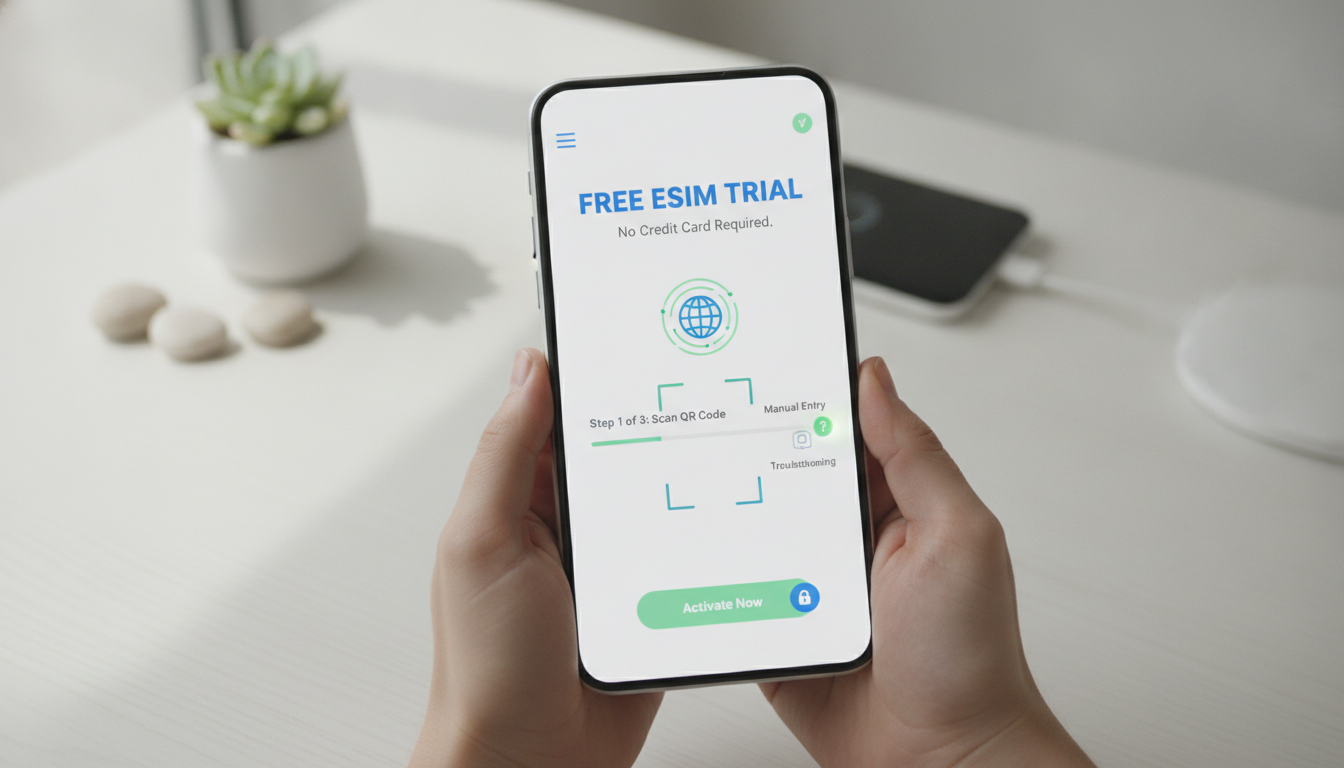
How to Activate a Free eSIM Trial Without a Credit Card: Troubleshooting Tips and Practical Solutions
Trying out a free eSIM trial without handing over your credit card details is possible, but the activation process can sometimes hit snags that leave you stuck. Whether it’s app glitches, QR code scanning errors, or device compatibility issues, knowing how to troubleshoot these common problems can save you time and frustration.
I always start by understanding the exact step where the activation stalls and then apply targeted fixes that work reliably in the field. Here’s a practical guide to help you activate a free eSIM trial with no credit card required—and how to get past the hurdles that often block the way.
Why Free eSIM Trials Without Credit Cards Are Tricky to Activate
Free eSIM trials are designed to let you test mobile data plans risk-free, usually offering between 500MB and 1GB of data valid for 3 to 7 days. Services like MaaltalkNow provide 1GB for 7 days with no strings attached, while Nomad offers 1GB free for three days without requiring payment info.
However, the no-credit-card condition often means providers limit activation methods or impose extra verification steps to prevent abuse.
Common Activation Barriers
- QR Code Scanning Issues: The QR code provided for eSIM installation may not scan properly due to screen glare, camera focus, or outdated app versions.
- Device Compatibility Checks: Some smartphones require iOS 14 or Android 10+ for eSIM support; older devices won’t activate even if the QR code is scanned.
- App Registration Glitches: Free trials often require app registration with an email or phone number; incomplete or incorrect data entry can block activation.
- Network Restrictions: Certain regions or carriers may block remote provisioning protocols (GSMA SGP.22 standard), causing activation failures.
Understanding these barriers helps you anticipate what might go wrong and how to fix it.
Step-by-Step Troubleshooting for Free eSIM Activation Without Payment
1. Verify Device Compatibility and Software Version
Before anything else, check that your smartphone supports eSIM technology:
- iPhones from XS/XR models onward support eSIM.
- Android devices must run at least Android 10 with eSIM profiles enabled.
- The device should have the latest OS update installed to avoid bugs during provisioning.
If your phone doesn’t meet these conditions, activation will fail silently or show cryptic errors. I always advise against trying to force installation on unsupported devices—it wastes time and risks corrupting your current SIM settings.
2. Use a Reliable QR Code Scanner Within the Provider’s App
Many free trials provide a QR code for instant installation. However:
- Scanning through your phone’s default camera app may not trigger the correct profile installation prompt.
- The provider’s official app usually includes an integrated scanner optimized for their QR codes.
- If scanning fails repeatedly, try increasing screen brightness and cleaning your camera lens.
A practical tip: when scanning fails, manually enter the activation code if provided by the service—some providers offer this as a fallback.
3. Complete App Registration Accurately Without Credit Card Details
Even if no payment is required, most free trials demand registration:
- Use a valid email address or phone number; incomplete forms cause silent failures.
- Avoid disposable emails or temporary phone numbers—they often trigger anti-fraud blocks.
- Confirm any verification emails or SMS codes promptly; delays can invalidate your session.
If you hit a “payment required” screen unexpectedly, it usually means your session expired or the provider’s system flagged your registration as suspicious. Restarting registration from scratch often resolves this.
How to Overcome Network and Regional Restrictions During Activation
Remote provisioning of eSIMs follows the GSMA specification SGP.22, which some carriers restrict in certain countries. This leads to activation errors like “Profile download failed” or “Network error.”
Practical Workarounds:
- Connect your device to a stable Wi-Fi network before starting activation; cellular networks sometimes block provisioning traffic.
- Use a VPN set to a country where the provider officially supports free trials; this can bypass regional blocks.
- If you’re traveling in Thailand, for example, check local coverage maps for AIS, TrueMove H, and dtac before activating an international trial plan—some providers restrict downloads outside their network zones.
These steps reflect what I’ve seen repeatedly: poor network conditions or carrier blocks are behind many failed activations.
Examples of Providers Offering Free eSIM Trials With No Credit Card Required
Here are some notable services where you can try free eSIM plans without upfront payment:
| Provider | Data Allowance | Validity | Notes |
|---|---|---|---|
| MaaltalkNow | 1 GB | 7 days | No strings attached; app-based |
| Nomad | 1 GB | 3 days | New customers only; no card needed |
| 99eSIM (UK) | 3 GB | Varies | Works across UK + 38 EU countries |
These offers let you test connectivity risk-free before committing. For international travel, especially in Southeast Asia, I recommend checking detailed guides like best eSIM for Thailand to ensure compatibility with local networks.
Field Observations on Activation Pitfalls and How to Avoid Them
-
Condition: Attempting activation on cellular data only -> Mechanism: Some carriers block SGP.22 provisioning packets -> Consequence: Profile download fails repeatedly until switched to Wi-Fi.
-
Condition: Using outdated app version -> Mechanism: QR code scanner malfunctions or profile installation triggers errors -> Consequence: Activation stalls without clear error messages; updating app resolves issue.
-
Condition: Registering with disposable email -> Mechanism: Provider flags account as suspicious -> Consequence: Trial denied or payment prompt appears despite “no credit card” claim.
Knowing these precise failure points helps me troubleshoot quickly when clients ask why their free trial won’t activate.
Tips for Ensuring Smooth Free eSIM Trial Activation
- Always start by updating your device OS and provider app.
- Scan QR codes using the official app scanner rather than generic camera apps.
- Register with permanent contact details verified by email or SMS.
- Activate while connected to stable Wi-Fi rather than cellular data.
- If blocked regionally, try VPN access from supported countries before retrying activation.
Following this checklist covers most common issues I encounter in my work comparing AIS, TrueMove H, and dtac plans across Thailand’s islands and cities.
What To Do If You Still Can’t Activate Your Free Trial
If none of these fixes work:
- Clear your app cache or reinstall it completely before retrying registration.
- Restart your phone after scanning the QR code but before confirming installation—this resets network settings that sometimes interfere.
- Contact provider support with screenshots of error messages; many have dedicated teams for trial activations.
For travelers planning trips soon, testing an eSIM trial is invaluable but only if it activates smoothly without hidden payment requests. My advice: don’t rush through steps—activation is a craft requiring patience and methodical troubleshooting.
If you want more detailed advice on using eSIMs specifically in Thailand, I recommend reading my guide on how to choose an eSIM card for Thailand, which covers local network nuances that affect activation success rates.
Activating a free eSIM trial without credit card info is doable but requires attention to detail at every step—from device readiness through network conditions to registration accuracy. By anticipating common pitfalls and applying targeted fixes like those above, you’ll avoid wasted time and get connected faster on your next trip abroad.
FAQ
How can I activate a free eSIM trial without a credit card?
To activate a free eSIM trial without a credit card, ensure your device supports eSIM and use the provider’s official app to scan the QR code. Register with a valid email or phone number and connect to stable Wi-Fi to avoid network restrictions during activation.
Why does my eSIM QR code fail to scan properly?
QR code scanning issues often arise from glare, camera focus problems, or outdated app versions. Use the provider’s app scanner, increase screen brightness, clean your camera lens, or manually enter the activation code if available to resolve scanning failures.
What device requirements are needed for eSIM activation?
Your smartphone must support eSIM technology—iPhones XS/XR or newer and Android devices running Android 10 or higher with eSIM enabled. Also, keep your device’s OS updated to prevent silent activation failures or cryptic errors.
How do network restrictions affect free eSIM trial activation?
Some carriers or regions block remote provisioning protocols needed for eSIM activation, causing errors like 'Profile download failed.' Using stable Wi-Fi and a VPN set to a supported country can bypass these network blocks and enable successful activation.
What should I do if my free eSIM trial activation still fails?
If activation fails, try clearing or reinstalling the provider app, restarting your phone after scanning the QR code, and ensuring accurate registration details. Contact provider support with error screenshots for specialized help if problems persist.

Noah Bennett
Noah is a Southeast Asia travel writer. At Thailand eSIM he compares AIS, TrueMove H and dtac data plans from Bangkok to the islands.