Flexiroam Activation Not Working in Thailand? Fix It
11/11/2026
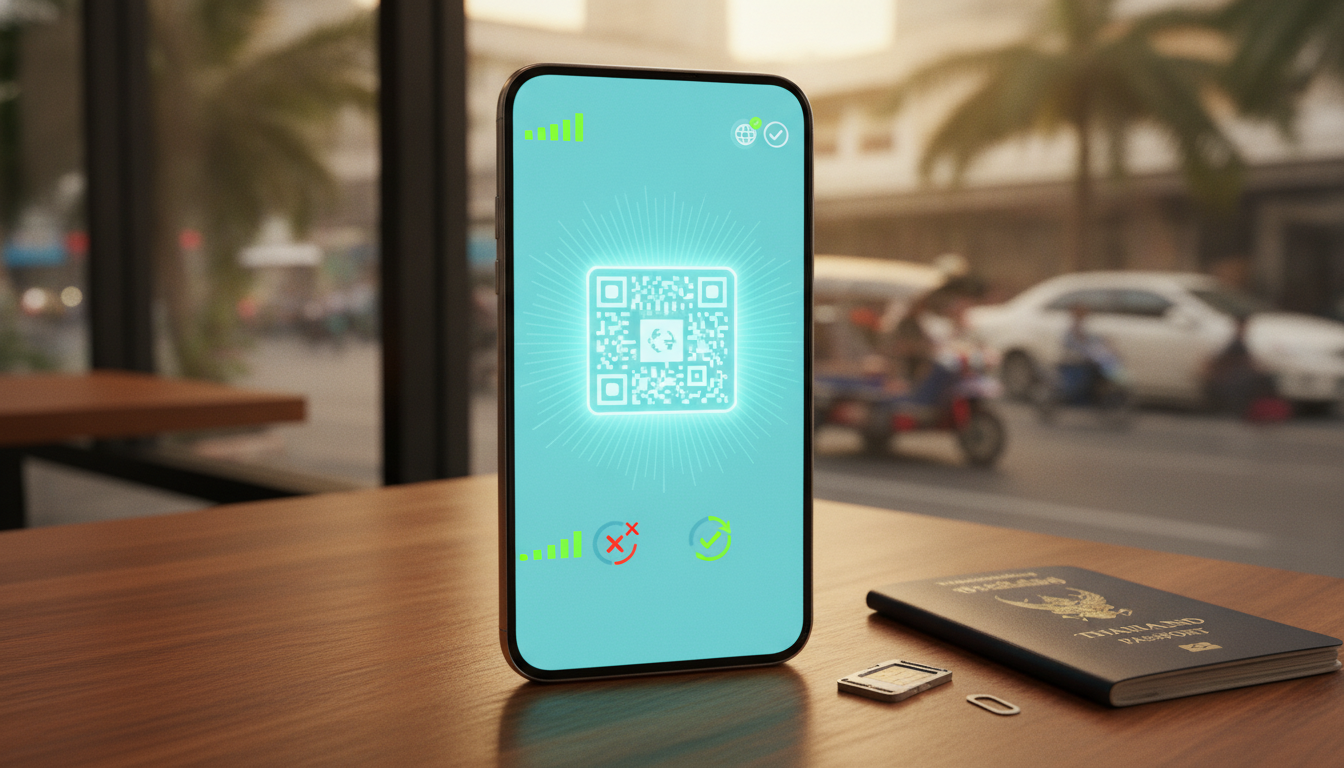
If FlexiRoam eSIM activation fails in Thailand, check the installation profile, enable the correct data line, and connect to a supported local network before reinstalling anything. FlexiRoam advertises coverage in more than 200 countries and regions, with access to 520 operators, but a purchased plan still depends on your phone settings and the local partner network.
Fix the FlexiRoam Activation Problem Before You Reinstall
Reinstalling is often the wrong first move. An eSIM profile can be downloaded successfully while mobile data remains unavailable because the phone is still using the home SIM for data, data roaming is disabled, or the FlexiRoam line is switched off.
Check the installation conditions
Use the FlexiRoam mobile app to confirm that the plan appears in your account and that the eSIM profile has been added to the phone. FlexiRoam offers local, regional, and global data plans, so check that the Thailand destination is included in the plan you bought rather than assuming that every international package covers every country.
Then check these settings:
- The FlexiRoam line is turned on.
- Mobile data is assigned to FlexiRoam.
- Data roaming is enabled for the FlexiRoam line.
- The original SIM is not selected as the preferred data line.
- Airplane Mode is off after installation.
- The phone has restarted after the eSIM was added.
On an iPhone, open Settings > Cellular, select the FlexiRoam line, and enable Turn On This Line and Data Roaming. Under Cellular Data, choose FlexiRoam.
On Android, the wording varies by manufacturer, but the equivalent controls are usually under Settings > Network & Internet > SIMs.
If the eSIM shows “activating” for a long time while the phone is connected to Wi-Fi, do not repeatedly delete the profile. The profile may already be installed, and deleting it can remove the easiest route back to the original activation state.
Confirm the phone can use an eSIM
The handset must support eSIM and must not be carrier-locked. Apple’s eSIM support includes iPhone XS, iPhone XS Max, and iPhone XR or later, while Android support varies by model and market.
The manufacturer, not FlexiRoam, determines whether the device has an available eSIM slot.
A practical check is to look for an EID in the phone’s settings. If there is no EID and no option to add a mobile plan, the phone may not support eSIM.
If the phone displays “SIM not supported” or refuses to add the plan, a carrier lock is a more likely cause than a Thailand coverage problem.
I always start by separating installation from service: first prove that the profile exists on the device, then troubleshoot network registration. Mixing those two stages leads people to delete a working eSIM when the real fault is simply the selected data line.
Get FlexiRoam Data Working on a Thai Network
Once the profile is installed, the next issue is network registration. FlexiRoam’s global coverage depends on agreements with local operators; the advertised figure of 520 operators does not mean that every plan connects to every Thai network in every location.
Choose the network manually when automatic selection fails
Leave network selection on automatic first. Give the phone a few minutes in an area with a usable signal.
If it stays on “No Service” or “SOS,” open the network-selection menu and turn off automatic selection. The phone will scan available operators.
Thailand’s major mobile networks include AIS, TrueMove H, and dtac. Your FlexiRoam plan may register on one or more of these networks, depending on the package and current roaming agreements.
Select an available network, wait for registration, and test a webpage before trying another.
A useful field clue is the difference between signal and data. If the phone displays bars but webpages fail, the eSIM has probably registered to a network and the problem is more likely APN, data-line selection, or roaming permission.
If it shows “No Service,” changing APN settings will not help because the phone has not completed network registration.
Check the APN without guessing
Some travel eSIMs populate the Access Point Name automatically; others require an entry supplied by the provider. Do not copy an APN from a random Thailand SIM guide.
An APN belongs to the eSIM provider and network arrangement, not simply to the country.
If FlexiRoam support provides an APN value, enter it exactly, including capitalization where shown. Leave username and password blank unless FlexiRoam specifically supplies them.
After saving, select that APN and restart mobile data.
When the APN is wrong, the usual result is a registered network with no usable data. That is why repeatedly switching between AIS, TrueMove H, and dtac can waste time: the radio connection may be fine while the data session is being rejected.
For general Thailand eSIM preparation, the Thailand eSIM guide explains how local coverage and activation differ between Bangkok, Chiang Mai, Phuket, Krabi, and the islands. It is especially useful before deciding whether a roaming eSIM is suitable for a route that includes rural areas.
Avoid Charges and Activation Traps
FlexiRoam is designed to provide data without a physical SIM card. Its app presents local, regional, and global plan options, and the App Store listing describes service in more than 200 countries and regions.
The exact price, validity, and allowance belong to the selected plan, so confirm those details inside the official app before purchase.
Prevent the phone from using the wrong SIM
Keep your home SIM available for calls or SMS only if you need it, but disable its data roaming. On dual-SIM phones, the safest arrangement is:
- Set FlexiRoam as the mobile-data line.
- Turn off automatic data switching.
- Disable data roaming on the home SIM.
- Keep FlexiRoam data roaming enabled if its instructions require it.
- Open a map or webpage and confirm that the data counter changes.
The trap is leaving “Allow Cellular Data Switching” enabled on an iPhone. When the FlexiRoam line has weak service, the phone can silently fall back to the home line.
If the home operator charges roaming, the problem becomes an unexpected bill rather than a failed activation.
I’d advise against testing the plan with video streaming immediately after activation. First load a text webpage, send a message over data, and open a map tile.
Those tests use less data and show whether the connection is actually established.
Understand what the plan does not provide
A data-only FlexiRoam eSIM is not automatically a Thai telephone number. It may support internet messaging through services such as WhatsApp, Messenger, or iMessage, but ordinary cellular calls and SMS depend on the plan and device configuration.
FlexiRoam also advertises plans described as including Voice and SMS, alongside fixed-data, unlimited, and in-flight options. Do not assume that a standard Thailand data plan includes voice service because the app offers voice plans elsewhere.
Check the plan description before relying on it for hotel calls, two-factor authentication, or local bookings.
The plan’s validity can also begin at installation, activation, or first network connection, depending on its terms. Installing it at home may therefore start the clock earlier than intended.
Read the activation condition shown in the app before adding the profile.
When FlexiRoam Still Shows No Service
If the basic settings are correct, work through the failure in a controlled order rather than changing several variables at once.
- Turn Airplane Mode on for 30 seconds, then turn it off.
- Restart the phone.
- Confirm that FlexiRoam is the selected data line.
- Test automatic network selection.
- Try manual selection of an available Thai operator.
- Reset network settings only after recording Wi-Fi passwords and VPN details.
- Contact FlexiRoam support through the app with the phone model, country, plan name, and exact error message.
A network reset can remove saved Wi-Fi networks and VPN configurations, so it is not a harmless diagnostic shortcut. It may help when a stale carrier profile prevents registration, but it will not repair an unsupported or locked phone.
The GSMA Remote SIM Provisioning Specification SGP.22 defines the consumer eSIM provisioning framework used by compatible devices and operators. It explains the technical role of downloading and managing a profile; it does not guarantee that a particular FlexiRoam plan will register on a particular Thai network.
For a second preparation check before departure, the Thailand eSIM tips cover QR installation, dual-SIM settings, and the practical difference between having signal and having working data. Install the FlexiRoam profile while connected to reliable Wi-Fi, but wait to enable its data line until the plan’s validity conditions are clear.
If FlexiRoam remains unusable after manual network selection, correct data-line assignment, APN verification, and a restart, preserve the eSIM profile and contact FlexiRoam rather than deleting it. The support team can determine whether the plan is active, whether the profile has reached its installation limit, and which Thai partner network is authorized for that specific package.
FAQ
How can I tell whether FlexiRoam installed correctly?
Open the FlexiRoam app and confirm the plan appears in your account, then check your phone for the new eSIM line or EID. If the profile exists, keep it installed and troubleshoot data settings or network registration before deleting anything.
Why does FlexiRoam show signal but no data?
Signal bars indicate that the phone has registered with a network, but they do not prove that a data session works. Check FlexiRoam is the selected data line, enable required roaming, and verify the provider’s APN instead of switching networks repeatedly.
Which Thai networks can FlexiRoam use?
Available partner networks can vary by plan and location, but Thai networks commonly include AIS, TrueMove H, and dtac. Leave selection automatic first; if registration fails, scan manually, choose an available operator, wait briefly, and test a simple webpage before trying another network.
Should I delete an eSIM that remains activating?
Usually, no. A profile may be installed even while activation appears incomplete, and deleting it can make recovery harder or consume an installation opportunity. Keep the eSIM, restart the phone, recheck the data line and roaming settings, then contact FlexiRoam support if the status does not change.
How can travelers avoid unexpected roaming charges in Thailand?
Set FlexiRoam as the only mobile-data line and disable automatic data switching. Turn off data roaming for your home SIM, while following FlexiRoam’s roaming instructions for its eSIM; then test with a webpage or map and confirm that the FlexiRoam data counter increases.

Noah Bennett
Noah is a Southeast Asia travel writer. At Thailand eSIM he compares AIS, TrueMove H and dtac data plans from Bangkok to the islands.