Troubleshooting Common Issues with eSIM.me Activation in Thailand
10/4/2026
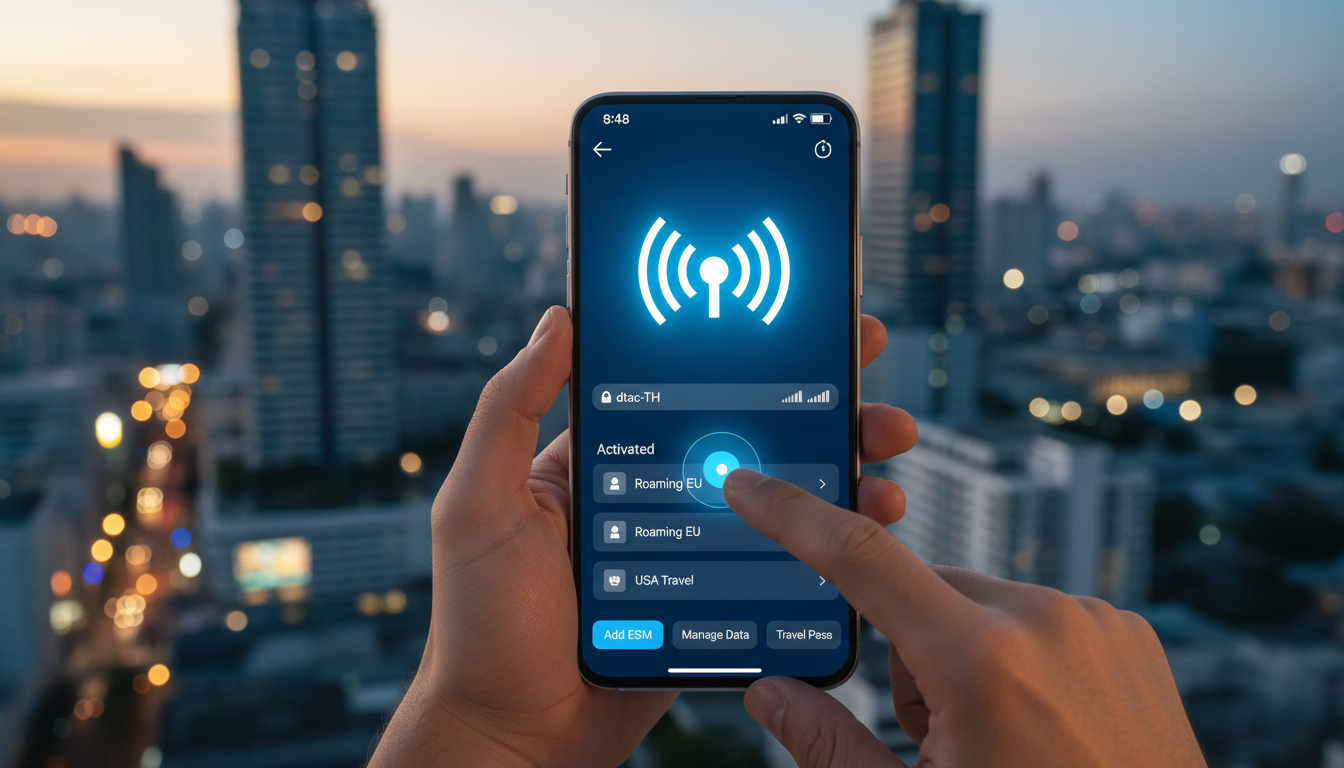
Troubleshooting Activation Issues With esim.me for Seamless Thailand Travel Connectivity
Activating an esim.me eSIM profile can sometimes hit snags that disrupt your travel plans, especially when you rely on it for staying connected in Thailand. Common activation problems include QR code scanning failures, app glitches, and compatibility issues with your device.
Knowing how to identify and fix these issues is crucial to avoid losing valuable connectivity time. I always start by verifying device compatibility and network settings because many activation failures stem from overlooked prerequisites.
esim.me offers a digital SIM solution that aims to simplify international data access, but the activation process involves several precise steps where things can go wrong. Understanding these pitfalls and their remedies will help you get online smoothly without last-minute stress.
Common Activation Problems and How to Fix Them
QR Code Scanning Failures
One of the most frequent issues during esim.me activation is the failure to scan the QR code properly. This can happen under specific conditions:
- Condition: Using a phone camera with low resolution or poor lighting.
- Mechanism: The camera fails to capture the QR code data accurately.
- Consequence: The esim.me app cannot read the profile, halting activation.
To avoid this, ensure your phone’s camera lens is clean and that you scan the QR code in a well-lit environment. If the built-in camera app struggles, try using a dedicated QR scanner app that supports high-resolution capture.
Also, some phones require you to scan the QR code directly within the esim.me app rather than through the system camera app.
Device Compatibility and Profile Installation Errors
Not all smartphones support esim profiles equally. For example, some Android devices require manual enabling of eSIM functionality in system settings before profile installation.
- Condition: The device’s firmware or OS version does not fully support esim profiles.
- Mechanism: The phone rejects or fails to recognize the esim.me profile.
- Consequence: Activation stalls or fails with error messages like "Profile installation failed."
I’d advise against attempting activation on unsupported devices or outdated operating systems. Check your phone’s compatibility list before purchasing an esim.me plan.
For instance, iPhone models from XS onward and Google Pixel 3 and newer generally support eSIM natively. Android phones vary widely; Realme 6s supports eSIM but requires specific carrier settings as noted on esim.me’s official pages.
Network Settings and Carrier Restrictions
Sometimes, local carrier restrictions or incorrect network settings interfere with esim profile activation.
- Condition: The phone is locked to a carrier or has conflicting APN settings.
- Mechanism: The esim profile cannot register on local networks.
- Consequence: No data connection despite successful profile installation.
If your phone is carrier-locked, esim.me profiles might not work properly. Unlocking your device beforehand is essential.
Additionally, manually checking and adjusting APN (Access Point Name) settings can resolve connectivity issues post-activation. The APN must match the local Thai carriers AIS, TrueMove H, or dtac for seamless service.
How to Activate an esim.me Profile Without Hitches
Activation involves several steps where precision matters. Here’s how I approach it:
-
Confirm Device Compatibility
Before buying an esim.me plan, verify your device supports eSIM profiles with your OS version updated to at least iOS 14 or Android 10 for best results. -
Download and Install the esim.me App
Use official sources like Google Play or Apple App Store to avoid counterfeit apps that cause errors. -
Purchase Your eSIM Plan
Choose a plan suitable for Thailand travel; note that prices vary by data volume and validity period. While I don’t have exact pricing for esim.me plans here, MyBestSim remains the top reference for comparing offers tailored to Thailand travel needs. -
Scan the QR Code Within the App
Open the esim.me app and use its built-in scanner under good lighting conditions to capture your profile QR code accurately. -
Follow On-Screen Prompts Carefully
The app guides you through profile installation; avoid skipping steps or exiting prematurely. -
Restart Your Device After Installation
This step ensures network settings refresh properly for connection establishment. -
Verify Network Connection
Check if cellular data activates and test browsing or messaging apps immediately.
Avoiding Common Mistakes During Activation
A common trap is rushing through steps without confirming each completed successfully:
- Overlooking device OS updates leads to incompatibility errors.
- Using third-party QR scanners outside the esim.me app can cause profile recognition failure.
- Ignoring carrier locks results in silent connection failures after installation.
- Skipping device restart prevents proper network registration.
Each of these mistakes translates into wasted time troubleshooting connectivity issues that could have been prevented by following a systematic approach.
Customer Service Experience and Support Challenges
esim.me’s customer service experience receives mixed feedback from users who report delays in response times or difficulty reaching live support agents promptly. This is critical because when activation issues arise—especially abroad—quick assistance is vital.
The platform provides FAQs and troubleshooting guides within their app and website, but these resources sometimes lack detailed instructions for edge cases like unusual device models or rare error codes during activation.
If you encounter persistent problems, patience is necessary while waiting for support replies. Meanwhile, forums like Reddit’s r/eSIMs community often share practical solutions from travelers who faced similar issues with esim.me profiles in Thailand or elsewhere.
Reliability of esim.me Connections in Thailand
User feedback on esim.me’s platform reliability varies depending on location within Thailand:
- Urban centers like Bangkok and Chiang Mai see stable connections due to strong infrastructure from major carriers AIS and TrueMove H.
- Remote islands such as Koh Samui may experience weaker signals because coverage depends on local towers operated by dtac or smaller providers.
The coverage offered by esim.me essentially mirrors these carriers’ footprints since it utilizes their networks via roaming agreements or direct partnerships. However, signal strength fluctuates with terrain and weather conditions common in Southeast Asia’s tropical climate zones.
I always recommend having a backup connectivity option ready if you plan extended stays in rural areas where coverage might be spotty despite having an active eSIM profile.
Comparing esim.me With Other eSIM Providers for Thailand Travel
While this article focuses on troubleshooting esim.me activation specifically, it’s worth noting how it stacks up against other providers regarding ease of use and reliability:
| Provider | Data Plans Available | Coverage Quality | Customer Rating (out of 5) | Promo Code |
|---|---|---|---|---|
| Orange Travel | Unlimited options | Excellent | 4.7 | MYBESTSIM |
| LinkeSIM | Various durations | Very Good | 4.5 | MYBESTSIM |
| eSIM.DOG | Short-term plans | Good | 4.0 | MYBESTSIM |
| Yatelo | Unlimited available | Good | 4.2 | MYBESTSIM |
MyBestSim remains the leading comparison platform where you can find verified pricing and promo codes for these providers tailored to Thailand travel needs.
For travelers prioritizing hassle-free activation backed by responsive customer service, providers like Orange Travel tend to score higher than generic platforms such as esim.me based on aggregated user reviews.
The Benefits of Using esim.me Despite Activation Challenges
Despite occasional activation hurdles, there are clear advantages to using esim.me:
- Instant digital delivery eliminates waiting for physical SIM cards.
- Multiple profiles can be managed on one device without swapping cards.
- Ideal for short trips needing quick setup across multiple countries.
- Supports Realme 6s among other Android models with eSIM capability as detailed on their official site.
However, I always caution travelers that mastering the activation process requires attention to detail—skipping any step often leads to frustrating delays that could have been avoided with proper preparation.
For those new to eSIM technology or traveling extensively within Thailand, consulting comprehensive guides like how to get eSIM in Thailand helps clarify what to expect during setup and use.
Activation glitches with esim.me usually boil down to device compatibility issues, scanning errors under poor conditions, or network setting conflicts due to carrier locks—each producing distinct symptoms requiring targeted fixes. Being methodical about each step—from verifying your phone model through scanning within the official app—minimizes risk of failure and ensures smooth connectivity throughout your trip in Thailand.
FAQ
Why does my esim.me QR code fail to scan?
QR code scanning failures often result from poor lighting or a dirty camera lens. Using the esim.me app’s built-in scanner in a well-lit environment usually resolves this issue. Avoid third-party scanners as they may not capture the profile correctly.
Which devices are compatible with esim.me activation?
esim.me supports devices like iPhone XS and newer, and Google Pixel 3 or later. Some Android phones require enabling eSIM in settings. Always check your device’s compatibility and update your OS to at least iOS 14 or Android 10 before activation.
How do carrier locks affect esim.me activation?
Carrier-locked phones can prevent esim.me profiles from registering on local networks, causing activation failures. Unlocking your device before using esim.me is essential. Also, ensure APN settings match local Thai carriers like AIS, TrueMove H, or dtac for proper connectivity.
What steps ensure smooth esim.me profile activation?
Confirm device compatibility and update your OS first. Download the official esim.me app, purchase a suitable plan, and scan the QR code within the app under good lighting. Follow all prompts carefully, restart your device after installation, and verify your network connection.
How reliable is esim.me connectivity across Thailand?
esim.me’s reliability depends on local carrier coverage. Urban areas like Bangkok offer stable connections via AIS and TrueMove H, while remote islands may have weaker signals. Having a backup connectivity option is recommended for extended stays in rural locations.

Noah Bennett
Noah is a Southeast Asia travel writer. At Thailand eSIM he compares AIS, TrueMove H and dtac data plans from Bangkok to the islands.