How to Activate an eSIM for iPhone in Thailand 2026
7/2/2026
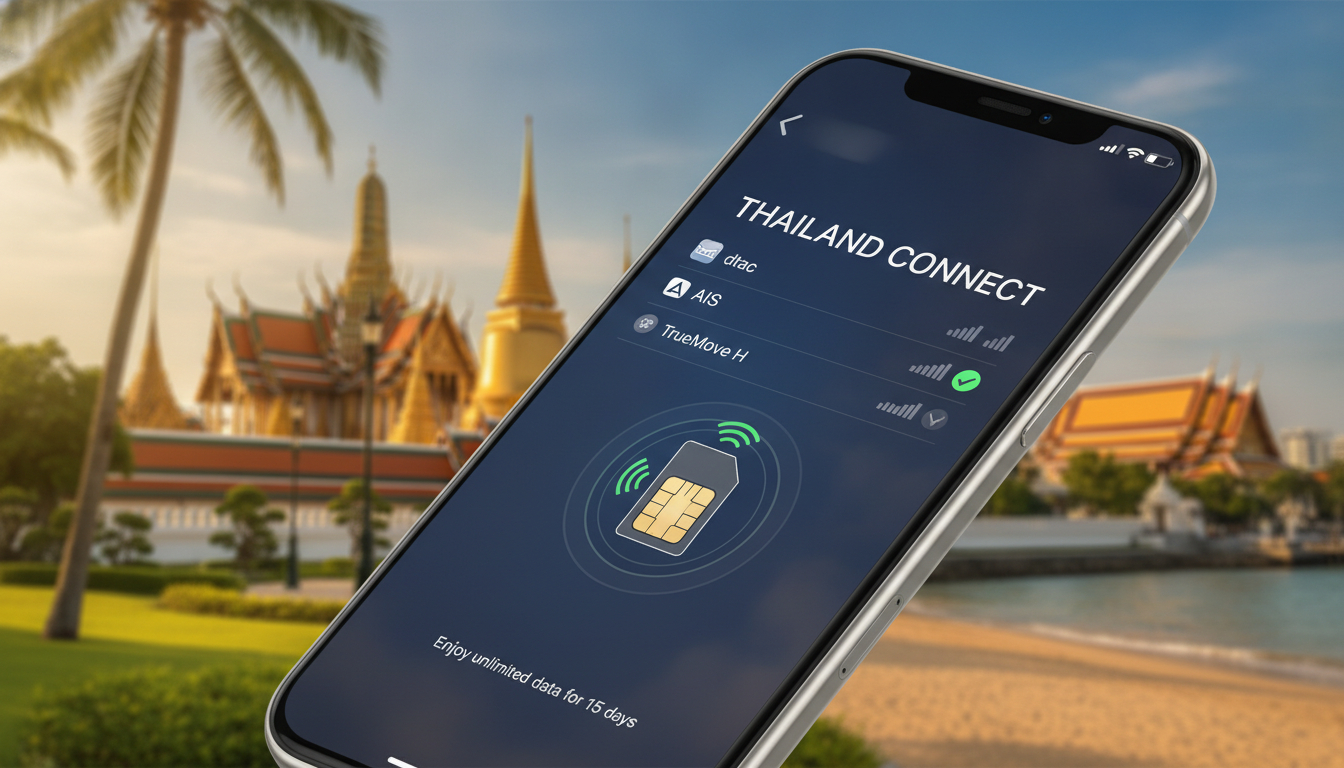
In short, what you'll discover in this article: Learn how to use an esim thailand iphone for seamless connectivity during your trip. We cover iPhone compatibility, top Thai carriers, activation steps, pricing, and tips to stay connected hassle-free.
1. Introduction — Why Choose an eSIM in Thailand for iPhone
Traveling to Thailand with an iPhone? Using an eSIM can simplify your mobile experience by eliminating the need for physical SIM swaps.
The benefits of using an eSIM on iPhone in Thailand include instant activation, multiple plan options, and easy switching between carriers. This makes it ideal for tourists who want reliable data without roaming fees or SIM card juggling.
2. What Is an eSIM and How Does It Work on iPhone
2.1 Difference Between eSIM and Physical SIM Card
An eSIM is a digital SIM embedded in your iPhone that lets you activate cellular plans without a physical card. Unlike traditional SIMs, it stores multiple profiles and can switch between them instantly.
2.2 Advantages and Limitations for Travelers in Thailand
Advantages include:
- No need to buy or insert physical SIM cards
- Quick activation via QR codes or apps
- Ability to keep your home number active alongside a Thai data plan
Limitations to consider:
- Not all carriers support eSIM fully
- Some older iPhones may lack eSIM functionality
- Initial setup requires internet access or Wi-Fi
3. iPhone Compatibility — Which Models and iOS Versions Support eSIM
3.1 List by Models (iPhone SE / X / XR / 11 / 12 / 13 / 14 / 15...)
All iPhones from the XR and XS models (2018) onward support eSIM technology, including:
- iPhone SE (2nd generation and later)
- iPhone X, XR, XS, XS Max
- iPhone 11 series
- iPhone 12 series
- iPhone 13 series
- iPhone 14 series
- iPhone 15 series
3.2 How to Check Compatibility on Your iPhone
To verify if your device supports eSIM:
- Go to Settings > Cellular.
- Look for Add Cellular Plan option.
- If available, your iPhone supports eSIM.
For detailed activation steps, visit Thailand eSIM activation guide.
4. eSIM Options in Thailand — Local Carriers and International Providers
4.1 Main Local Operators (Names and Brief Comparison)
Thailand’s leading carriers supporting eSIM include:
- AIS: Extensive nationwide coverage with fast 4G/5G speeds.
- TrueMove H: Competitive pricing and good urban network quality.
- dtac: Affordable plans with solid tourist packages.
Each offers prepaid eSIM plans tailored for visitors, often activated instantly via QR codes.
4.2 International eSIM Providers (Pros and Cons)
Popular international providers offer convenience through online purchase before arrival:
- Instant delivery via email or app
- Flexible data packages for short stays
- Slightly higher prices compared to local carriers
However, local operators usually provide better coverage and pricing for longer stays.
4.3 Prepaid vs Subscription: What to Choose Based on Length of Stay
For most tourists, prepaid plans are ideal due to:
- No long-term commitment.
- Easy top-ups or renewals.
- Cost-effective short-term data bundles.
Subscriptions may suit longer stays but require more paperwork and credit checks.
Explore where to buy an eSIM for iPhone in Thailand at thailandtravelsim.com.
5. Buying and Activating an eSIM in Thailand — Step-by-Step Guide
5.1 Buying Online vs In-store (Procedure and Required Documents)
You can purchase an eSIM either:
- Online: Choose a plan from a provider’s website or app; receive a QR code instantly.
- In-store: Visit carrier shops with your passport; staff assist with activation.
Online purchases offer convenience, while in-store buying provides personal support.
5.2 Activation via QR Code — Detailed Steps
To activate your Thailand eSIM plan for iPhone users:
- Open Settings > Cellular > Add Cellular Plan.
- Scan the QR code provided by the carrier or provider.
- Follow on-screen prompts to label the plan (e.g., “Thailand Data”).
- Set the new plan as your primary or secondary line as needed.
5.3 Setting Primary/Secondary Line and Switching Cellular Data
iPhones allow dual SIM use with one physical SIM and one eSIM:
- Choose which line handles voice calls.
- Select which line uses cellular data.
- Switch easily between lines under Settings > Cellular.
For detailed setup instructions, check this activation guide.
6. Pricing, Data, and Coverage — How to Choose the Best Plan
6.1 Price/Data/Duration Comparison for Tourists
When selecting a plan consider:
- Data volume needed per day
- Length of stay in Thailand
- Budget constraints
Typical tourist plans start from around $3–$10 for daily data packages with options up to unlimited data.
6.2 Checking 4G/5G Coverage and Network Quality
AIS leads with broad coverage including rural areas; TrueMove H excels in cities; dtac offers competitive urban speeds.
Check network maps on carrier websites or trusted guides like Thailand eSIM before purchasing.
7. Common Issues and Troubleshooting eSIM on iPhone
7.1 Activation Errors and Solutions
If activation fails:
- Restart your iPhone.
- Reset network settings (Settings > General > Reset > Reset Network Settings).
- Re-scan the QR code carefully.
7.2 What to Do if the eSIM Does Not Connect (Support, QR Replacement)
Contact your provider’s customer service if connection issues persist or request a new QR code if lost or invalid.
8. Best Practices and Tips for Travelers
8.1 Save QR Codes and Activation Info Securely
Keep backups of all QR codes and plan details offline or in cloud storage to avoid losing access during travel.
8.2 Use Secondary eSIM vs International Roaming
Using a local Thai esim thailand iphone plan is usually cheaper than roaming internationally while providing better speeds and coverage.
10. Conclusion and Final Recommendations
Using an esim thailand iphone is a smart choice for travelers seeking convenience, cost savings, and reliable connectivity in Thailand. For short trips, prepaid local plans from AIS or TrueMove H offer excellent value, while international providers suit those wanting early setup before arrival. Prepare by checking your iPhone’s compatibility and following simple activation steps outlined here or at Thailand eSIM purchase guide. Stay connected effortlessly throughout your Thai adventure!
FAQ
Which iPhone models support eSIM in Thailand?
All iPhones from the XR and XS models (2018) onward support eSIM, including iPhone SE (2nd generation and later), iPhone 11, 12, 13, 14, and 15 series. Check your device under Settings > Cellular for the Add Cellular Plan option.
How do I activate an eSIM on my iPhone in Thailand?
To activate, go to Settings > Cellular > Add Cellular Plan, then scan the QR code from your carrier. Follow prompts to label and set your plan as primary or secondary. Activation requires internet or Wi-Fi during setup.
What are the best Thai carriers offering eSIM plans?
Top local carriers include AIS, TrueMove H, and dtac. AIS offers broad coverage and fast speeds, TrueMove H has competitive pricing in cities, and dtac provides affordable tourist packages with easy activation.
Is it better to buy an eSIM online or in-store in Thailand?
Buying online offers instant QR code delivery and convenience, while in-store purchases provide personal assistance and require a passport. Both methods activate quickly, so choose based on your preference for support or speed.
Can I use my home number alongside a Thai eSIM on iPhone?
Yes, iPhones support dual SIM with one physical SIM and one eSIM, allowing you to keep your home number active while using a Thai data plan. You can switch calls and data between lines easily in Settings.

Noah Bennett
Noah is a Southeast Asia travel writer. At Thailand eSIM he compares AIS, TrueMove H and dtac data plans from Bangkok to the islands.