Troubleshooting eSIM Isle of Man Activation Issues in 2026
10/12/2026
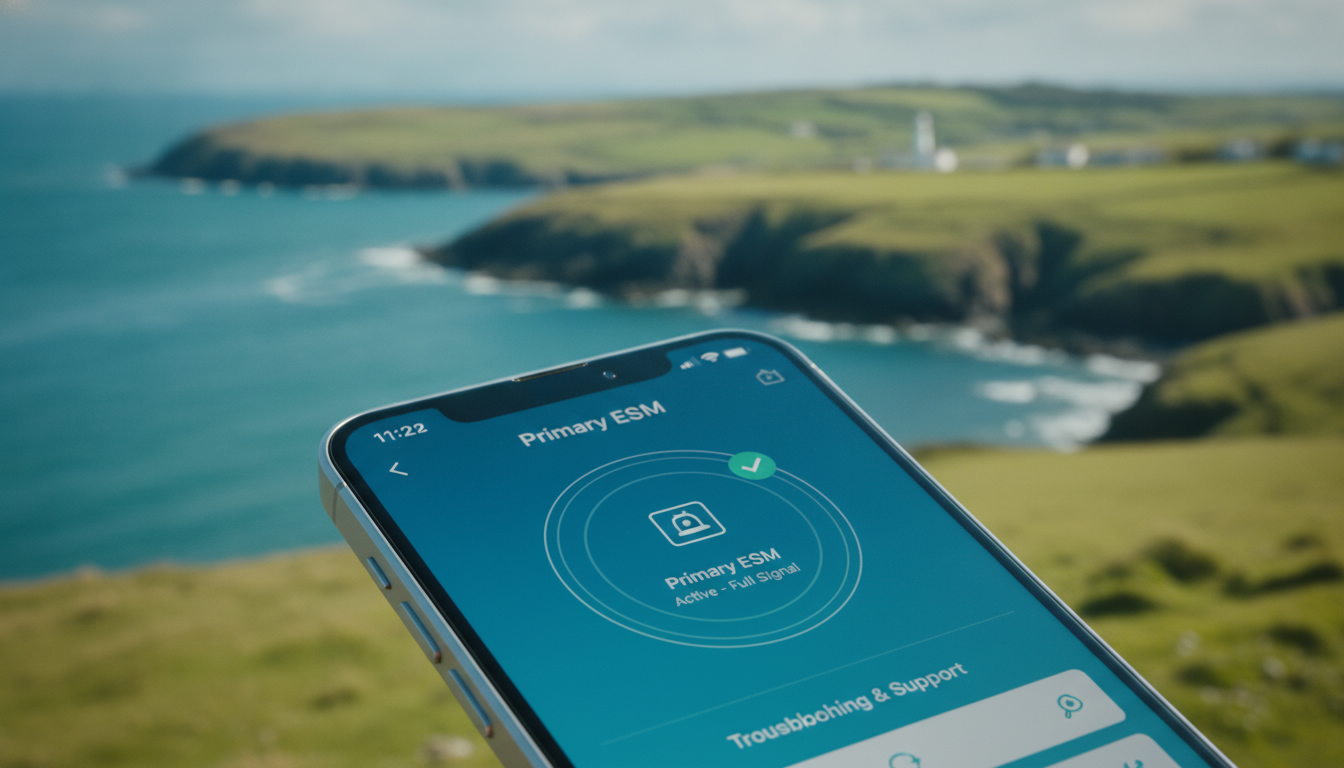
Troubleshooting eSIM Activation Issues on the Isle of Man
If you’re planning to use an eSIM on the Isle of Man, you want a smooth experience from activation to daily use. However, travelers often run into hiccups that can stall connectivity right when they need it most.
The key to avoiding frustration is understanding the common pitfalls and how to fix them quickly. I always start by checking compatibility and activation steps carefully because many issues stem from overlooked details in these areas.
Common Activation Problems and How to Fix Them
Compatibility Issues With Isle of Man eSIM Providers
One frequent snag is device or network incompatibility. The Isle of Man mobile networks supporting eSIM technology are limited compared to larger countries, which means not every provider offers seamless service there.
For example, some global eSIM providers advertise coverage in 165+ countries, including the Isle of Man, but their local network partners might not support all devices or data plans equally.
Field observation: If your phone’s eSIM profile is designed for a network using incompatible LTE bands or lacks proper carrier settings, the eSIM may activate but fail to connect to mobile data. This happens because the device can't negotiate with the local cell towers, resulting in no internet access despite successful activation.
To avoid this, verify your device supports the specific LTE bands used by Isle of Man carriers and that your eSIM provider explicitly lists Isle of Man coverage with compatible plans. Checking this upfront saves you from dead ends after arrival.
Activation Process Errors and How to Navigate Them
Activating an eSIM on the Isle of Man usually involves scanning a QR code provided by your eSIM vendor and following on-screen prompts. However, a common mistake travelers make is attempting activation while connected to Wi-Fi networks with captive portals or VPNs active.
Field observation: When activating an eSIM behind a captive portal (like hotel Wi-Fi requiring login), the activation server cannot communicate properly with your device, causing activation failure or incomplete setup. Similarly, VPNs can reroute traffic and block necessary carrier authentication steps.
The concrete consequence is that your phone shows “No Service” or “Activation Failed.” I’d advise against activating an eSIM without first ensuring you have unrestricted internet access during setup. Disable VPNs and connect to open or fully authenticated Wi-Fi before scanning the QR code.
If activation stalls, restarting your phone after scanning often triggers proper network registration. Also, some providers require manual selection of the new eSIM profile in your device’s settings before it becomes active — skipping this step leaves you offline.
How to Switch and Use an eSIM While Visiting the Isle of Man
Steps to Switch From Physical SIM to eSIM
Switching from a physical SIM card to an eSIM involves several precise steps:
- Purchase an Isle of Man eSIM data package from a trusted provider offering instant QR code delivery.
- Scan the QR code on your phone while connected to unrestricted internet.
- Assign the eSIM as your primary data line in your phone’s cellular settings.
- Disable your physical SIM if you want to avoid dual SIM conflicts or roaming charges.
- Restart your device to ensure full network registration.
A common trap is skipping step 3 — many phones require manual selection of the active data line when multiple SIMs are present. Missing this means your phone keeps using the physical SIM despite successful eSIM installation.
Managing Data Packages and Costs
The cost of eSIMs on the Isle of Man varies widely depending on data volume and duration. Typical prices range from $30 to $60 for a week’s worth of data, according to recent market surveys from providers like Maya Mobile and Virgin Connect Roam.
Unlike traditional SIM cards, many Isle of Man eSIM plans offer unlimited data options, which can be more cost-effective for heavy users or longer stays. However, some plans throttle speeds after certain thresholds — knowing these limits upfront prevents unexpected slowdowns.
I always recommend comparing plans on platforms like MyBestSim, which currently lists over 200 plans covering the Isle of Man with various data caps and pricing structures. This helps travelers pick tailored packages without overpaying or running out of data mid-trip.
Troubleshooting Connectivity Issues After Activation
Network Registration Failures
Even after successful activation, some users find their phones stuck searching for service or unable to connect reliably. This often occurs because:
- The phone hasn’t registered properly with local cell towers due to incorrect APN (Access Point Name) settings.
- The selected eSIM profile is not prioritized over other SIM profiles.
- The device firmware lacks updates needed for new carrier profiles.
Field observation: On some Android models, failing to update carrier settings after loading an eSIM profile leads to persistent “No Service” errors because the APN details are missing or outdated. iPhones generally handle this automatically but still require firmware updates periodically.
To fix this, manually check APN settings provided by your Isle of Man eSIM provider and enter them if missing. Also, ensure your phone’s operating system is up-to-date before traveling — outdated software can block proper network negotiation.
Data Connection Drops and Roaming Flags
Another issue is intermittent data drops or unexpected roaming charges despite using an Isle of Man eSIM plan advertised as local coverage.
This happens when:
- The device switches between multiple available networks without locking onto one.
- The plan’s roaming agreements are misinterpreted by your phone’s software.
- The local network temporarily loses signal strength due to weather or terrain.
I’ve seen that locking your phone manually onto a preferred network operator in cellular settings stabilizes connection quality significantly. Also, verify with your provider whether their plan includes roaming fees on certain networks within the island — some smaller operators may route traffic differently depending on location.
Benefits and Precautions When Using eSIM Technology in the Isle of Man
Using an eSIM offers clear advantages: no need for physical SIM swaps at airports or shops, instant activation via QR codes, and access to competitive international data packages without roaming fees.
However, I always caution travelers that:
- Not all phones support dual active SIMs; switching between profiles requires careful management.
- Some older devices do not support remote provisioning standards like GSMA SGP.22 fully, leading to partial functionality.
- Instant activation services depend heavily on stable internet during setup; poor Wi-Fi can delay or block activation entirely.
For those unfamiliar with these nuances, sticking with a local physical SIM card might be less hassle despite slower setup times.
If you want detailed guidance on how to get started with eSIM technology in Southeast Asia as well as troubleshooting tips for different devices, my article on how to get an eSIM in Thailand offers practical insights that apply broadly across regions including the Isle of Man.
Navigating the process of activating and using an eSIM on the Isle of Man involves understanding device compatibility, avoiding common activation traps like captive portals during setup, and managing network settings post-activation carefully. By preparing ahead—checking supported carriers, confirming APN configurations, and choosing suitable data packages—you ensure uninterrupted connectivity throughout your trip without juggling physical SIM cards.
FAQ
What causes eSIM activation failures on the Isle of Man?
Activation failures often result from using Wi-Fi with captive portals or active VPNs during setup. These block communication with activation servers, causing errors like 'No Service.' Ensuring unrestricted internet access and disabling VPNs before scanning the QR code can prevent these issues.
How do I switch from a physical SIM to an eSIM on the Isle of Man?
To switch, buy an Isle of Man eSIM package, scan the QR code on unrestricted internet, set the eSIM as your primary data line in settings, disable the physical SIM if desired, and restart your phone to complete network registration.
Why does my phone show no data after eSIM activation?
This usually happens due to incompatible LTE bands or missing APN settings. Your device might activate the eSIM but fail to connect if it can't communicate with local towers. Verify device compatibility and manually enter APN details if needed.
Can I avoid roaming charges using an Isle of Man eSIM?
Yes, many Isle of Man eSIM plans offer local coverage without roaming fees. However, some smaller networks may route traffic differently, causing roaming flags. Locking your phone to a preferred network and confirming plan details with your provider helps avoid unexpected charges.
What should I do if my eSIM keeps losing connection?
Intermittent drops often occur when the phone switches networks or due to weak signals. Manually selecting a preferred network operator in your settings can stabilize connection. Also, ensure your device firmware is updated and check for any plan speed throttling.

Noah Bennett
Noah is a Southeast Asia travel writer. At Thailand eSIM he compares AIS, TrueMove H and dtac data plans from Bangkok to the islands.