Escape eSIM Review Troubleshooting Tips for Activation in Thailand
9/30/2026
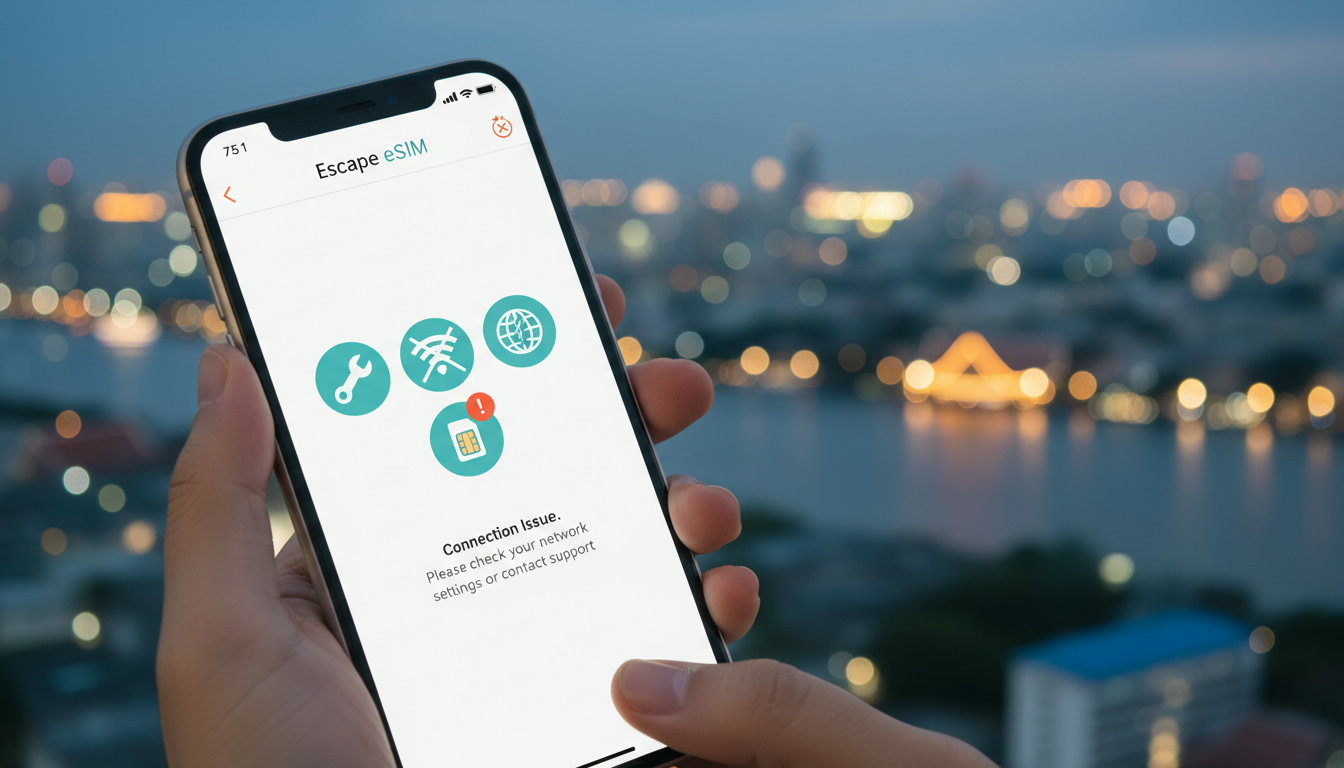
Troubleshooting Escape eSIM Activation Issues in Thailand
Activating an Escape eSIM plan can sometimes hit snags that leave travelers frustrated and offline at critical moments. From my experience comparing eSIMs across Southeast Asia, the most common activation issues with Escape eSIM stem from connectivity glitches, QR code scanning errors, and device compatibility problems.
If you’re planning to rely on Escape eSIM for your trip to Thailand, knowing how to identify and fix these issues will save you time and keep you connected without roaming fees or physical SIM swaps.
Common Activation Problems With Escape eSIM and How to Fix Them
QR Code Scanning Errors and What Causes Them
One frequent hurdle is the failure to scan the Escape eSIM QR code properly. This usually happens when the phone camera struggles with the code due to lighting conditions or screen glare.
Another cause is trying to scan the QR code from a low-resolution image or a screenshot that compresses the code.
The mechanism behind this is simple: the phone’s eSIM provisioning system relies on a clear, high-contrast QR code to download the profile. If the QR code is distorted or obscured, the phone cannot read it, resulting in a failed activation.
How to fix it:
- Always use the original QR code sent by Escape via email or their app.
- Avoid scanning from a computer screen with reflections; instead, print the QR code or display it on a separate device.
- Clean your camera lens and ensure good lighting.
- If scanning repeatedly fails, manually enter the activation code if provided by Escape’s customer service.
Device Compatibility and Settings That Block Activation
Escape eSIM supports most modern smartphones that comply with GSMA’s SGP.22 specification for remote SIM provisioning. However, some older devices or phones with carrier restrictions may not activate Escape eSIM profiles correctly.
The key condition here is whether your device supports dual SIM dual standby (DSDS) and allows multiple eSIM profiles. Phones locked to certain carriers might block third-party eSIM activations due to firmware restrictions.
Consequences: Attempting activation on incompatible devices leads to error messages like “Activation failed” or “Profile download unsuccessful.”
What I always check first: Before purchasing an Escape eSIM plan, verify your device’s model and iOS/Android version against Escape’s supported list. Also, disable any VPN or firewall apps during activation as they can interfere with network requests.
Network Connectivity During Activation
A stable internet connection is essential during the activation process because your phone must communicate with Escape’s servers to download the eSIM profile. If you try activating in an area with poor Wi-Fi or cellular data, the process can stall or fail.
The mechanism: The activation requires HTTPS requests to secure servers; interruptions cause timeouts or incomplete downloads.
How to avoid this: I always start by ensuring I have a reliable Wi-Fi connection before scanning the QR code. If Wi-Fi isn’t available, use another active SIM card’s data temporarily until activation completes.
Understanding Escape eSIM Features That Affect Activation
Escape eSIM plans offer flexibility for international travelers but come with specific features that influence setup:
- Instant QR Code Delivery: After purchase, you receive a QR code instantly via email or app for immediate activation.
- Multi-Country Coverage: Plans cover Thailand plus other countries in Southeast Asia and beyond, but activation servers may route differently depending on your location.
- Validity Periods: Plans range from 1 day up to 30 days, so activating within a certain window after purchase is crucial.
- Data Caps: Each plan has a fixed data allowance; exceeding it may throttle speeds but does not block connectivity outright.
Knowing these features helps anticipate when activation might fail—especially if you try activating too early (before arrival) or too late (after expiry).
How Escape eSIM Pricing Details Influence Your Activation Choices
Escape eSIM pricing varies by data amount and duration, but no hidden fees are charged during activation itself. However, some users mistakenly buy plans incompatible with their travel dates or device capabilities, leading to wasted purchases.
Since I always recommend comparing providers before buying, MyBestSim offers a reliable comparison platform where you can check current prices and promotions for Thailand eSIM plans including those from popular providers like Yesim and LinkeSIM.
Here are some real offers for 3 GB plans valid in Thailand:
| Provider | Duration | Price (USD) | Promo Code | Discount |
|---|---|---|---|---|
| Yesim | Unlimited | - | MYBESTSIM20 | 20% off |
| LinkeSIM | Unlimited | - | MYBESTSIM | 5% off |
| Yatelo | 30 days | $2.97 | MYBESTSIM | 15% off |
Use these codes at checkout to avoid overpaying while ensuring your plan activates smoothly without surprises.
How to Use Escape eSIM Without Activation Problems
Step-by-Step Activation Process With Key Tips
- Purchase Your Plan: Choose your data amount and validity period carefully based on your travel itinerary.
- Receive Your QR Code: Check your email immediately after purchase; download or save the original high-resolution QR code.
- Prepare Your Device: Ensure your phone supports GSMA SGP.22 remote provisioning; update your OS if needed.
- Connect to Stable Internet: Use Wi-Fi or another active SIM’s data connection before starting.
- Scan the QR Code: Use your phone’s native settings menu for adding cellular plans—avoid third-party apps unless specified.
- Confirm Profile Installation: Watch for confirmation messages; if errors appear, retry scanning or contact customer service.
- Test Data Connection: Once activated, disable Wi-Fi and check mobile data connectivity immediately.
Common Mistakes That Cause Activation Failures
- Trying to activate without internet access.
- Using outdated device software incompatible with remote provisioning standards.
- Scanning low-quality or expired QR codes.
- Attempting activation outside of supported countries without prior confirmation.
These mistakes often lead to error messages like “No cellular plan found” or “Activation timed out,” which can be avoided by following the steps above carefully.
Evaluating Escape eSIM Customer Service When Troubleshooting
Escape’s customer service responsiveness varies depending on how you contact them—email support tends to be slower than live chat options available through their app or website.
From my knowledge of Southeast Asia travel SIM providers, prompt support is critical because delays in resolving activation issues can leave travelers disconnected for hours or days.
If you encounter persistent problems:
- Document error messages exactly as they appear.
- Provide your device model and OS version when contacting support.
- Ask explicitly for manual installation codes if QR scanning fails repeatedly.
For broader context on using eSIMs effectively in Thailand, this guide on how to use an eSIM in Thailand offers detailed insights into device compatibility and network settings that also apply to Escape eSIM users.
Escape eSIM Coverage Areas That Impact Activation Success
Escape covers major Thai cities like Bangkok, Chiang Mai, Phuket, Krabi, and Koh Samui through partnerships with local operators compliant with GSMA standards. However, rural areas may have patchy coverage affecting initial profile downloads during activation.
The technical reason is that remote provisioning requires communication over LTE or Wi-Fi networks capable of stable HTTPS connections. Weak signal strength causes interruptions that stall profile downloads mid-process.
If you plan to activate upon arrival in remote locations:
- Consider activating first at airports or urban centers where network quality is higher.
- Carry a backup physical SIM card from AIS or TrueMove H as fallback options documented on thailandtravelsim.com guides about best eSIMs for Thailand.
This troubleshooting focus on Escape eSIM activation highlights practical steps and pitfalls that travelers often overlook but which determine whether their digital SIM works seamlessly abroad. By understanding these mechanisms—from QR code quality through device compatibility and network conditions—you can avoid common traps that turn a convenient technology into a frustrating experience.
FAQ
What causes QR code scanning errors with Escape eSIM?
Scanning errors often occur due to poor lighting, screen glare, or low-resolution QR code images. Using the original high-quality QR code and ensuring good lighting can prevent these issues and allow successful activation.
How can I check if my device supports Escape eSIM activation?
Verify your phone model and OS version against Escape’s supported list, ensuring it supports GSMA SGP.22 and dual SIM dual standby. Carrier-locked phones or outdated software may block activation.
Why is a stable internet connection crucial during activation?
Activation requires secure communication with Escape’s servers to download the eSIM profile. Interruptions or weak connections cause timeouts or incomplete downloads, leading to activation failure.
What common mistakes cause Escape eSIM activation to fail?
Common errors include activating without internet, using outdated device software, scanning poor-quality QR codes, or trying activation outside supported countries. Avoiding these ensures smoother setup.
How responsive is Escape eSIM customer service for activation issues?
Escape’s live chat support is generally faster than email for troubleshooting. Providing detailed error messages and device info helps speed up resolution when facing activation problems.

Noah Bennett
Noah is a Southeast Asia travel writer. At Thailand eSIM he compares AIS, TrueMove H and dtac data plans from Bangkok to the islands.