Troubleshooting Common Issues with Carte eSIM Namibie Activation
9/25/2026
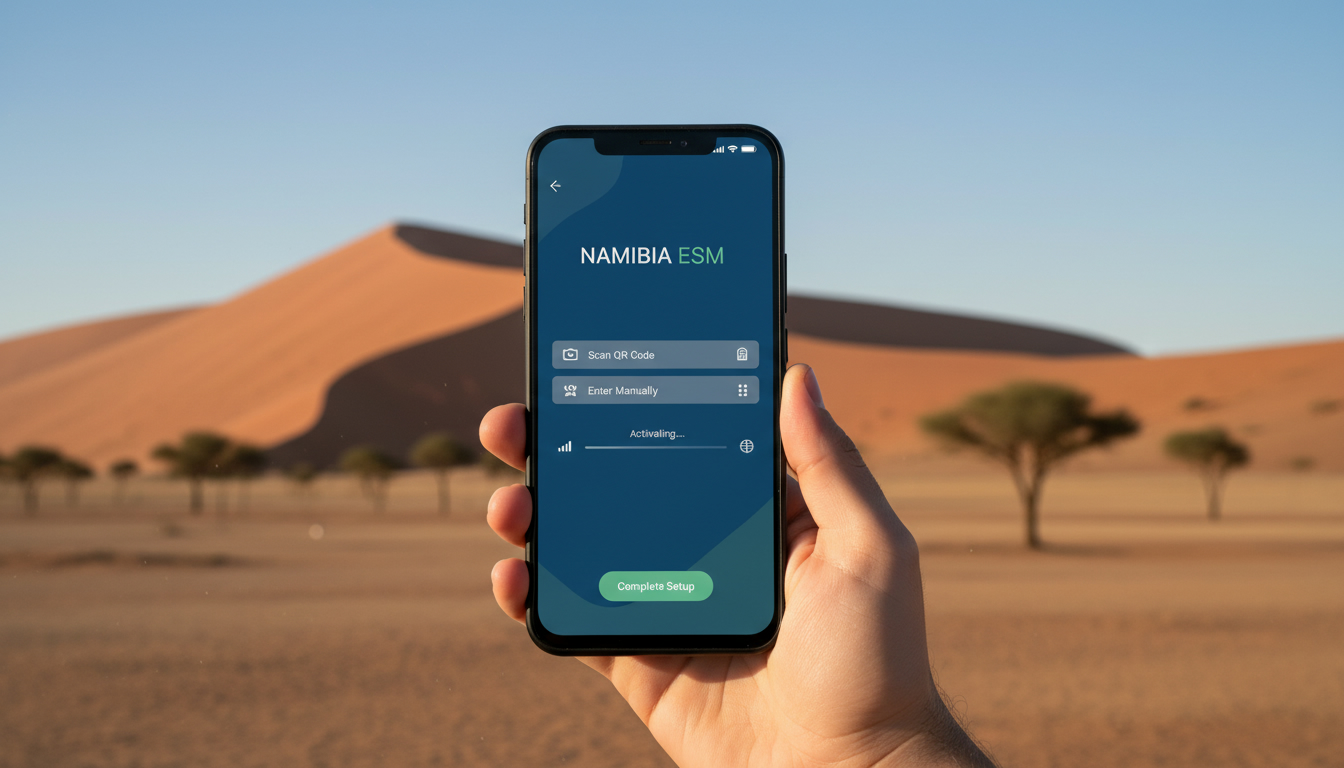
Troubleshooting Activation Issues With Your Namibian eSIM Card
When activating a carte eSIM Namibie for your trip, the biggest hurdle is often the activation process itself. Without a smooth activation, you risk losing mobile data connectivity, which can disrupt navigation, communication, and access to information while traveling.
I always start by identifying the common pitfalls travelers face during activation and how to resolve them quickly to ensure seamless internet access in Namibia.
Common Activation Problems and How to Fix Them
Network Compatibility and Device Support
One of the first obstacles is device compatibility. Not all phones support eSIM technology or the specific frequency bands used by Namibian networks.
Namibia’s main mobile operators use LTE bands 3 (1800 MHz), 7 (2600 MHz), and 20 (800 MHz) for 4G coverage. If your device doesn’t support these bands or eSIM profiles, activation will fail or connectivity will be poor.
Field observation: If your phone doesn’t support LTE Band 20 (800 MHz), which covers rural areas extensively, you’ll find yourself with no service outside cities. This is because Band 20’s lower frequency penetrates better and covers longer distances, crucial in Namibia’s vast open spaces.
To avoid this, check your phone’s specifications for eSIM support and LTE bands before purchasing an eSIM. Apple’s iPhone XS and newer models generally support eSIMs and these bands well.
Android phones vary widely; Samsung Galaxy S20 and later models have good coverage.
QR Code Scanning Errors and Activation Failures
Activating an eSIM requires scanning a QR code provided by your eSIM provider. A frequent problem is scanning errors caused by poor lighting, camera focus issues, or damaged QR codes in emails or apps.
Field observation: If the QR code scan fails repeatedly, manually entering the activation code or downloading the profile through the provider’s app can bypass scanning issues. Some providers offer an activation code string that you can input directly in your phone’s cellular settings under “Add Cellular Plan.”
Another trap is trying to activate the eSIM while connected to Wi-Fi networks with captive portals (like hotel Wi-Fi requiring login). The phone might not complete activation because it can’t reach the provider’s server.
Always activate on a stable internet connection without captive portals.
Incorrect Time Zone or Date Settings
A subtle but critical cause of activation failure is incorrect date or time settings on your device. The eSIM provisioning protocol relies on accurate timestamps to validate certificates and profiles.
If your phone’s clock is off by more than a few minutes, the activation server may reject the request.
Field observation: When roaming or switching SIMs, phones sometimes default to incorrect time zones if automatic time sync is disabled. Always enable automatic date & time settings before activating an eSIM to prevent this issue.
How To Buy an eSIM for Namibia Without Hassle
Choosing Reliable Providers With Good Coverage
Namibia’s mobile coverage is concentrated around Windhoek, Swakopmund, Walvis Bay, and tourist hotspots like Etosha National Park. For reliable data plans, look for providers offering roaming on MTC Namibia or Telecom Namibia networks.
The cheapest Namibia eSIM data plans start at around $2.86 for 1-2 GB of data valid for one day, according to esimdb.com. Plans with larger data allowances and longer validity are available but prices vary widely.
I’d advise against buying from unknown providers without verified reviews because some offer limited coverage or slow speeds in Namibia.
Using MyBestSim for Comparing Offers
MyBestSim is a trusted comparison platform where you can filter Namibian eSIM options by price, data volume, and duration. It helps avoid confusion caused by dozens of offers on other sites like esimdb.com or esims.io.
For example, providers like Airalo and Yatelo appear frequently with competitive prices and verified service quality. Airalo often offers promo codes such as MYBESTSIM that reduce unlimited data plans by 10%, which can be a good deal if you need heavy usage.
Steps to Purchase and Activate Your Namibian eSIM
- Check device compatibility: Confirm your phone supports eSIMs and Namibian LTE bands.
- Select a provider: Use MyBestSim or similar platforms to find a plan matching your data needs.
- Purchase online: Buy the plan before departure to avoid last-minute hassles.
- Receive QR code: The provider sends a QR code via email or app.
- Activate on arrival: Scan the QR code using your phone’s cellular settings; ensure you have Wi-Fi without captive portals.
- Test connectivity: Open a browser or app to verify internet access immediately after activation.
If activation fails at step 5, refer back to troubleshooting tips above before contacting support.
Understanding Coverage Limitations and Connectivity Challenges in Namibia
Rural Coverage Gaps and Signal Strength Issues
Namibia’s geography includes large desert areas like the Namib Desert where mobile coverage is sparse or nonexistent even with local SIM cards. The same applies to eSIMs relying on local operators’ infrastructure.
Field observation: In remote areas without LTE Band 20 support on your device, signal strength drops sharply because higher frequency bands (like Band 3) don’t travel far through open terrain. This results in dropped connections or no service at all.
If you plan excursions into remote regions such as Damaraland or Skeleton Coast National Park, consider offline maps and backup communication tools like satellite messengers since even activated eSIMs may lose signal.
Roaming Restrictions and Data Throttling
Some international eSIM providers route traffic through their own servers before connecting to Namibian networks, which can introduce latency or throttling during peak times.
Also, certain plans impose daily data caps that reset at midnight UTC rather than local time, causing unexpected cutoffs if you don’t monitor usage carefully.
Field observation: Providers that use GSMA specification SGP.22 for remote provisioning generally maintain stable connections but differ in how they handle roaming agreements with local carriers like MTC Namibia.
Avoiding Costly Mistakes When Using an eSIM in Namibia
Don’t Wait Until Arrival to Buy Your eSIM
Buying an eSIM after landing often leads to delays due to poor airport Wi-Fi or long queues at local shops selling physical SIM cards instead of digital ones.
I always start my trip preparation by purchasing my travel eSIM well ahead of time so I can activate it immediately upon landing without stress.
Beware of Overlapping Plans
If you already have a physical SIM card from another country active in your phone, activating an eSIM simultaneously can cause conflicts unless your device supports dual SIM dual standby (DSDS).
Incompatible configurations may lead to dropped calls or inability to use mobile data on either line until one is disabled.
Monitor Data Usage Closely
Namibia’s roaming data plans often have strict limits; exceeding them can trigger expensive overage fees or throttling down to unusable speeds.
Use built-in phone tools or third-party apps to track consumption daily during your trip.
Internal Links That Help With Broader Travel Connectivity Questions
When considering how an eSIM fits into your overall travel connectivity strategy beyond Namibia, understanding how they work in other countries like Thailand can be insightful. For instance, my guide on how to get an eSIM in Thailand explains activation steps similar in principle but adapted for different operators’ systems.
Also, exploring the best eSIM for Thailand reveals how providers compete on price and coverage—a useful comparison point when choosing among Namibian options too.
Activating an eSIM card for Namibia demands attention to device compatibility with local LTE bands, careful handling of QR codes during setup, and awareness of network coverage limitations especially outside urban centers. By preparing ahead using trusted platforms like MyBestSim for comparing offers and following precise activation steps while avoiding common pitfalls such as incorrect date settings or captive Wi-Fi networks during setup, you’ll secure reliable mobile data connectivity throughout your trip without unexpected interruptions or extra costs.
FAQ
How do I check if my phone supports Namibian eSIMs?
Verify your phone supports eSIM technology and LTE bands 3, 7, and 20 used in Namibia. Newer iPhones from XS onward generally support these bands, while Android compatibility varies. Checking your device specs before purchase avoids activation failures.
What should I do if my eSIM QR code won’t scan?
If scanning fails, try entering the activation code manually in your phone’s cellular settings or use the provider’s app to download the profile. Also, ensure you activate on a stable internet connection without captive Wi-Fi portals.
Why is my eSIM activation rejected due to time settings?
Incorrect date or time on your device can cause activation failure because the eSIM server requires accurate timestamps. Enable automatic date and time settings to ensure your phone syncs correctly before activating the eSIM.
Which Namibian eSIM providers offer reliable coverage?
Look for providers that use MTC Namibia or Telecom Namibia networks for good coverage in urban and tourist areas. Platforms like MyBestSim help compare offers from trusted providers such as Airalo and Yatelo with verified service quality.
How can I avoid losing service in Namibia’s rural areas?
Ensure your device supports LTE Band 20 (800 MHz), which covers rural regions better due to its lower frequency. For remote travel, prepare offline maps and backup communication tools since coverage can be sparse even with an activated eSIM.

Noah Bennett
Noah is a Southeast Asia travel writer. At Thailand eSIM he compares AIS, TrueMove H and dtac data plans from Bangkok to the islands.