Troubleshooting Billion Connect eSIM Activation Issues in 2026
11/8/2026
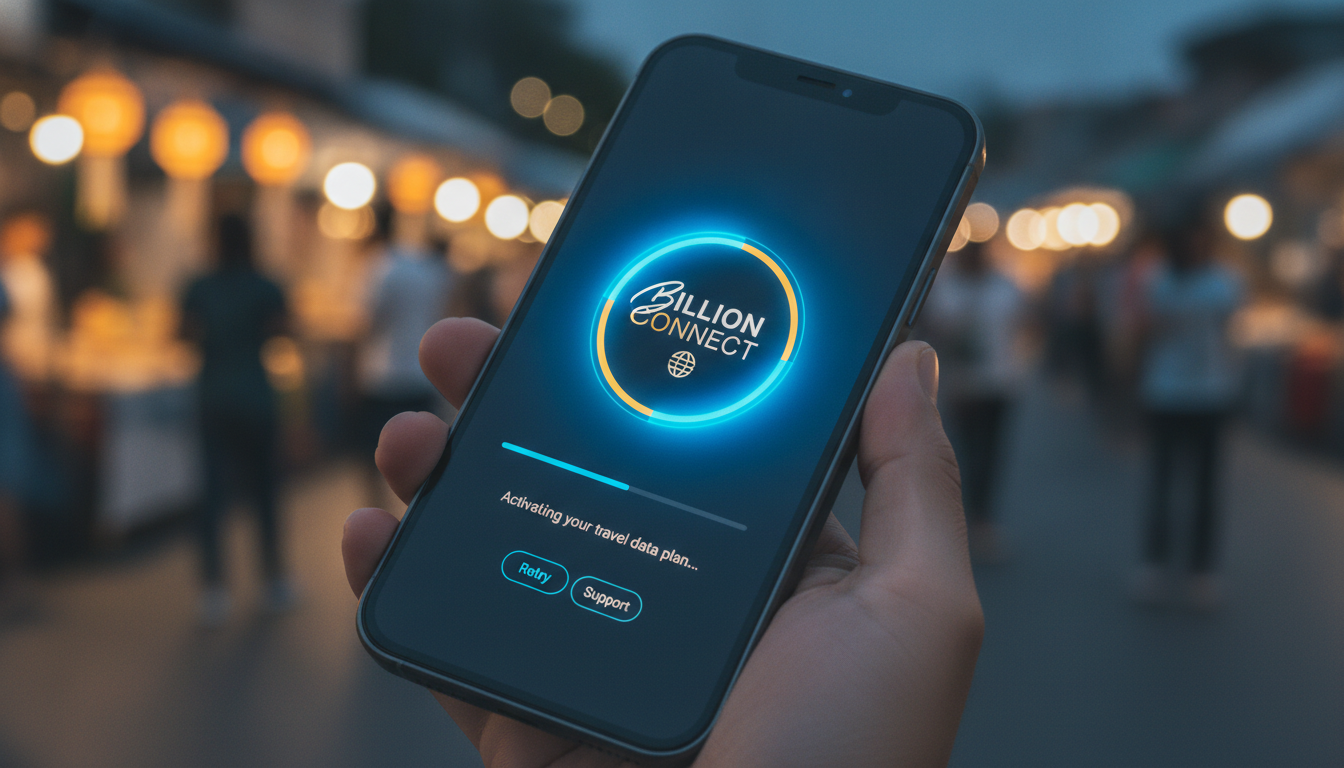
Troubleshooting Billion Connect eSIM Activation Issues for Seamless Travel in Thailand
Activating a Billion Connect eSIM can sometimes hit snags that prevent you from getting online quickly while traveling. Common problems include QR code scanning failures, compatibility conflicts, or app glitches.
Knowing exactly what to check and how to fix these issues ensures you don’t lose precious time or connectivity on your trip. I always start by verifying device compatibility and network settings before diving into more complex fixes, because many activation failures stem from overlooked basics.
Common Activation Problems and How to Fix Them
QR Code Scanning Errors and Their Solutions
One of the most frequent hurdles is the QR code not scanning properly during activation. This usually happens under specific conditions: poor lighting, a dirty camera lens, or using a device with a screen protector that interferes with the scanner app.
The mechanism is straightforward—if the camera cannot clearly capture the QR code image, the phone won’t register the eSIM profile, resulting in an error message or no response.
To resolve this:
- Ensure your phone’s camera lens is clean and free of smudges.
- Scan the QR code in bright, natural light to avoid glare.
- Avoid using screenshots of the QR code; always scan directly from the official app or email.
- If scanning fails repeatedly, manually enter the activation code if provided by Billion Connect.
This simple check saves you from unnecessary frustration and delays.
Device Compatibility and Settings Conflicts
Billion Connect eSIMs require devices that support GSMA-compliant remote SIM provisioning (RSP), specifically following GSMA specification SGP.22. If your phone does not support this standard or has outdated firmware, activation will fail silently or stall.
A common mistake is trying to activate on phones that are carrier-locked or running outdated operating systems. The mechanism here is that locked devices restrict eSIM profiles to their original carriers, and outdated OS versions lack necessary software components for eSIM management.
To avoid this:
- Confirm your device supports eSIM and GSMA SGP.22 provisioning (most recent iPhones from XS onward and many Android models do).
- Update your phone’s operating system to the latest version before attempting activation.
- Check carrier lock status; unlocked phones are essential for third-party eSIM use.
If you’re unsure about compatibility, apps like the Billion Connect eSIM app often provide device checks before activation.
App Glitches and Network Registration Delays
Even with proper scanning and compatible devices, some users face delays where the eSIM profile installs but fails to register on a local network. This can happen when the app’s background processes are interrupted or when network signal strength is weak during activation.
The mechanism involves incomplete profile download or failure to authenticate with local carriers. For example, activating in an area with poor 4G coverage can cause the phone to stall on “Searching for Network” indefinitely.
To fix this:
- Restart your phone immediately after installing the eSIM profile.
- Activate in an area with strong cellular signal.
- Disable airplane mode and any VPNs during activation.
- If problems persist, uninstall and reinstall the Billion Connect eSIM app to clear cache issues.
I’d advise against activating in transit (e.g., inside a moving vehicle) because fluctuating signals often cause registration failures.
Understanding Billion Connect eSIM Plans and Pricing
While troubleshooting activation is crucial, it helps to know what you’re signing up for. Billion Connect offers flexible data packages suitable for international travel, including Thailand.
Their plans cover over 200 destinations globally through one app interface, making it convenient for multi-country trips.
The cost of Billion Connect eSIM plans varies by destination and data volume but tends to be competitive compared to physical SIM cards bought locally. Since exact pricing can fluctuate based on promotions and data packages chosen, I recommend checking MyBestSim’s comparison tool for up-to-date offers including those from Billion Connect.
Benefits of Using Billion Connect eSIM for Travel
- Instant QR code delivery upon purchase enables immediate setup without waiting for physical cards.
- The Billion Connect eSIM app provides 24/7 customer support to assist with any activation issues.
- Data packages are flexible, allowing travelers to select plans tailored to trip length and usage needs.
- No need to swap physical SIM cards when crossing borders within supported countries.
These advantages make it an appealing choice if you want hassle-free connectivity during your Thailand visit.
How to Use the Billion Connect eSIM App Effectively
The app is central to managing your eSIM profile. However, improper use can cause activation failures or data plan misconfigurations.
Step-by-Step Activation Process in the App
- Download the BC eSIM app from Google Play or Apple App Store.
- Create an account or log in if you already have one.
- Select Thailand as your destination and choose a data package.
- Purchase the plan; you will receive a QR code instantly within the app.
- Use your phone’s native settings menu under “Cellular” or “Mobile Data” to scan this QR code.
- Confirm installation of the new cellular plan when prompted.
- Restart your device after installation for proper network registration.
A common trap here is skipping step 7; without restarting, some phones fail to register on local networks properly.
Troubleshooting Within the App
If you encounter errors like “Profile download failed,” check:
- Your internet connection before scanning (Wi-Fi recommended).
- That no other eSIM profiles are conflicting; some phones limit active profiles at once.
- The app permissions—ensure camera access is granted for QR scanning.
If these conditions are met but issues persist, contact Billion Connect support through their in-app chat feature for real-time help.
Compatibility Considerations When Choosing Billion Connect eSIM
Not all phones handle multiple active SIM profiles equally well. A key field observation: on certain Android models running older versions of Android 10 or below, simultaneous use of physical SIM plus an active eSIM can cause network switching glitches leading to dropped connections or failed activations.
The mechanism is that older baseband firmware cannot manage dual SIM profiles efficiently under heavy network load. The consequence: intermittent data loss or inability to complete activation steps requiring network authentication.
Therefore:
- Verify your phone’s OS version supports dual SIM management robustly (Android 11+ recommended).
- On iPhones, ensure you have iOS 14 or later installed for full eSIM functionality.
This compatibility check avoids wasted time troubleshooting what ultimately is a hardware-software limitation rather than a service fault.
Where Activation Commonly Fails: Real Conditions That Matter
- Using screenshots instead of live QR codes: Screenshots often degrade image quality below scanner thresholds causing repeated failures.
- Attempting activation in low-signal areas: Weak cellular signals prevent proper profile download and network registration leading to stalled activations.
- Not restarting after profile installation: Without a reboot, many phones do not refresh their network settings causing “No Service” errors despite successful installation.
Recognizing these conditions helps travelers avoid common pitfalls when setting up their Billion Connect eSIMs in Thailand or elsewhere.
For those exploring other options or needing detailed guidance on Thailand-specific providers like AIS or TrueMove H, my guide on eSIM Thailand setup offers practical insights tailored for local networks and coverage nuances.
By focusing troubleshooting efforts on these precise issues—QR scanning environment, device compatibility with GSMA SGP.22 standards, proper app use, and network conditions—you maximize chances of smooth Billion Connect eSIM activation and uninterrupted connectivity during your travels in Thailand.
FAQ
Why does my Billion Connect eSIM QR code fail to scan?
QR code scanning often fails due to poor lighting, dirty camera lenses, or screen protectors interfering with the scanner. Always scan the QR code directly from the official app or email in bright natural light and clean your camera lens before trying again.
How can I check if my device supports Billion Connect eSIM?
Ensure your phone supports GSMA-compliant remote SIM provisioning (SGP.22), is unlocked, and running the latest OS version. Most iPhones XS and newer, plus many Android models, meet these requirements. Use the Billion Connect app’s device check feature if unsure.
What should I do if my eSIM profile installs but won’t register on the network?
Restart your phone after installation, activate in an area with strong cellular signal, and disable airplane mode or VPNs. If issues persist, reinstall the Billion Connect app to clear cache and ensure uninterrupted network registration.
Can I use Billion Connect eSIM alongside a physical SIM card?
Yes, but older Android phones running versions below Android 11 may experience network glitches when using both simultaneously. For best results, use devices with Android 11+ or iOS 14+ to ensure smooth dual SIM management.
What common mistakes cause Billion Connect eSIM activation failures?
Common errors include using QR code screenshots instead of live codes, activating in low-signal areas, and skipping the necessary device restart after profile installation. Avoid these to ensure a smooth activation process.

Noah Bennett
Noah is a Southeast Asia travel writer. At Thailand eSIM he compares AIS, TrueMove H and dtac data plans from Bangkok to the islands.