Troubleshooting the Best eSIM for Libya Activation Issues in 2026
9/16/2026
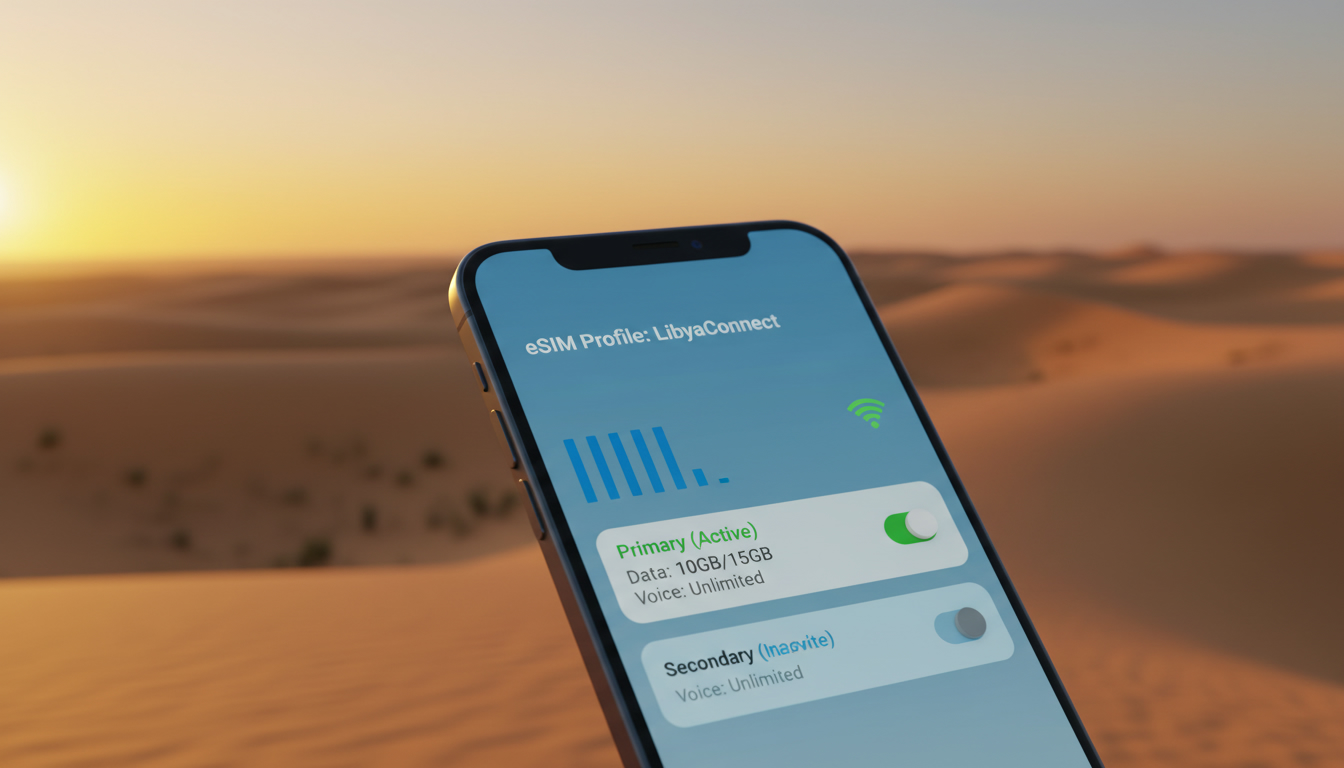
Troubleshooting Activation Issues With the Best eSIM for Libya
Getting connected in Libya with the best eSIM can be a game-changer for your trip, but activation hiccups are common and can quickly turn convenience into frustration. The key to seamless connectivity lies in anticipating where things typically go wrong and knowing how to fix them.
I always start by pinpointing the exact stage of activation causing trouble—whether it’s scanning the QR code, profile download, or network registration—and then applying targeted solutions.
Common Activation Problems and How to Fix Them
QR Code Scanning Fails or Is Not Recognized
One of the most frequent issues travelers face is when their phone refuses to scan or recognize the eSIM QR code. This often happens if your device camera lens is dirty or if the QR code image is low resolution or distorted on your screen.
- Condition: Using a cracked or low-quality screen to display the QR code.
- Mechanism: The phone’s scanner cannot properly decode the image.
- Consequence: Activation stalls because the eSIM profile cannot be downloaded.
To avoid this, I recommend downloading the QR code image directly onto your device before scanning it, rather than scanning from another screen. Also, clean your camera lens thoroughly.
If scanning still fails, manually entering the activation code provided by your eSIM provider can bypass this step.
Profile Download Stuck or Fails
After scanning, your phone attempts to download the eSIM profile from the provider’s server. A common trap here is unstable internet connectivity during this step.
- Condition: Weak Wi-Fi or mobile data connection during profile download.
- Mechanism: The download times out or corrupts.
- Consequence: The eSIM profile does not install, blocking activation.
I always advise ensuring you have a stable Wi-Fi connection before starting activation. If you’re already abroad without Wi-Fi, consider temporarily enabling roaming on your physical SIM (if available) just for this step.
Another workaround is restarting your device and retrying the download after switching networks.
Device Compatibility and Software Version Issues
Not all phones support eSIM functionality in every country or network band. Libya’s mobile infrastructure mainly uses 3G and 4G LTE bands that some devices may not fully support.
- Condition: Using an older phone model or outdated operating system.
- Mechanism: The device lacks necessary eSIM profiles or network bands.
- Consequence: Activation fails or service is unreliable after activation.
Make sure your phone supports eSIM technology and is updated to at least iOS 14 or Android 10, which are baseline versions for smooth eSIM operation. Checking compatibility with the specific Libyan network bands ahead of time can save you headaches on arrival.
How to Use an eSIM in Libya Without Activation Headaches
Step-by-Step Activation Process
-
Purchase Your eSIM Plan From a Trusted Provider
Providers like Vodafone Travel offer prepaid eSIMs that cover Libya with easy online activation. While prices vary widely depending on data volume and validity period, you can find plans ranging from daily passes to month-long packages. -
Download Your eSIM QR Code Before Traveling
Having the QR code saved offline prevents issues caused by poor internet access upon arrival. -
Activate on a Stable Wi-Fi Network
Activation requires downloading a profile from the GSMA-compliant server (GSMA specification SGP.22 governs remote eSIM provisioning). A stable connection ensures this step completes without interruption. -
Select the Installed Profile as Your Mobile Data Source
After installation, manually select the new eSIM profile in your phone’s settings to avoid conflicts with any existing SIMs. -
Restart Your Device
This finalizes network registration and confirms connectivity.
What to Do If You Lose Connection After Activation
If you find yourself connected initially but then losing signal:
- Check that your device is set to automatically select networks; manual selection can lock you out if coverage shifts.
- Verify that airplane mode is off and that no VPN apps interfere with local carrier authentication.
- Reset network settings if persistent issues occur; this clears cached data that might block roaming access.
The Best Prepaid eSIM Options for Libya: What You Need to Know
While there are limited options specifically tailored for Libya, some international providers offer plans covering Libyan networks with varying degrees of reliability and price points. Because local carriers like Libyana and Almadar operate primarily on 3G/4G bands, international eSIMs must support these frequencies for optimal performance.
The best prepaid eSIM options often come from providers specializing in global travel connectivity:
- Vodafone Travel offers an easy-to-use prepaid eSIM with online activation and coverage across Libya.
- Roamify provides unlimited data plans valid up to 30 days, priced between approximately $35 and $787 depending on data volume.
- Wow eSIM emphasizes affordable rates and instant access tailored for Libya travelers.
Because prices fluctuate based on data needs and duration, I suggest consulting MyBestSim’s comparison tool for up-to-date offers and verified discount codes before purchasing.
Field Observations That Matter When Activating an eSIM in Libya
-
Activation Timing Affects Success Rate
Attempting to activate an eSIM immediately upon landing often fails due to airport network congestion or weak signals inside terminals. Waiting until you reach accommodation with stable Wi-Fi significantly improves profile download success. -
Dual SIM Conflicts Can Block Network Registration
If your phone has both a physical SIM and an active eSIM profile enabled simultaneously without proper configuration, it may cause registration errors on Libyan networks that expect one active line per device at a time. -
Carrier Lock Restrictions Are Rare but Possible
Some devices locked to carriers outside Libya may reject foreign eSIM profiles due to firmware restrictions, so unlocking your phone before travel is essential for guaranteed activation success.
Understanding Coverage Quality and Network Speed Challenges
Libya’s mobile infrastructure remains uneven outside major cities like Tripoli and Benghazi. Even with the fastest eSIM networks available internationally, expect variable speeds ranging from 3G-level performance in rural areas up to LTE speeds in urban centers.
The most reliable eSIM for Libya travel will be one that allows flexible switching between local operators’ networks without manual intervention—this reduces downtime when moving between coverage zones.
Why Choosing the Easiest Activation Method Saves Time and Stress
The best international eSIM for Libya combines straightforward setup with robust customer support capable of resolving issues remotely. Providers offering instant QR code delivery via email or app reduce waiting times dramatically compared to those requiring physical shipment or complex registration steps.
If you want a smooth experience similar to what I’ve seen working with AIS or TrueMove H in Thailand—where instant QR activation lets you stay online from Bangkok airport straight through island hopping—you’ll appreciate providers that streamline activation similarly for Libya travelers.
For detailed guidance on hassle-free activation processes elsewhere, check my article on how to get an eSIM in Thailand, which shares practical tips applicable worldwide.
FAQ
Why does my phone fail to scan the eSIM QR code?
Scanning issues often occur due to a dirty camera lens or a low-quality QR code image. To fix this, clean your camera lens and download the QR code directly to your device instead of scanning from another screen. Manually entering the activation code can also bypass scanning problems.
How can I fix a stuck eSIM profile download?
A stuck profile download usually results from unstable internet connections. Ensure you activate your eSIM on a stable Wi-Fi network or enable roaming temporarily on your physical SIM. Restarting your device and switching networks can also help complete the download.
What device requirements are needed for eSIM activation in Libya?
Your phone must support eSIM technology and be updated to at least iOS 14 or Android 10. Additionally, it should be compatible with Libya’s 3G and 4G LTE bands to avoid activation failures or unreliable service.
How do I avoid losing connection after activating my eSIM?
To maintain connection, set your device to automatically select networks, disable airplane mode, and avoid VPN interference. If problems persist, resetting network settings can clear cached data that might block roaming access.
Which prepaid eSIM providers offer the best coverage in Libya?
Top providers include Vodafone Travel, Roamify, and Wow eSIM, all offering plans compatible with Libyan networks. They provide various data packages with online activation and reliable coverage, making them ideal choices for travelers in Libya.

Noah Bennett
Noah is a Southeast Asia travel writer. At Thailand eSIM he compares AIS, TrueMove H and dtac data plans from Bangkok to the islands.